DNS Server Not Responding on Laptop? Here Is How to Fix It Fast
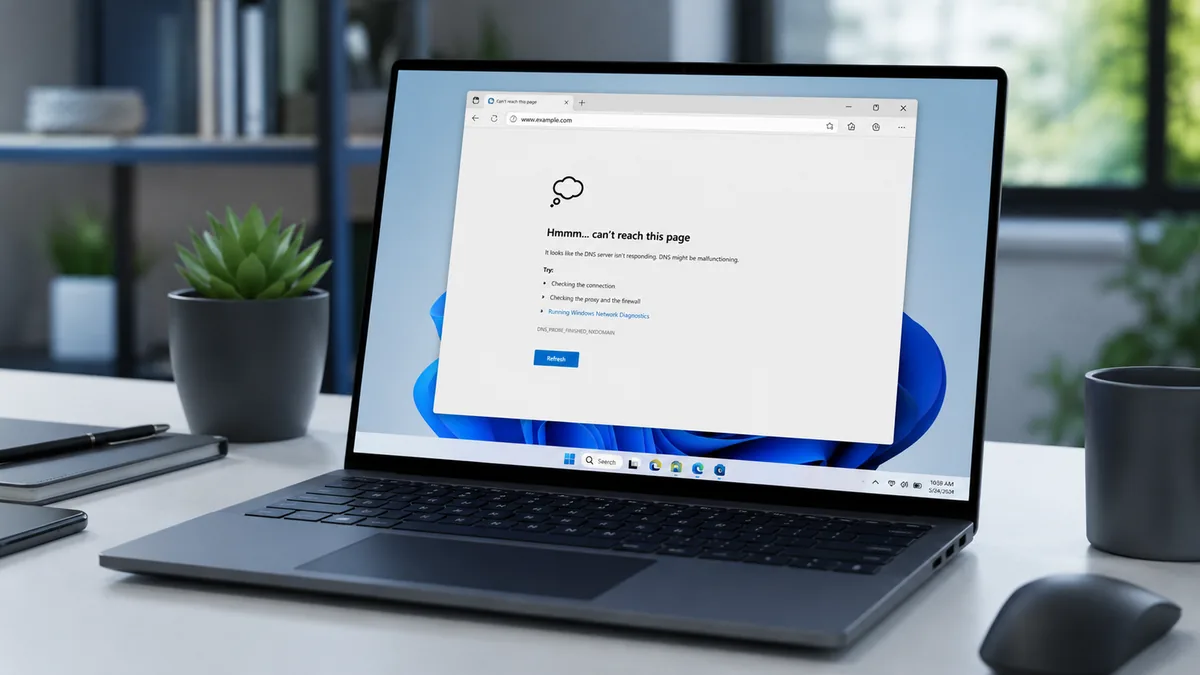
Quick Answer The DNS server not responding error means your laptop cannot reach the system that converts website names into IP addresses. The fastest fix is to flush your DNS cache using ipconfig /flushdns in Command Prompt, then switch to Google’s public DNS (8.8.8.8 / 8.8.4.4). This resolves the problem on most laptops within five … Read more
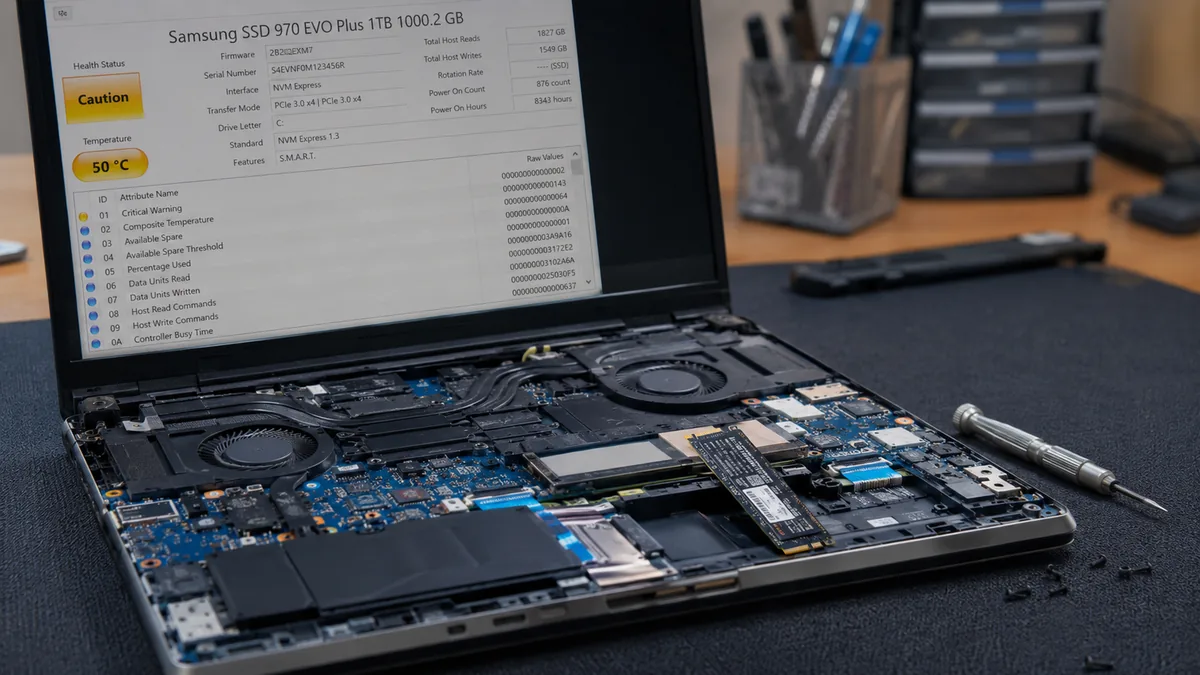
Signs Your SSD Is Failing: How to Diagnose a Dying Drive Before You Lose Everything

Quick Answer The most common signs your SSD is failing are slow boot times that keep getting worse, files taking too long to open or save, random system freezes, blue screens with disk-related error codes, and files suddenly going corrupt or disappearing. Run CrystalDiskInfo (free) to check SMART health data. If the status shows Caution … Read more

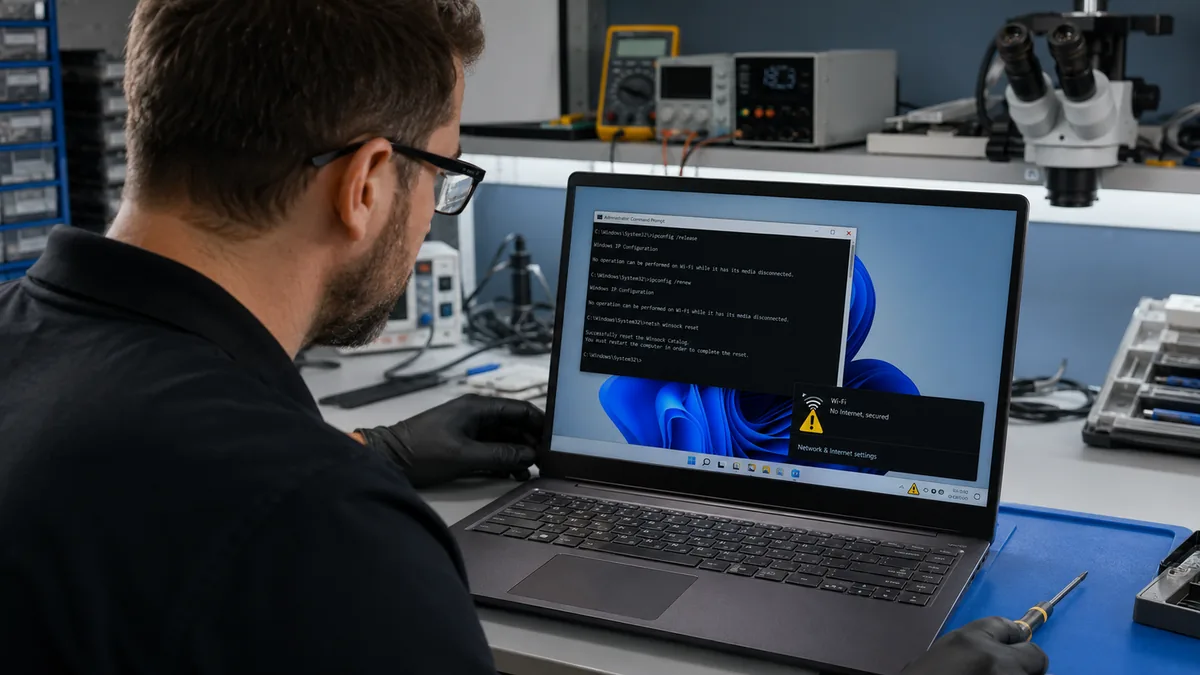
Laptop Showing Limited Connectivity? Here’s How to Fix It (2026)

Quick Answer Limited connectivity means your laptop reached the router but Windows cannot confirm internet access. The most common cause is a failed DHCP lease, which leaves your laptop with no valid IP address, or a corrupted TCP/IP stack after a Windows Update or VPN install. Flush your DNS cache, run ipconfig /release and ipconfig … Read more

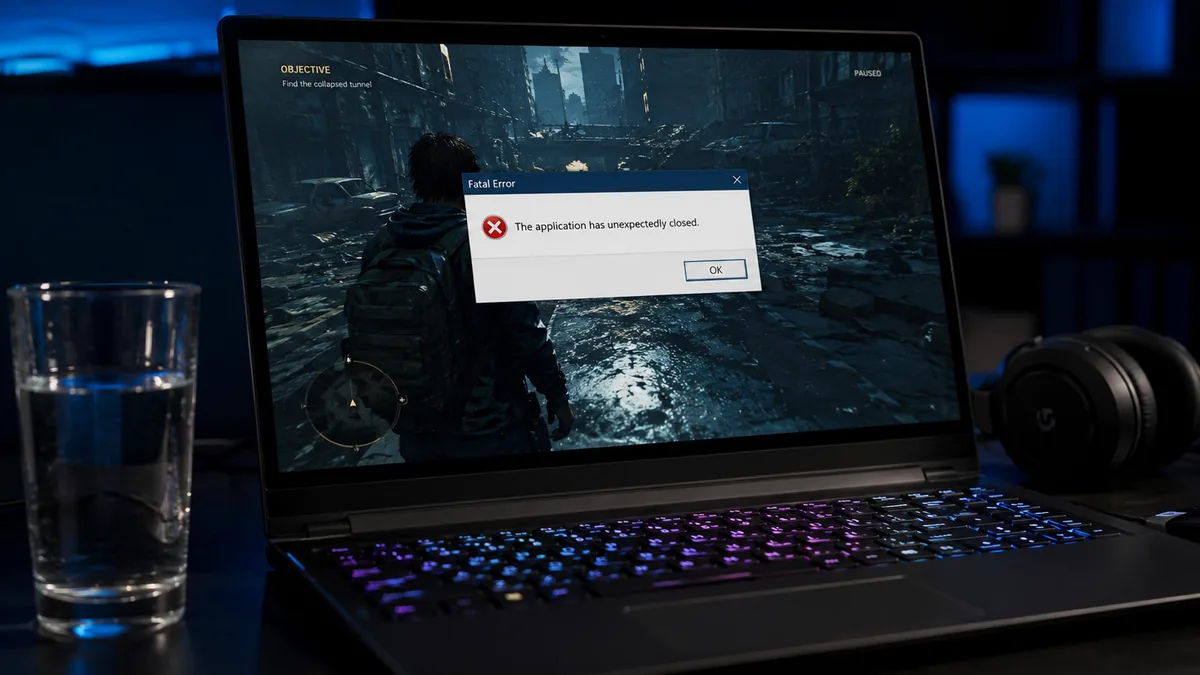
Game Crashes on Startup on Laptop: Complete Fix Guide (2026)

Quick Answer The most common reason a game crashes on startup on a laptop is either an outdated or corrupted GPU driver, missing Visual C++ runtime files, or antivirus software blocking the game process. Update your GPU driver through the manufacturer’s site, install the latest Visual C++ redistributables from Microsoft, and whitelist your game folder … Read more

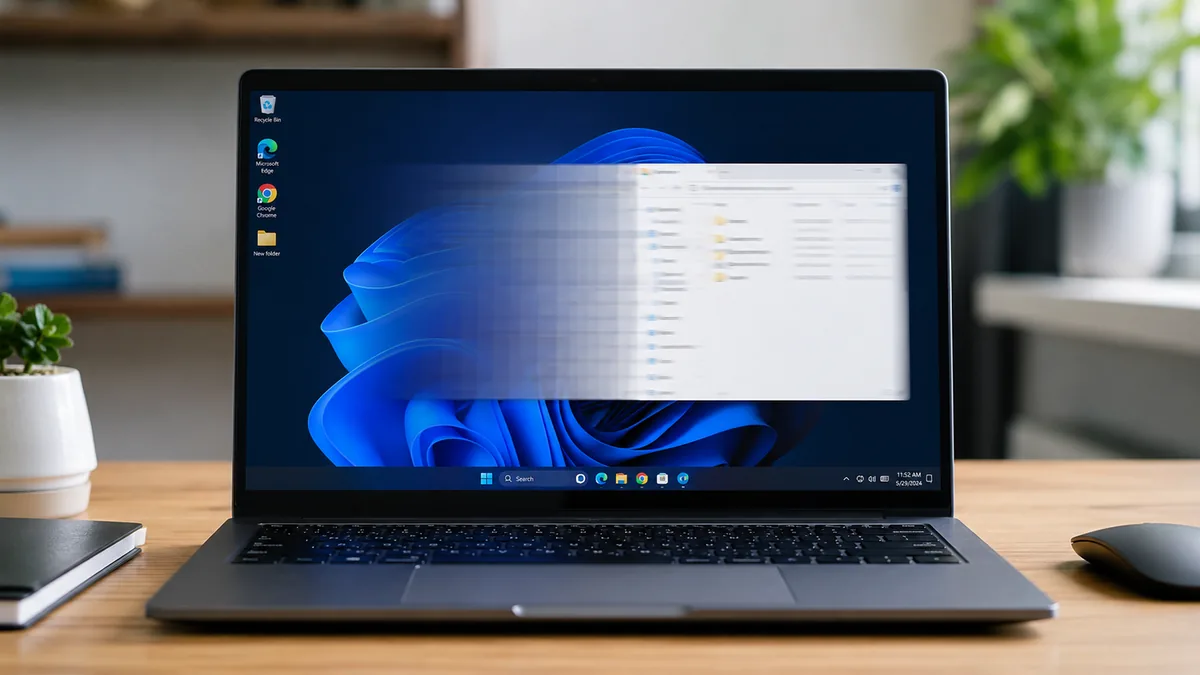
Laptop Screen Ghosting: Every Fix That Actually Works (2026)

Quick Answer Laptop screen ghosting is caused by slow pixel response time. The pixels cannot keep up with fast-moving content, leaving a blurry trail behind moving objects. Fix it by enabling or adjusting the overdrive setting in your laptop manufacturer’s software, setting the display to its maximum refresh rate, and updating your GPU driver. Most … Read more