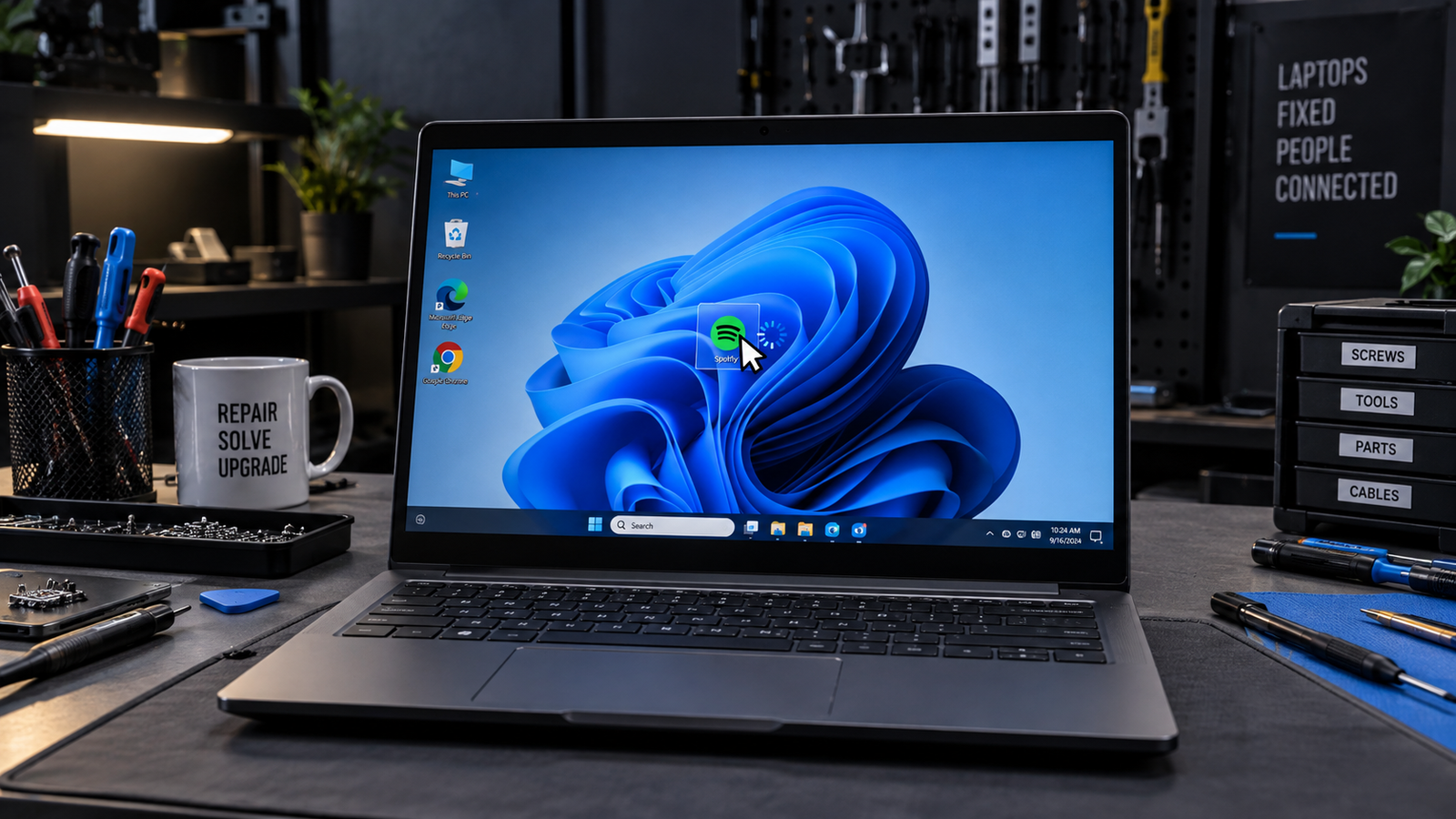
Laptop High CPU Usage Fix: What’s Actually Causing It and How to Stop It

Laptop with Task Manager showing high CPU usage at 98 percent

Quick Answer The most common cause of high laptop CPU usage is a background process Windows Defender scanning, Windows Update downloading, or a stuck Service Host loop. Open Task Manager (Ctrl + Shift + Esc), sort by CPU, identify the top offender, and end or reschedule it. Most cases resolve within minutes without touching hardware. … Read more

Laptop Freezing Windows 11 Fix (2026)

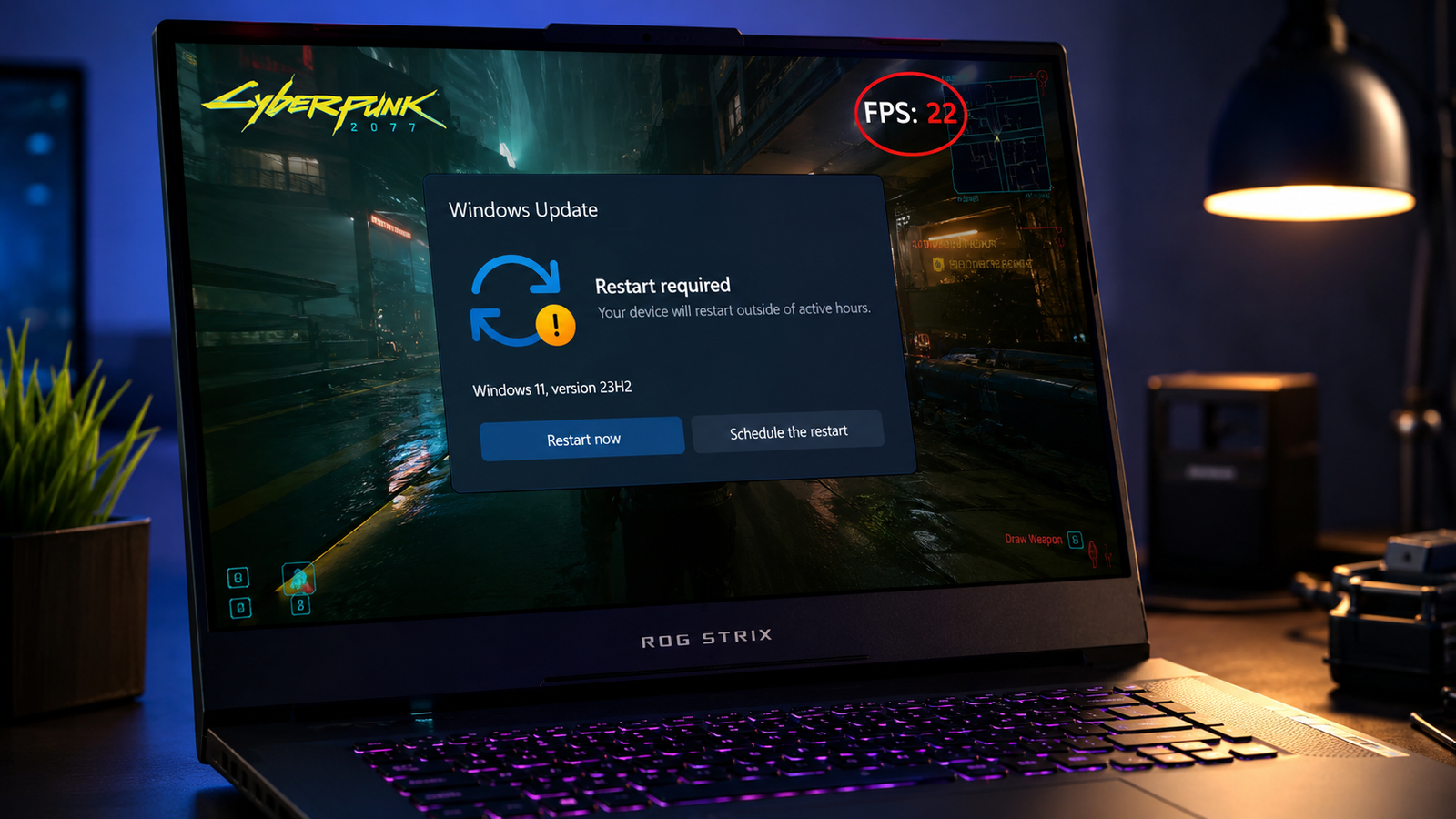
Laptop freezing Windows 11 problem shown on a modern laptop with diagnostic overlays and repair tools.

A laptop freezing on Windows 11 is usually caused by overheating, damaged system files, faulty RAM, outdated drivers, SSD errors, or overloaded startup apps. The fastest fixes include updating drivers, checking temperatures, disabling startup programs, repairing Windows files, and testing memory or storage health before hardware failure spreads. • Force-close frozen apps using Task Manager … Read more

Laptop Lagging Fix on Windows 10/11 (2026)

Laptop lagging fix showing a slow Windows laptop with performance warning icons and cooling graphics.

A laptop lagging fix usually starts with reducing startup apps, clearing background processes, updating drivers, and checking storage health. Most slow laptops recover normal speed after removing software overload, fixing overheating, and upgrading RAM or SSD storage when needed. • Disable unnecessary startup programs to restore boot speed• Free up storage space and remove corrupted … Read more

Laptop Overheating and Slow Fix (2026)

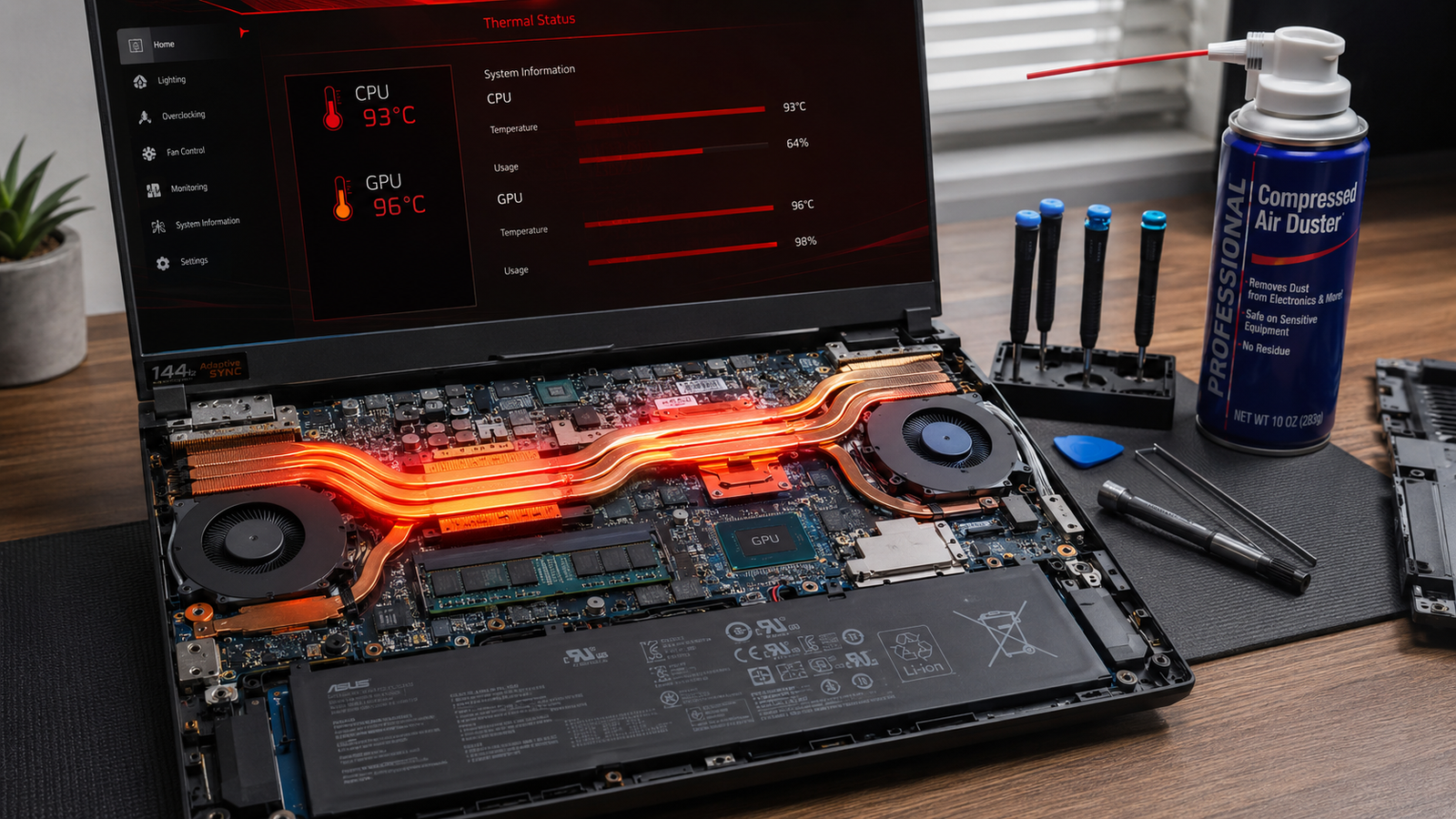
Laptop overheating and slow performance shown with heat glow and cooling fan on a desk setup.

A laptop that overheats and slows down usually suffers from blocked airflow, excessive background processes, failing cooling hardware, outdated drivers, or thermal throttling. Cleaning the cooling system, reducing CPU load, updating software, and replacing worn thermal paste restores stable temperatures and normal speed in most cases. Your laptop starts sounding like a jet engine, the … Read more

Laptop Overheating While Gaming Fix: Stop Heat Fast

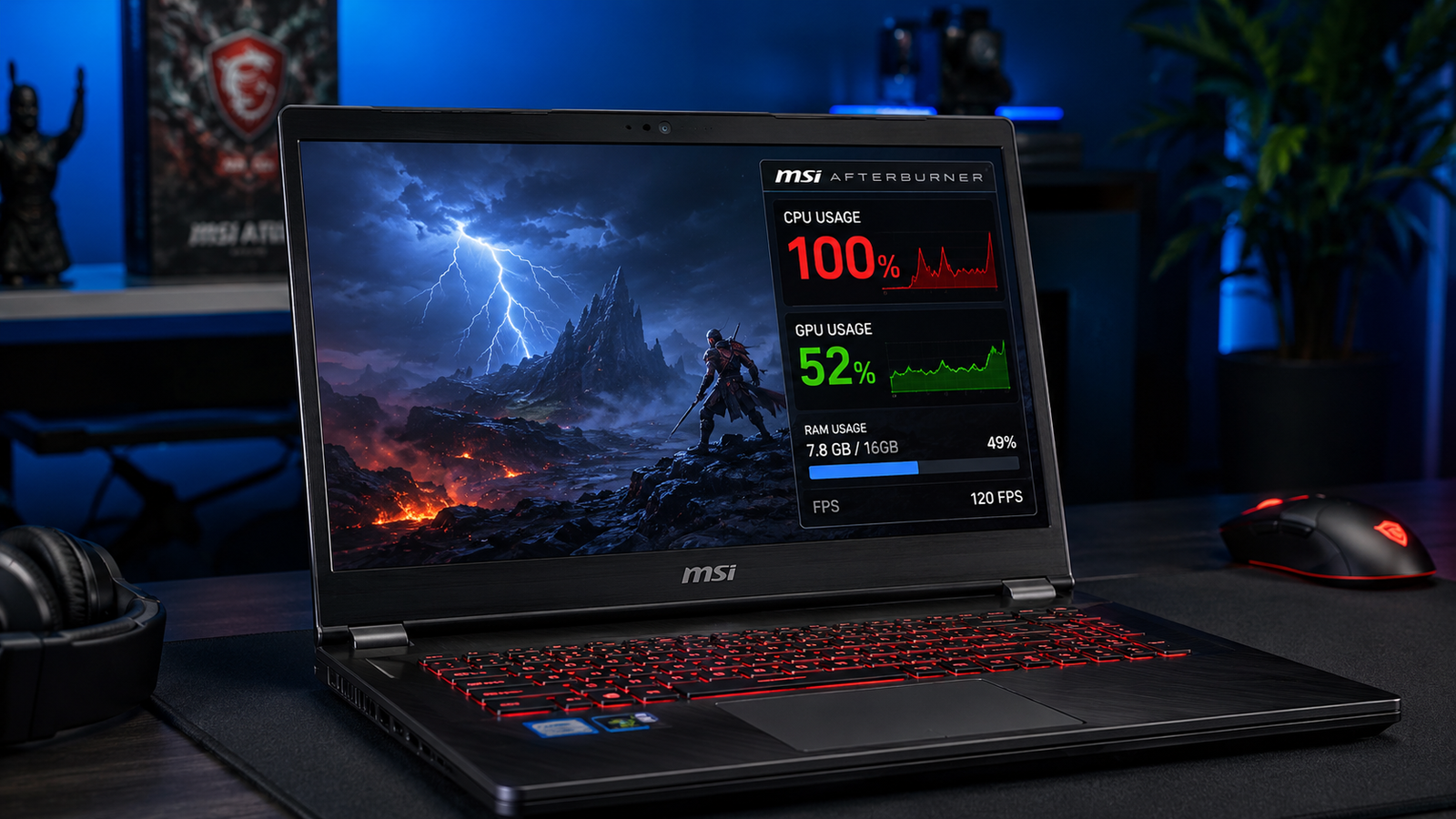
Internal causes behind a laptop overheating while gaming fix guide explained visually.

Laptop overheating while gaming is usually caused by restricted airflow, dust buildup, high graphics settings, outdated drivers, or failing cooling hardware. Introduction “My gaming laptop hits 95°C after ten minutes and starts lagging. The fans sound like a jet engine, but the temperature keeps climbing.” Similar complaints appear daily across gaming forums, Reddit threads, and … Read more