Graphics Driver Crash on Laptop: How to Diagnose and Fix It Fast

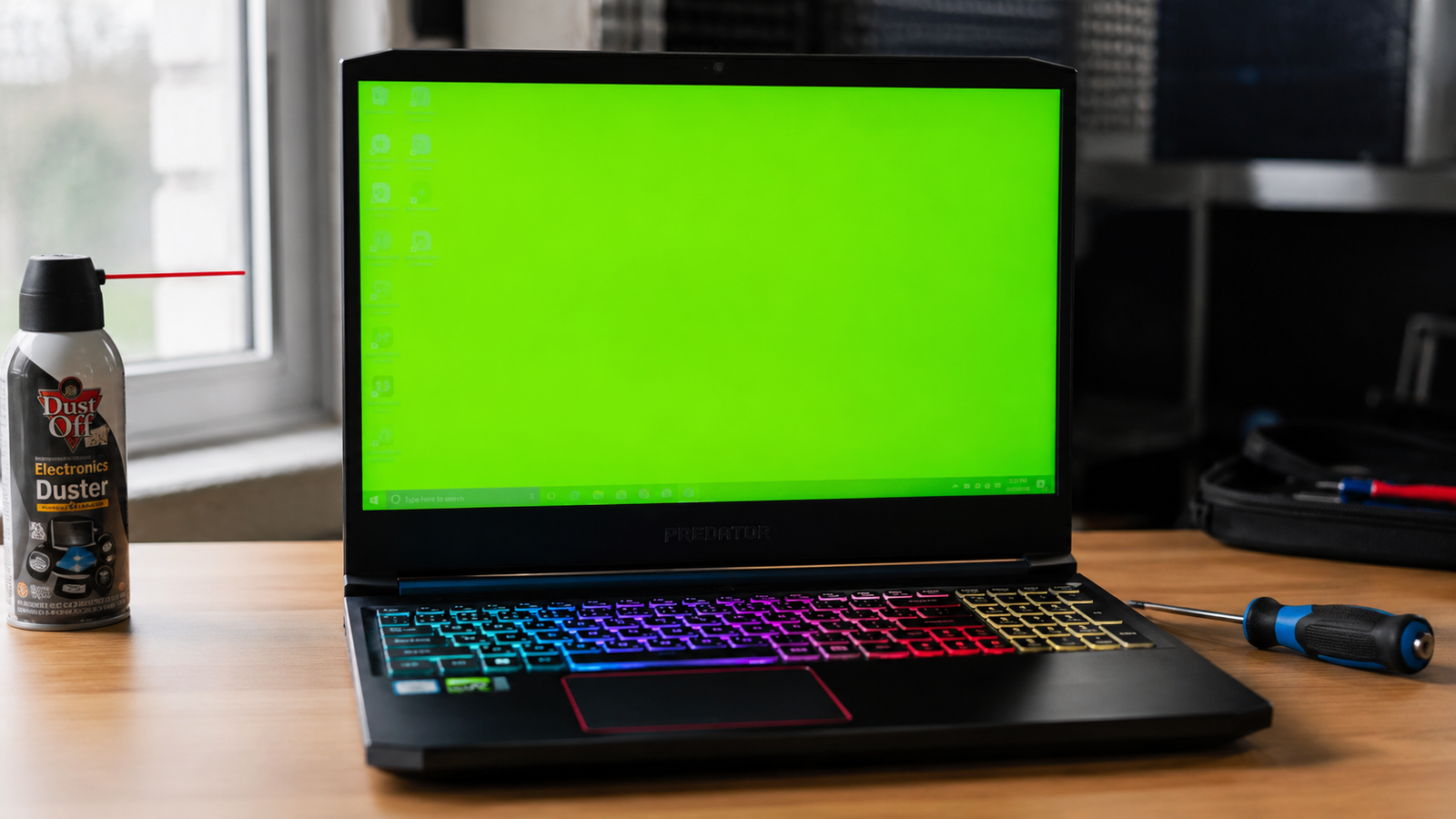
Laptop showing display driver stopped responding and has recovered error on Windows screen

Quick Answer Most graphics driver crashes on laptops are caused by corrupted drivers, overheating GPU, or a failed Windows Update that broke the driver. Start by running a clean DDU reinstall of your graphics driver in Safe Mode. That alone resolves around 70% of cases. If the crash continues, suspect heat or a hardware fault. … Read more

Laptop Screen Flickering? Complete Troubleshooting Guide (2026)

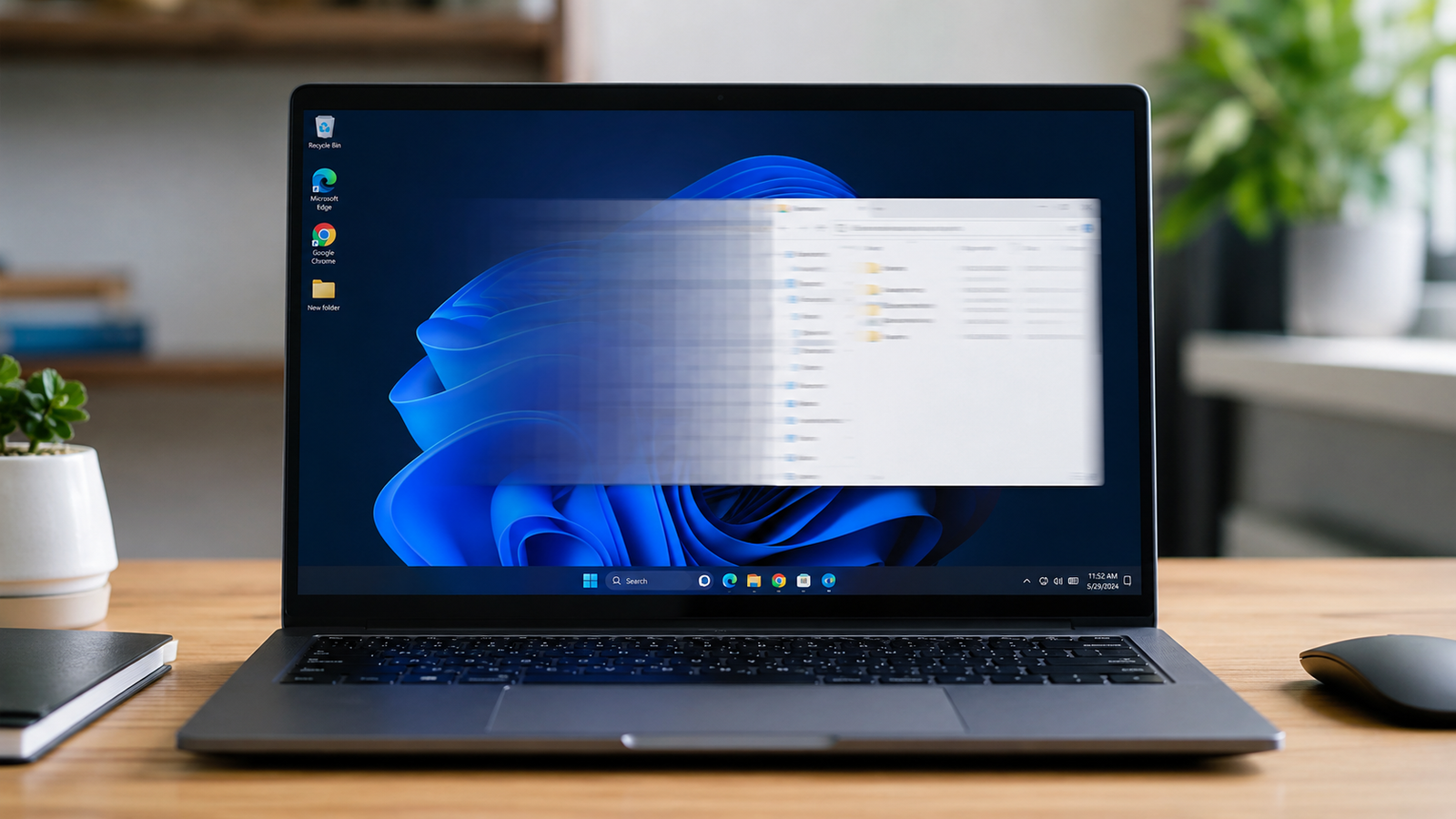
Laptop screen flickering during professional diagnostics.

Quick Answer Laptop screen flickering is most commonly caused by graphics driver issues, incorrect refresh rate settings, damaged display cables, or a failing LCD panel. The fastest diagnosis is connecting an external monitor. If the external display works normally, the problem is usually inside the laptop screen assembly rather than the GPU. Introduction A flickering … Read more

Graphics Card Not Working on Laptop? Complete Troubleshooting Guide (2026)

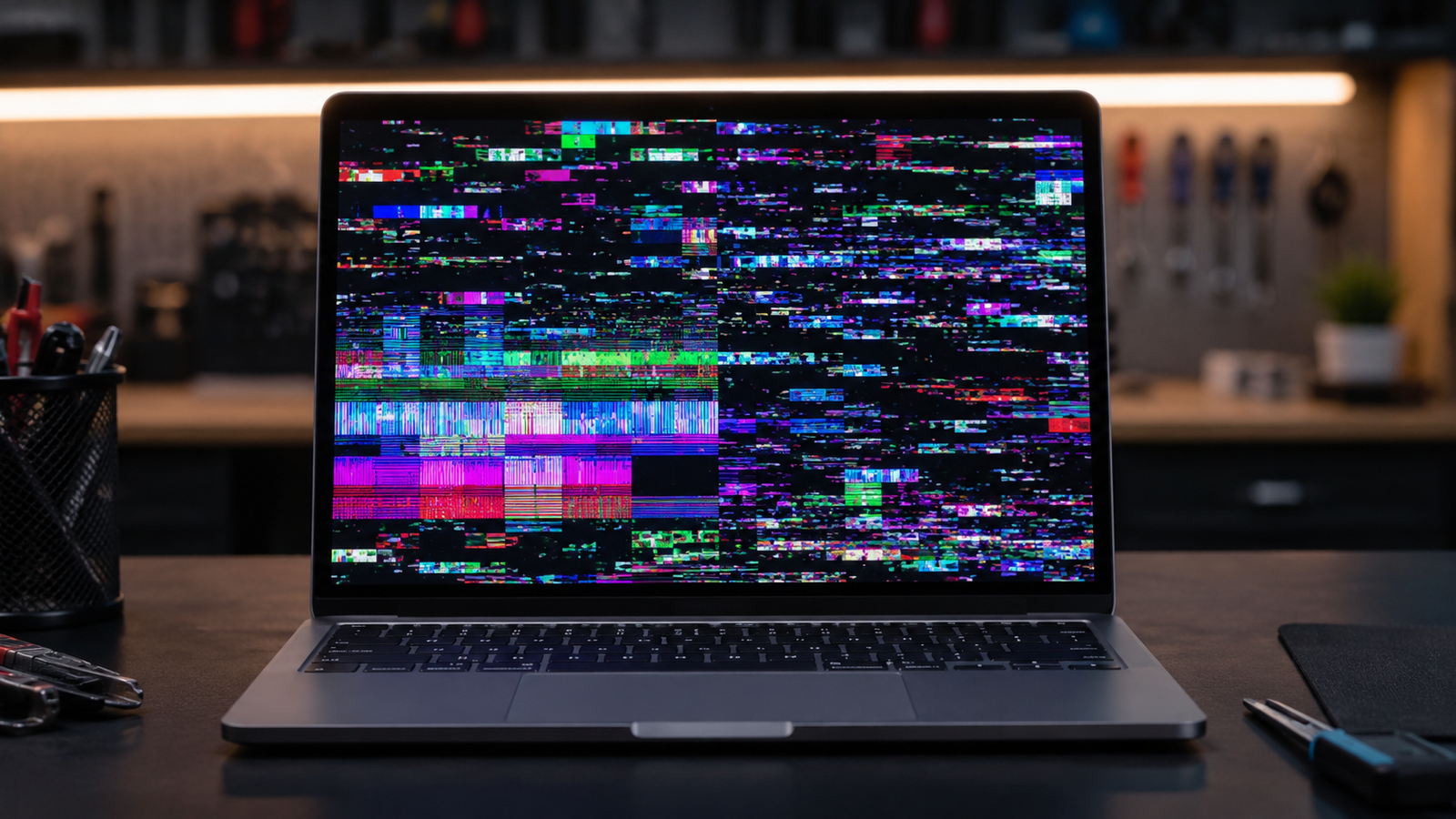
Laptop graphics card not working with GPU error displayed on screen.

Quick Answer If your laptop graphics card is not working, the most common causes are corrupted GPU drivers, Windows update conflicts, overheating, incorrect graphics settings, or failing hardware. Start by checking Device Manager, reinstalling graphics drivers, and monitoring temperatures. In many cases, software fixes restore full GPU functionality without replacing any hardware. Introduction Your laptop’s … Read more

Laptop Not Detecting External Monitor? Complete Troubleshooting Guide (2026)

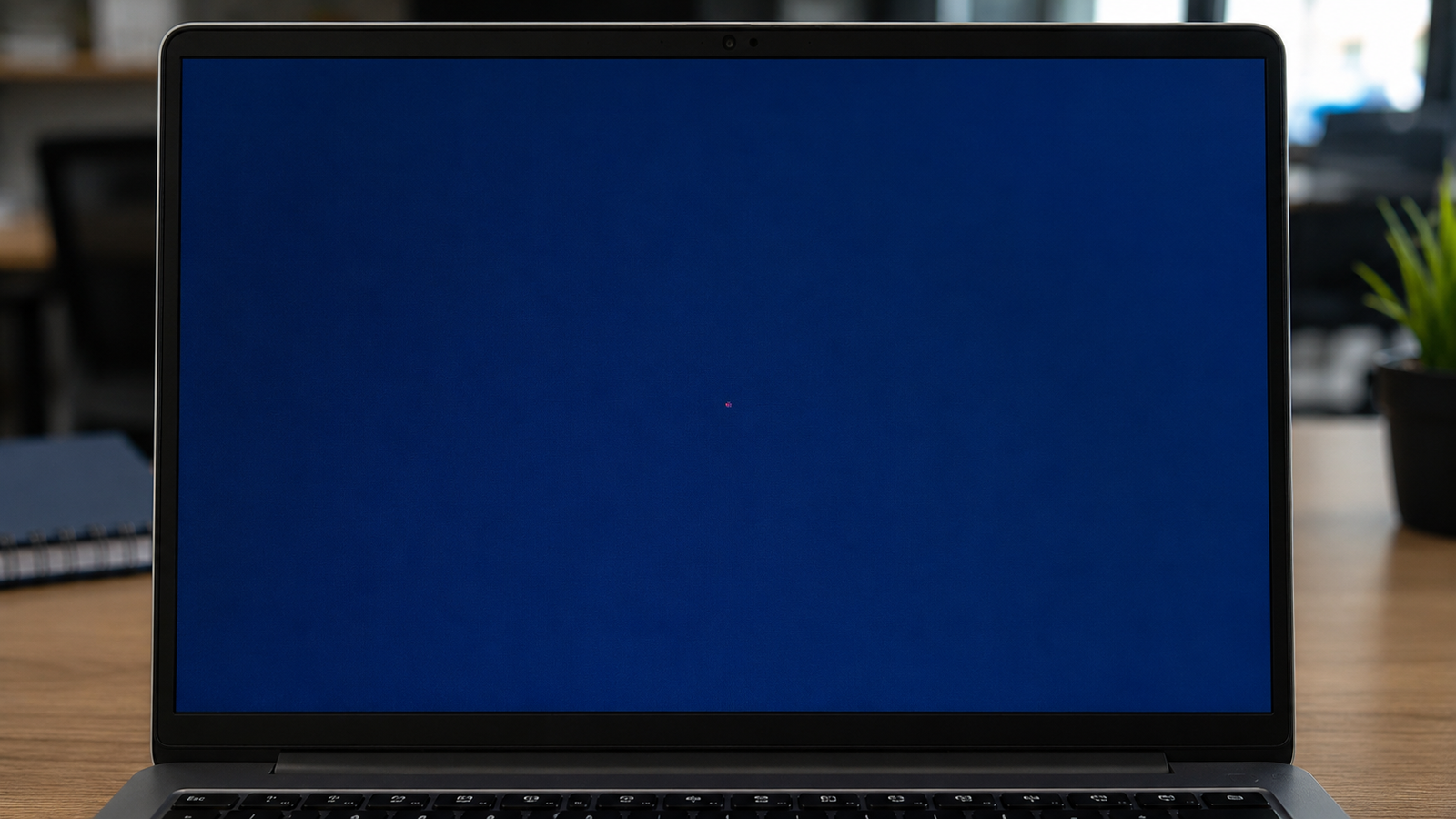
Laptop not detecting external monitor

Quick Answer If your laptop is not detecting an external monitor, the most common causes are a faulty cable, incorrect display settings, outdated graphics drivers, unsupported USB-C ports, or docking station issues. The fastest fix is to manually detect displays in Windows, test a different cable, and update your graphics driver. In most cases, the … Read more

Laptop Screen Goes Black Randomly Fix (2026)

Laptop screen goes black randomly while warning icons and overheating alerts appear on the display.

A laptop screen that goes black randomly is usually caused by display driver crashes, overheating, loose screen connections, power settings conflicts, or failing hardware components. Fixing the issue starts with checking display drivers, disabling fast startup, testing external monitors, and monitoring system temperatures before moving to hardware inspection. • Update or reinstall GPU drivers to … Read more