Laptop Turns On Then Shuts Off Immediately? Here Is How to Fix It Fast

Quick Answer The most common cause is a loose RAM stick, a failing AC adapter, or a battery that can’t sustain power. Remove the battery, reseat the RAM, and try booting on AC power alone. Most laptops recover within minutes. If the shutdown repeats after that, the motherboard or charging circuit usually needs bench testing. … Read more

Windows Update Broke My Laptop? Here Is How to Fix It Fast

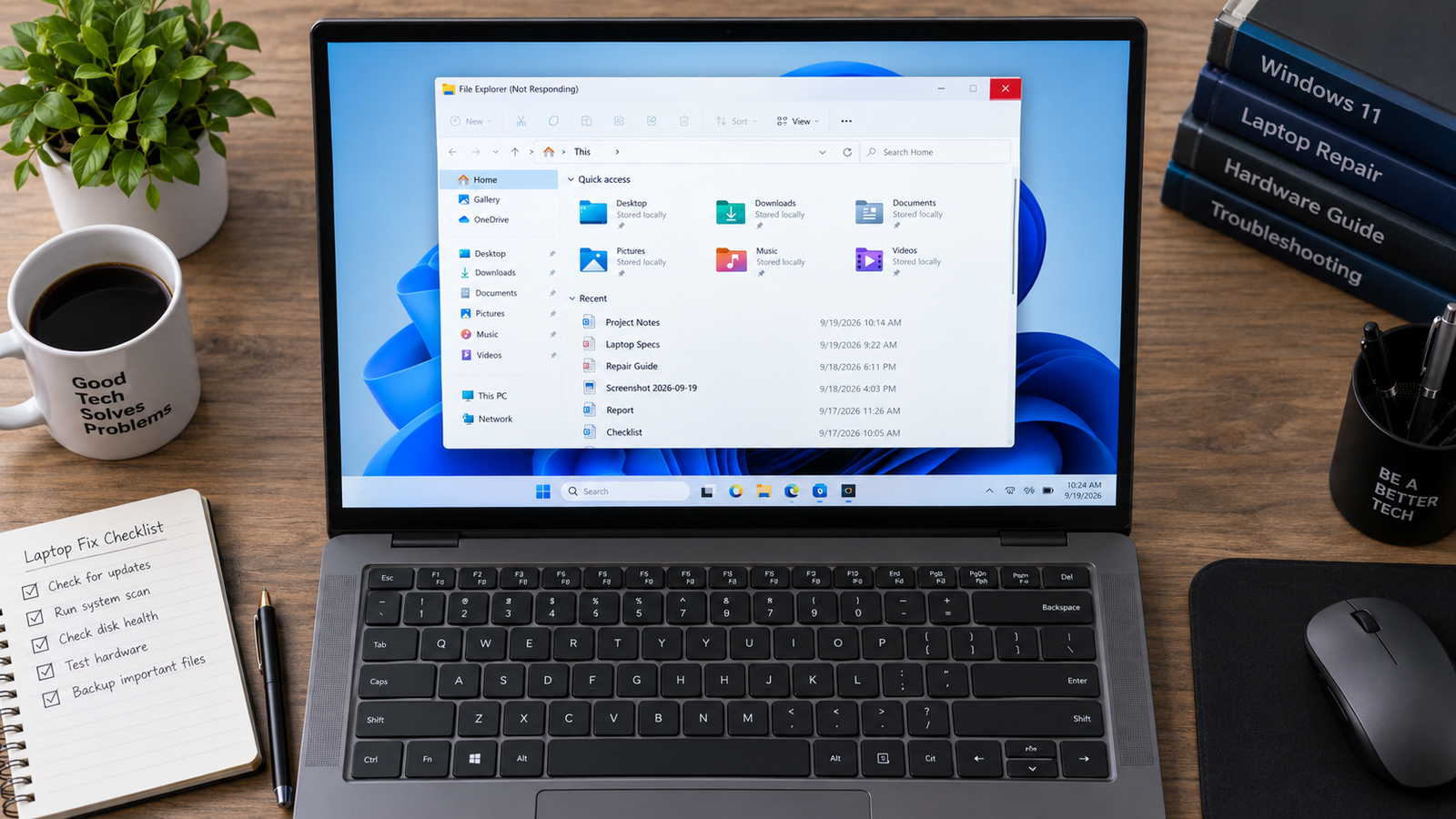
Laptop screen frozen on Windows update progress after the update broke the system

Quick Answer A laptop that breaks after a Windows update is almost always a software problem, not a hardware failure. The most common causes are a corrupted update file, a driver conflict, or a restart that interrupted installation. Booting into Windows Recovery Environment and uninstalling the update or running Startup Repair fixes most laptops within … Read more

Bluetooth Not Working on Laptop: Full Fix Guide (2026)

Laptop with Bluetooth not working showing Windows 11 settings panel open on clean repair bench

Quick Answer Most laptop Bluetooth failures after a Windows update come from a corrupted or replaced driver. Open Device Manager, find your Bluetooth adapter under the Bluetooth section, right-click it, and select Update Driver. If the adapter is missing entirely, restart the laptop and check that Airplane Mode is off. Most users are back online … Read more

USB Ports Not Working on Laptop: Full Fix Guide (All Causes Covered)

Laptop USB port not working with USB device not recognized error on Windows screen Filename

Quick Answer The most common reason laptop USB ports stop working is Windows power management cutting power to the USB controller and failing to restore it. Go to Device Manager, expand Universal Serial Bus Controllers, right-click each USB Root Hub, open Properties, go to Power Management, and uncheck “Allow the computer to turn off this … Read more

How to Remove a Virus from a Laptop Running Windows 11

Removing a virus from a Windows 11 laptop using Microsoft Defender

Quick Answer The fastest way to remove a virus from a Windows 11 laptop is to disconnect from the internet, run a Microsoft Defender Full Scan, then perform a Microsoft Defender Offline Scan. This removes most active malware, spyware, trojans, and browser hijackers that hide during normal Windows operation. Microsoft specifically recommends Defender Offline for … Read more

Laptop Charging Slowly? Complete Troubleshooting Guide (2026)

Laptop charging slowly with battery diagnostics displayed on screen

Quick Answer A laptop charging slowly is usually caused by an underpowered charger, battery wear, overheating, power-hungry applications, or charging port issues. The fastest fix is to verify charger wattage, reduce system load, and check battery health. In most cases, charging speed returns to normal without replacing the battery. Introduction You plug in your laptop … Read more

Laptop Battery Draining Fast? Complete Troubleshooting Guide (2026)

Laptop battery draining fast on Windows 11

Quick Answer A laptop battery that drains fast is usually caused by background applications, excessive power settings, display brightness, overheating, or a worn-out battery. The fastest fix is checking battery usage, enabling Battery Saver mode, and generating a battery report. If battery health has fallen below 50–60% of its original capacity, replacement is often required. … Read more

Laptop Keeps Disconnecting WiFi Fix (2026)

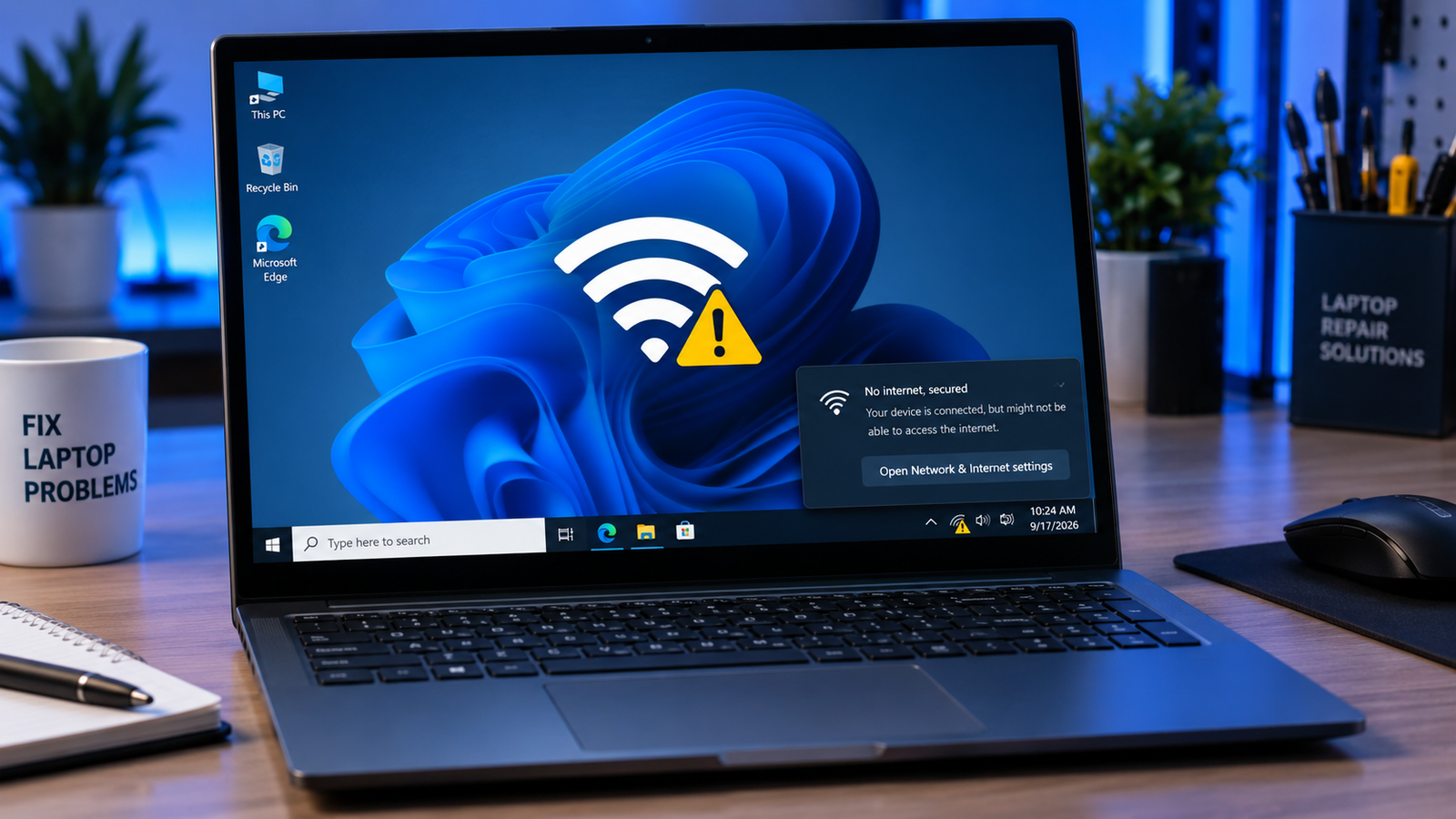
Laptop keeps disconnecting WiFi with warning icons and unstable network graphics on a Windows laptop.

A laptop that keeps disconnecting from WiFi is usually caused by outdated network drivers, aggressive power-saving settings, router instability, corrupted network configurations, or weak wireless signals. Resetting the network adapter, updating drivers, changing power settings, and adjusting router channels resolves most random WiFi drop issues within minutes. • Disable WiFi power saving to stop random … Read more