Windows 11 Sound Not Working After Update? Here Is How to Fix It Fast (2026)
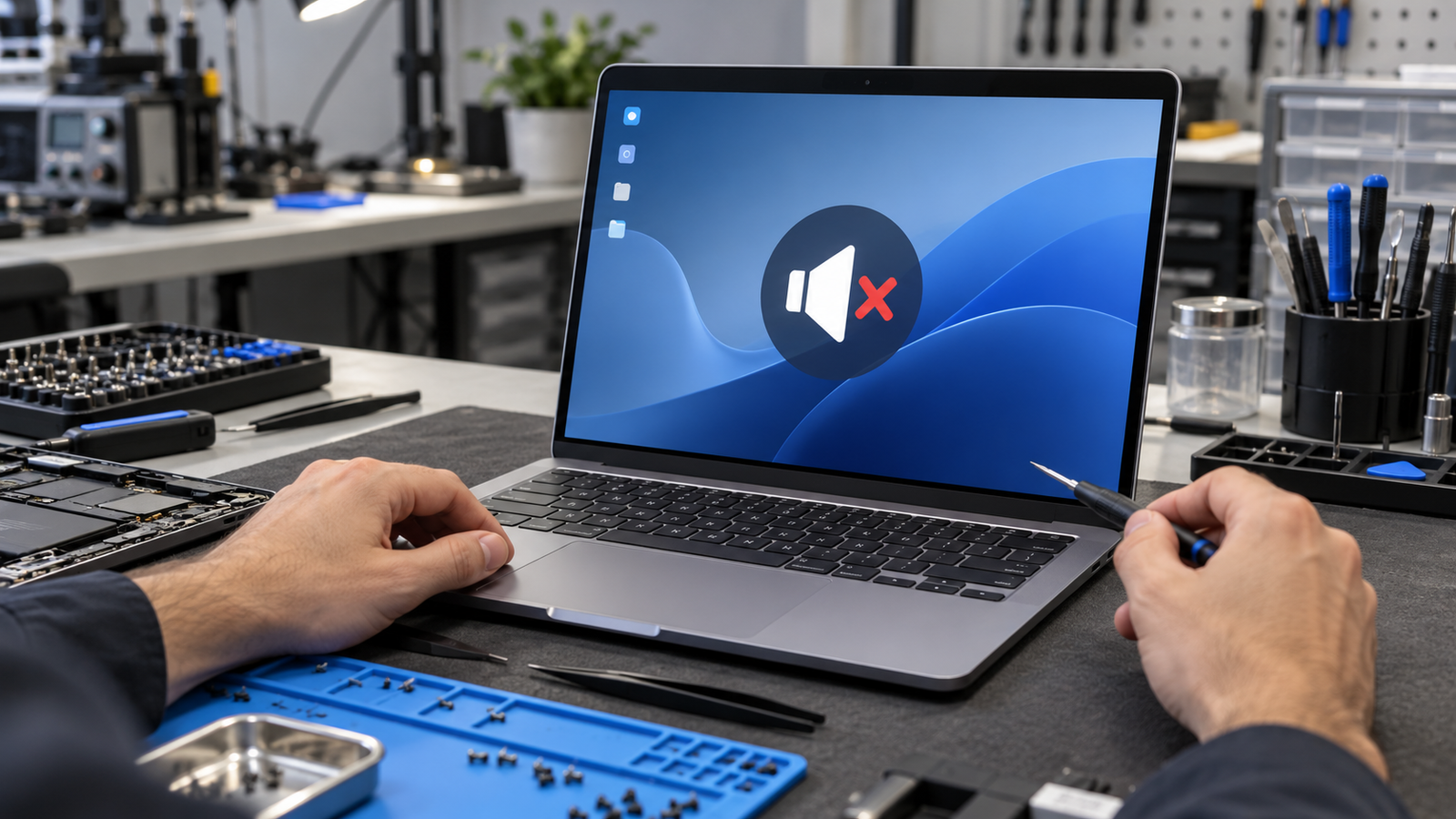
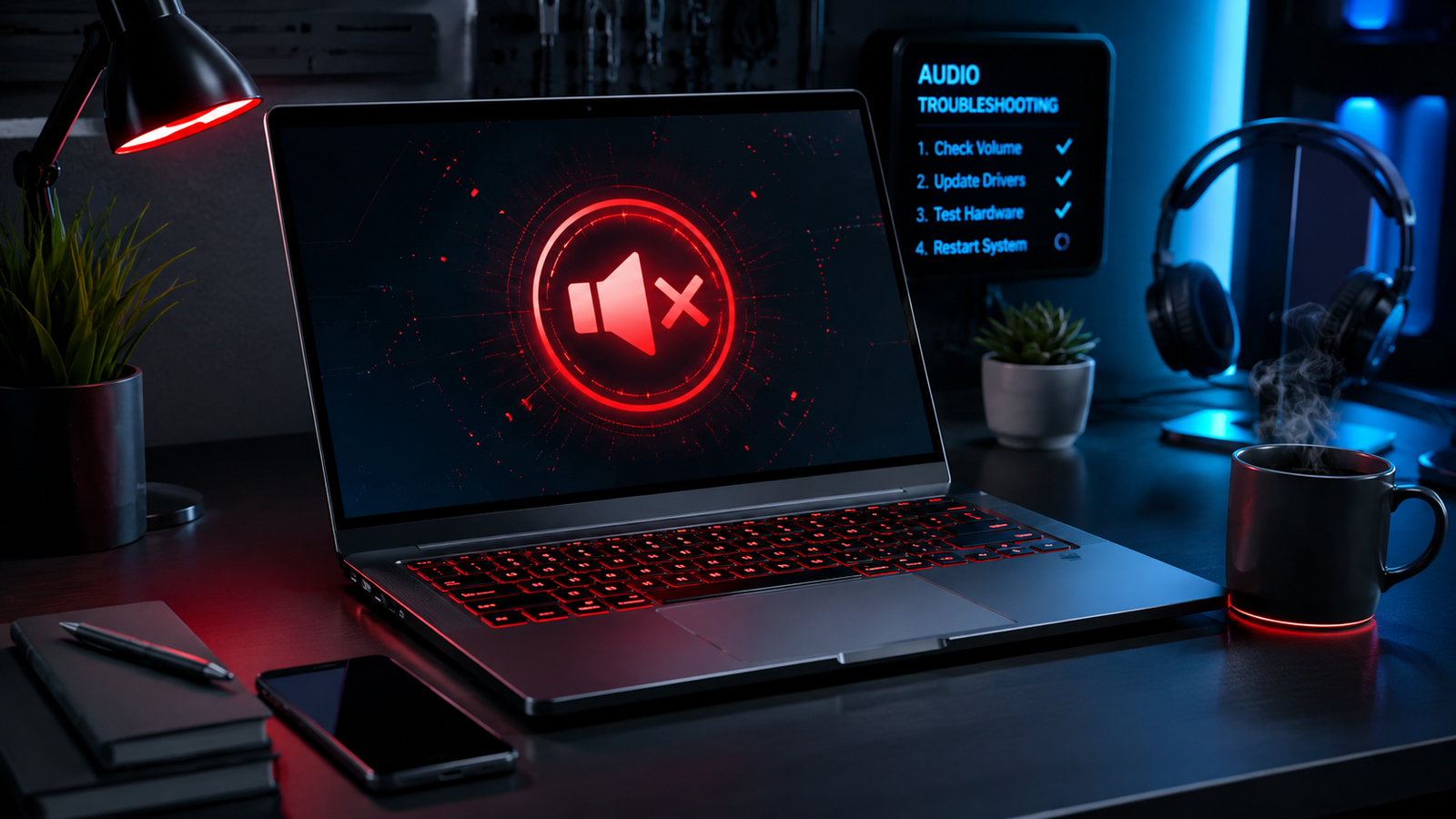
Laptop on a repair workbench with a muted speaker icon on screen, showing Windows 11 sound not working after an update

Sound usually disappears after a Windows 11 update because the update replaced your manufacturer audio driver with a generic one or stopped the Windows Audio service. Restart Windows Audio in services.msc, then roll back or reinstall the driver from your laptop maker. Most laptops get sound back in about 15 minutes. Introduction Your laptop worked … Read more

Laptop Volume Not Working on Windows 11? Here’s the Fix

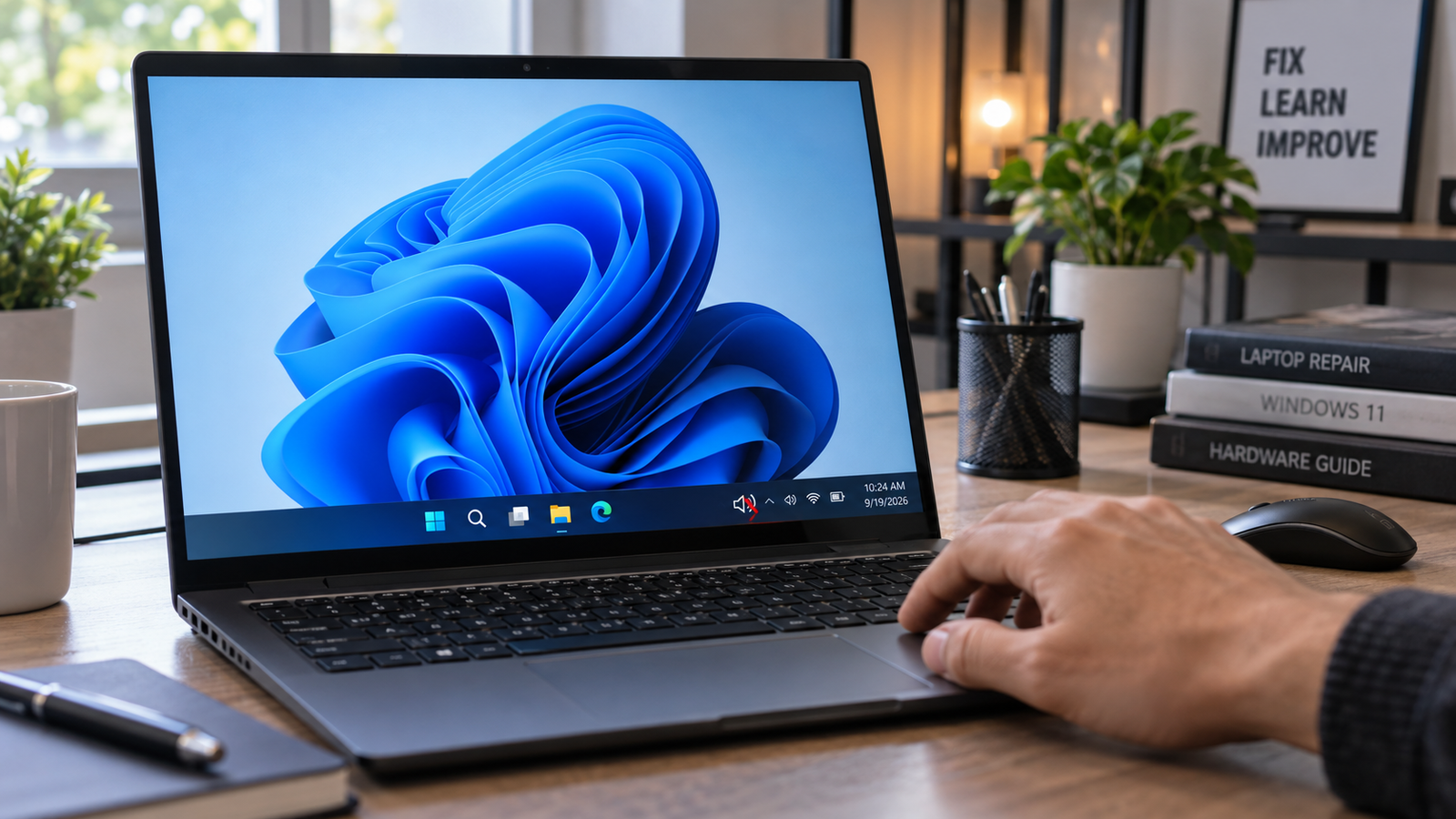
Laptop volume not working on Windows 11 shown by muted speaker icon on taskbar

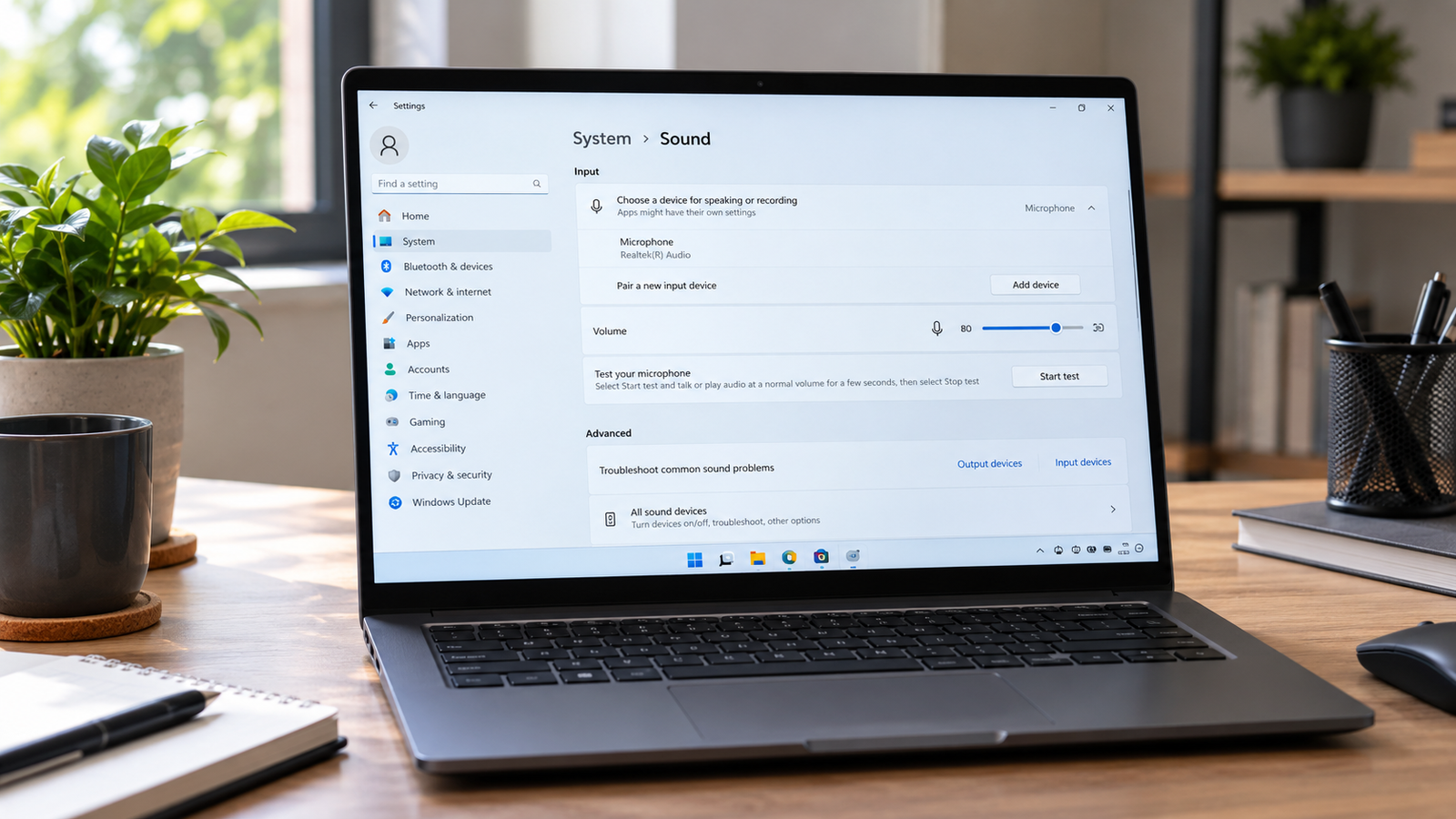
The most common cause is a wrong or inactive output device selected in Sound Settings, or audio services that have crashed in the background. Right-click the speaker icon, open Sound Settings, confirm your speakers are set as the output device, then restart the Windows Audio and Windows Audio Endpoint Builder services via services.msc. Most users … Read more

Laptop Speakers Not Working Fix (2026)

Laptop speakers not working with muted sound icon displayed on a modern Windows laptop screen.

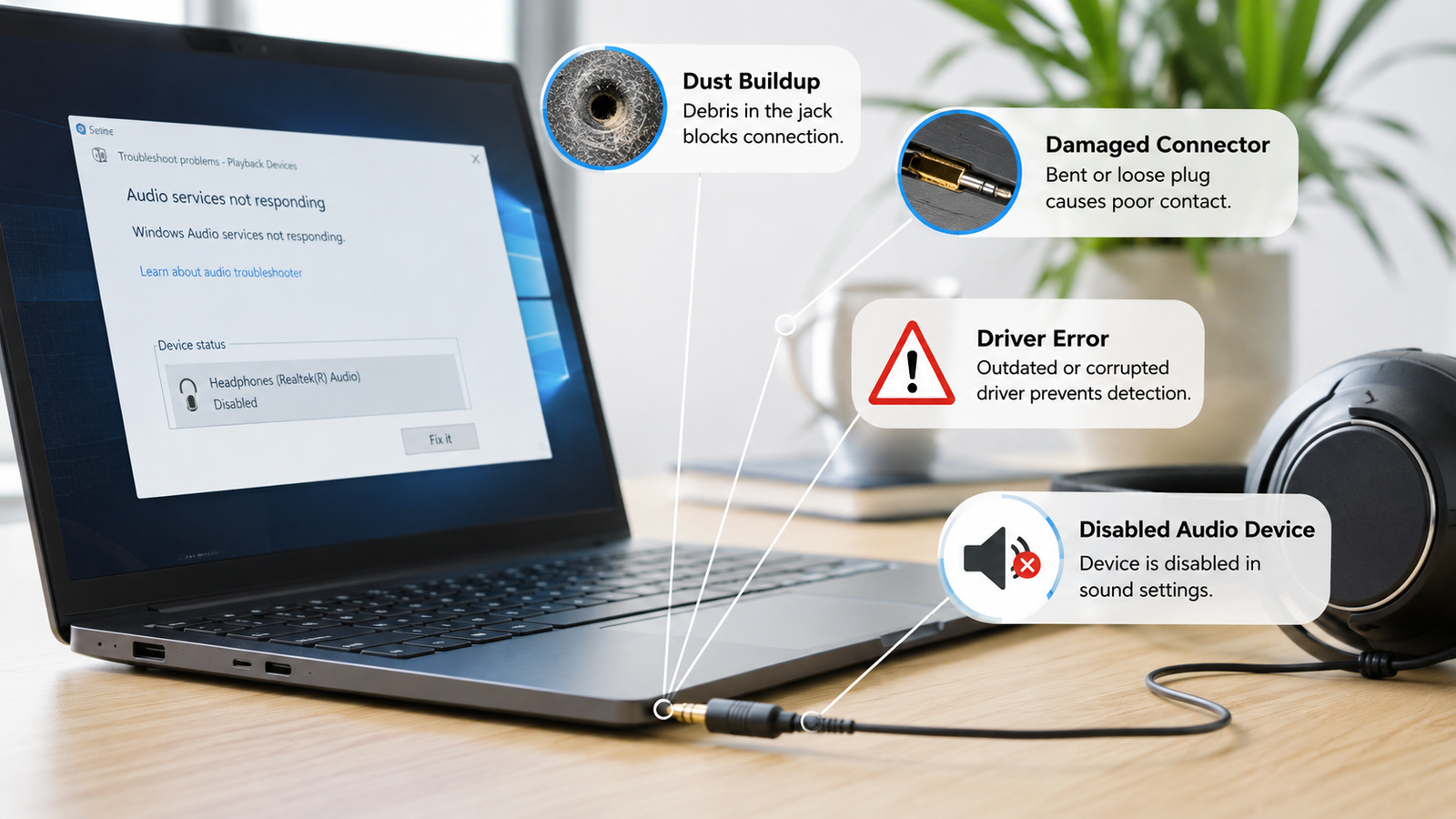
Laptop speakers not working is usually caused by muted audio settings, incorrect playback devices, damaged drivers, Windows audio service failures, or faulty internal speakers. You can restore sound by checking volume controls, switching playback devices, reinstalling audio drivers, restarting audio services, and testing hardware before replacing components. • Verify the correct output device is selected … Read more