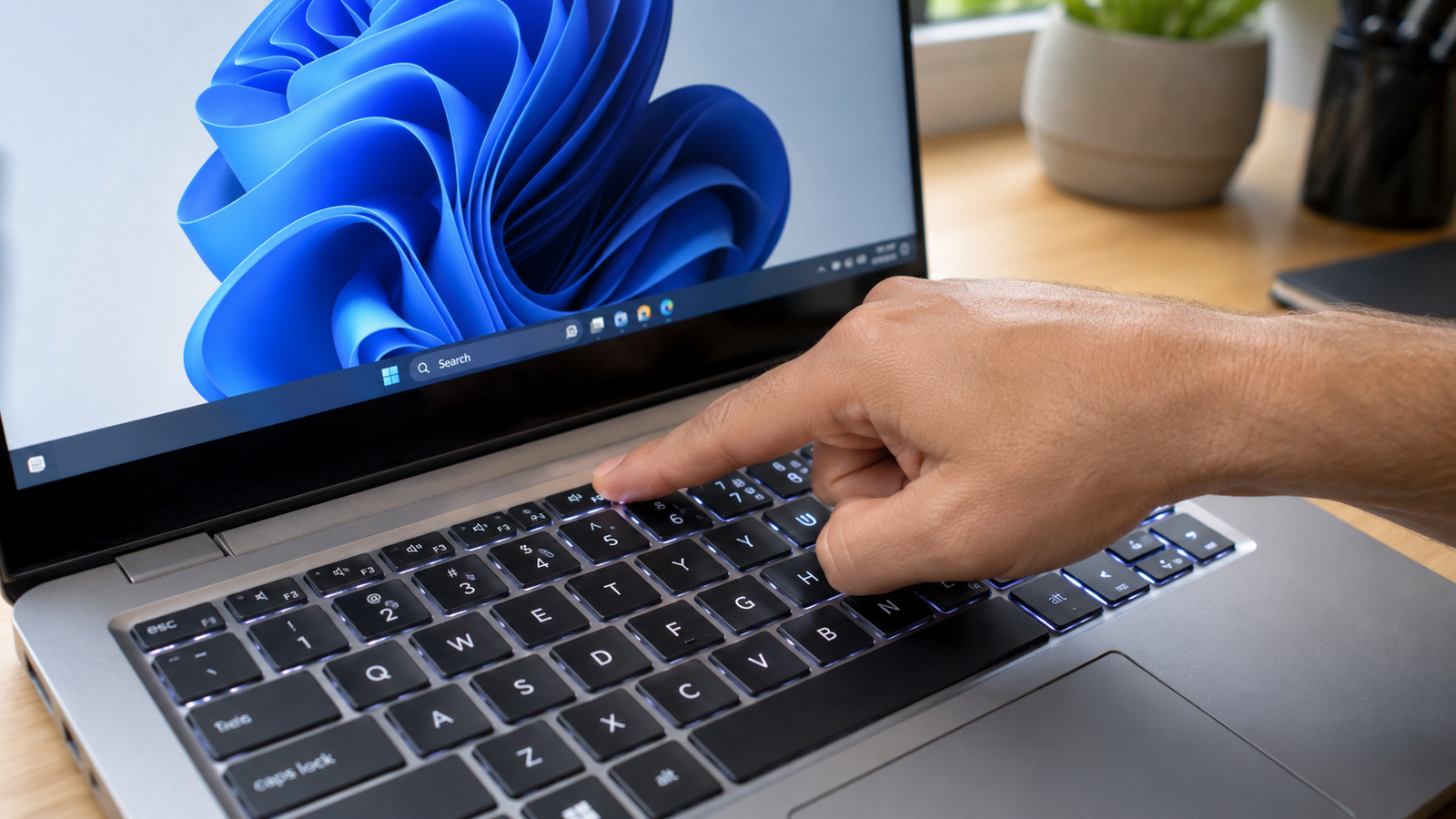
Laptop Touchpad Scrolling Not Working: 8 Fixes That Work
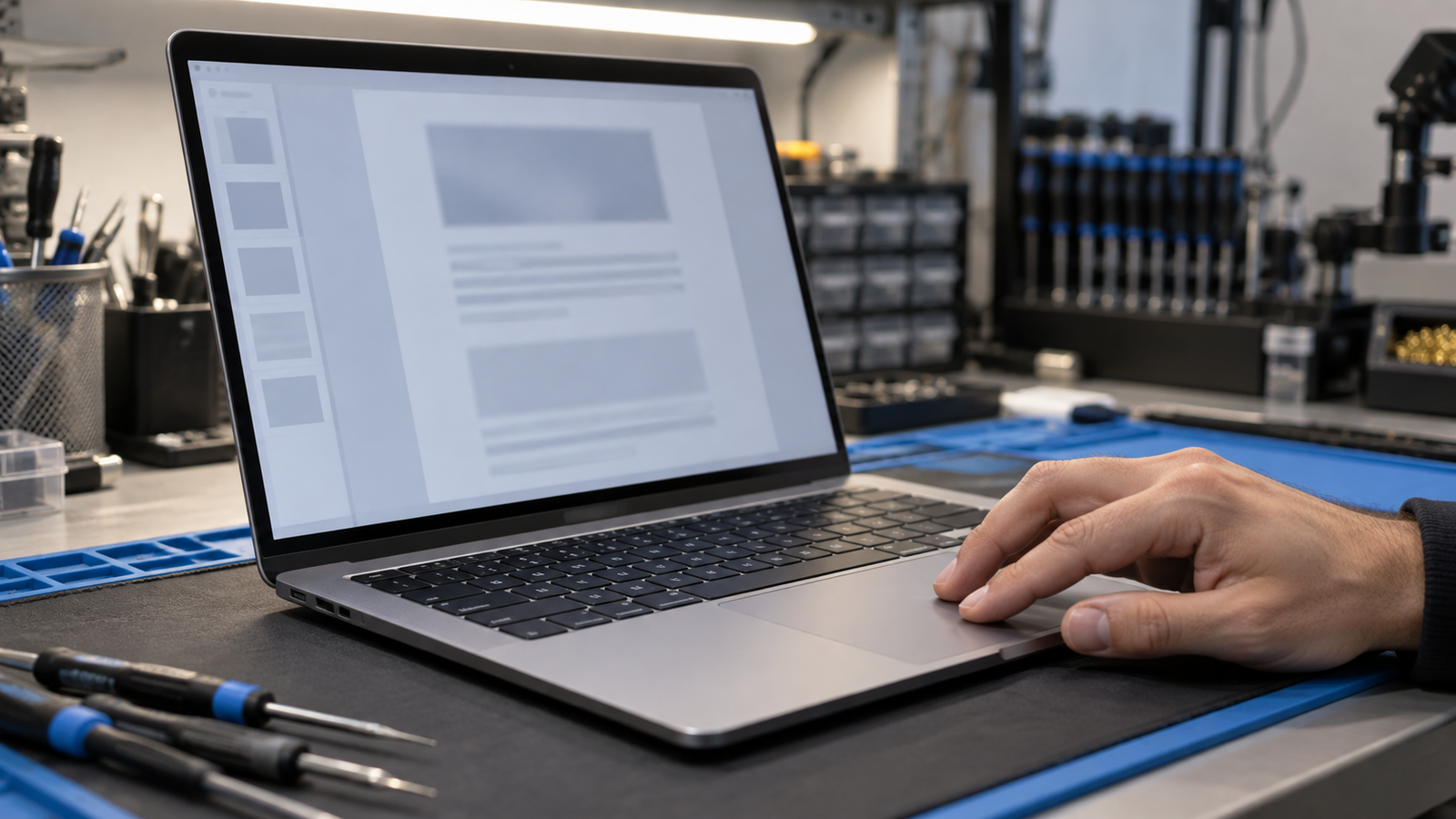
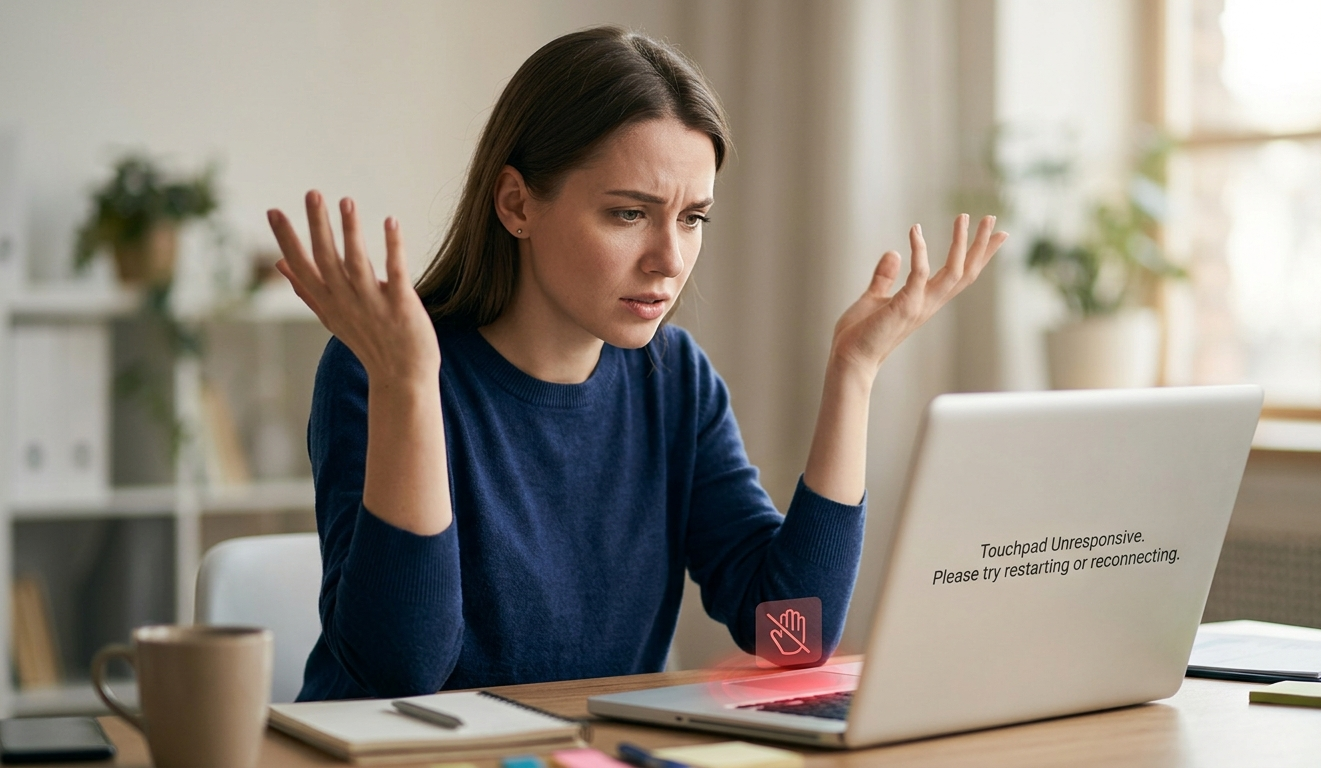
Touchpad scrolling usually stops because two-finger scrolling got switched off or Windows loaded a generic driver after an update. Open Settings, go to Bluetooth & devices, then Touchpad, and tick Drag two fingers to scroll. If the option is missing, reinstall the touchpad driver from your laptop maker. Scrolling returns within minutes. Introduction Your cursor … Read more