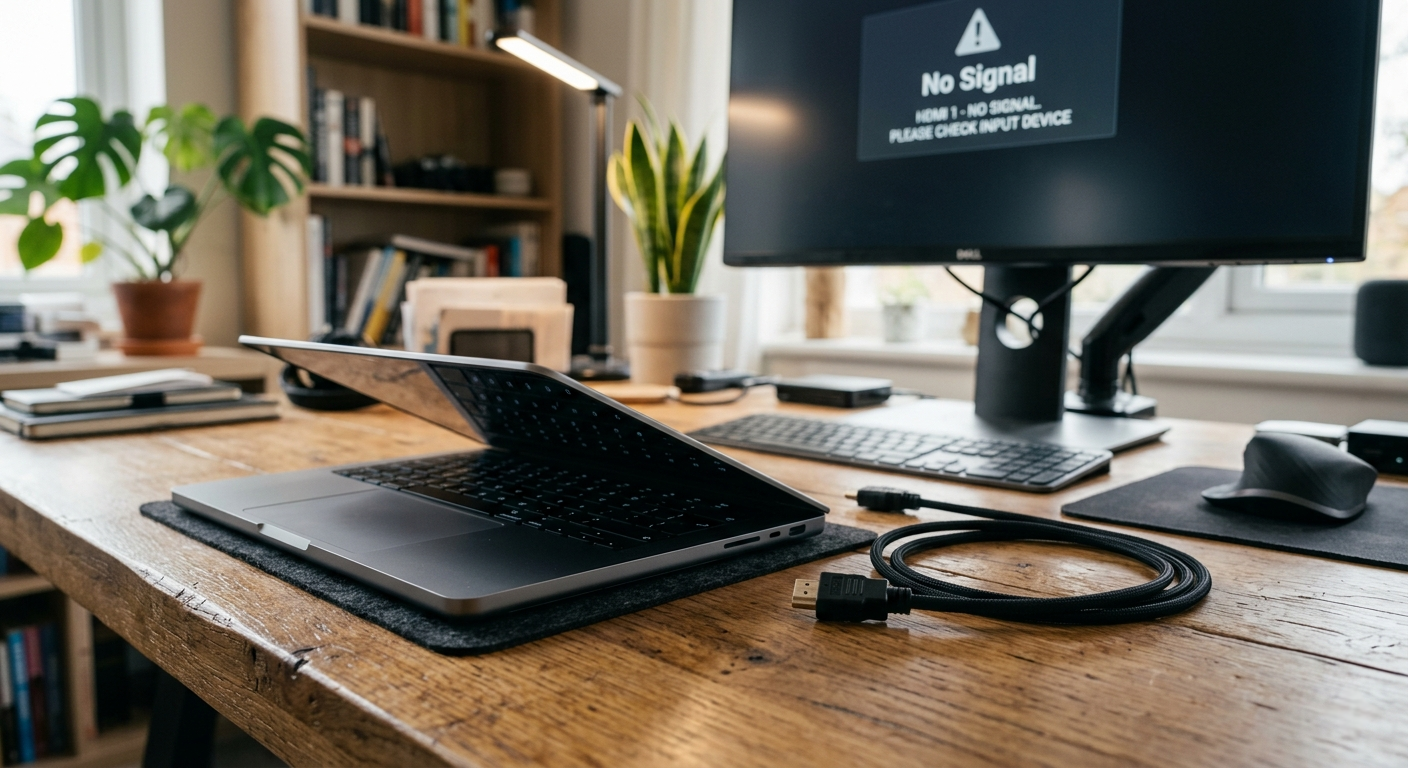
Blue Screen Error Laptop Fix (2026)

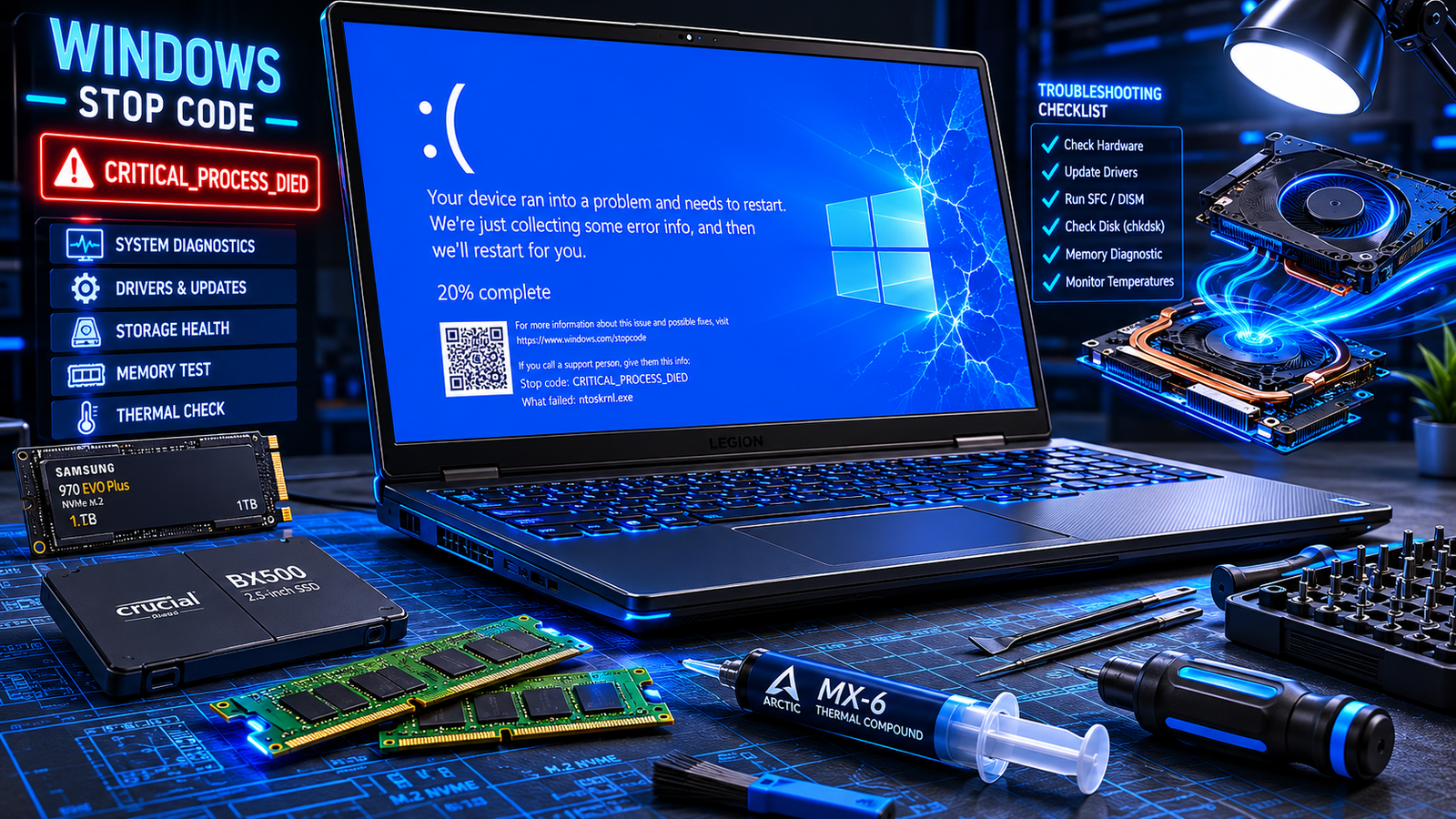
Blue screen error laptop with repair tools, SSD, RAM, and glowing Windows BSOD display on a dark desk.

A blue screen error laptop crash usually happens because of corrupted drivers, failing RAM, overheating, damaged system files, or SSD problems. The fastest fixes are removing recent drivers or updates, running Windows diagnostics, checking temperatures, and repairing corrupted files before hardware damage worsens. • Most BSOD crashes are linked to driver or memory failures• Repeated … Read more
Laptop Won’t Boot Windows Fix (2026)

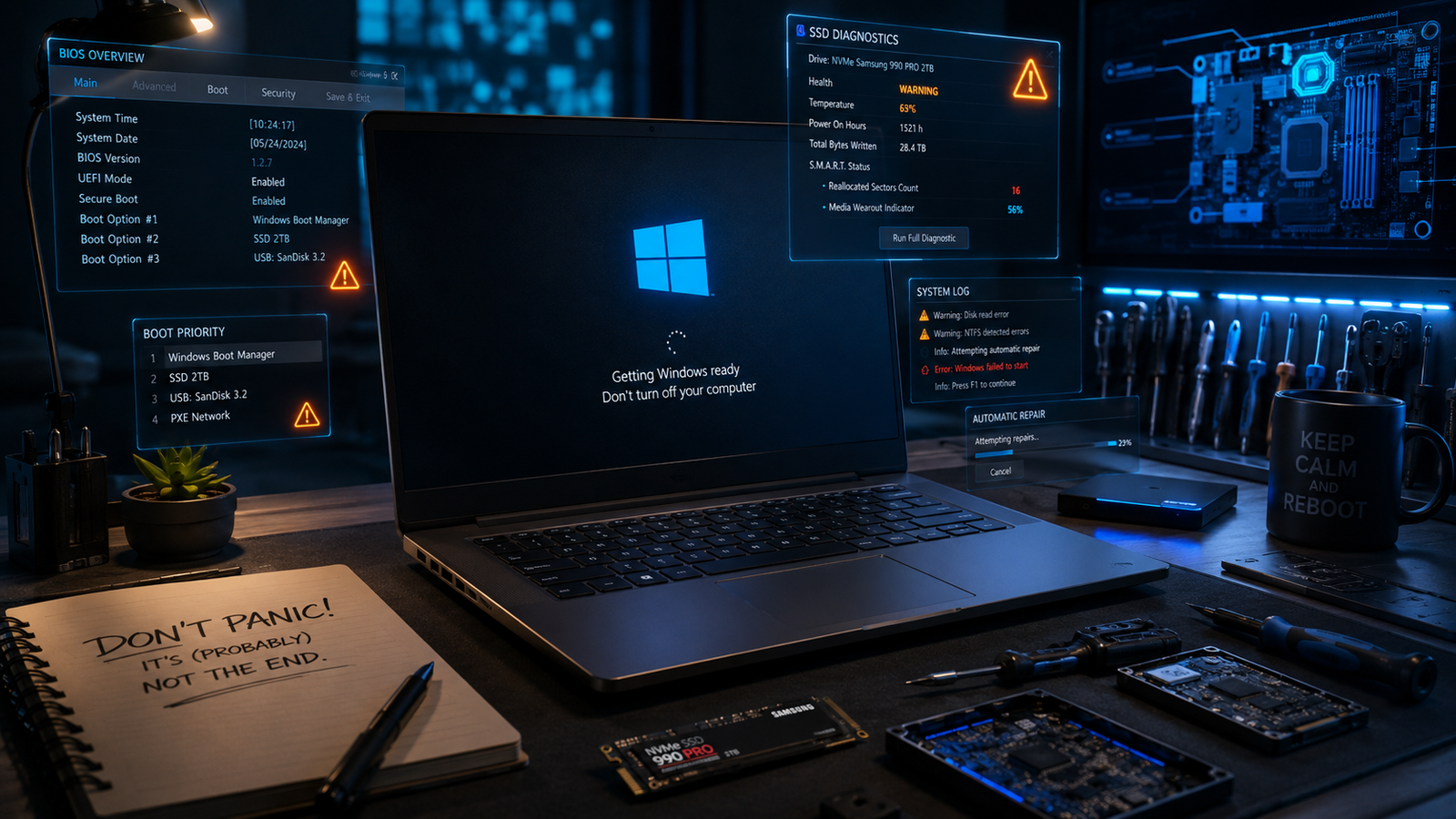
Laptop won’t boot Windows showing frozen startup screen with repair tools and BIOS graphics.

A laptop that won’t boot Windows is usually caused by corrupted startup files, failed updates, damaged storage drives, BIOS problems, or hardware faults. You can fix most boot failures by disconnecting external devices, entering Windows Recovery, repairing startup files, checking BIOS settings, and testing the SSD or RAM. • Repair Windows startup files using Automatic … Read more

Windows Update Stuck Fix (2026)

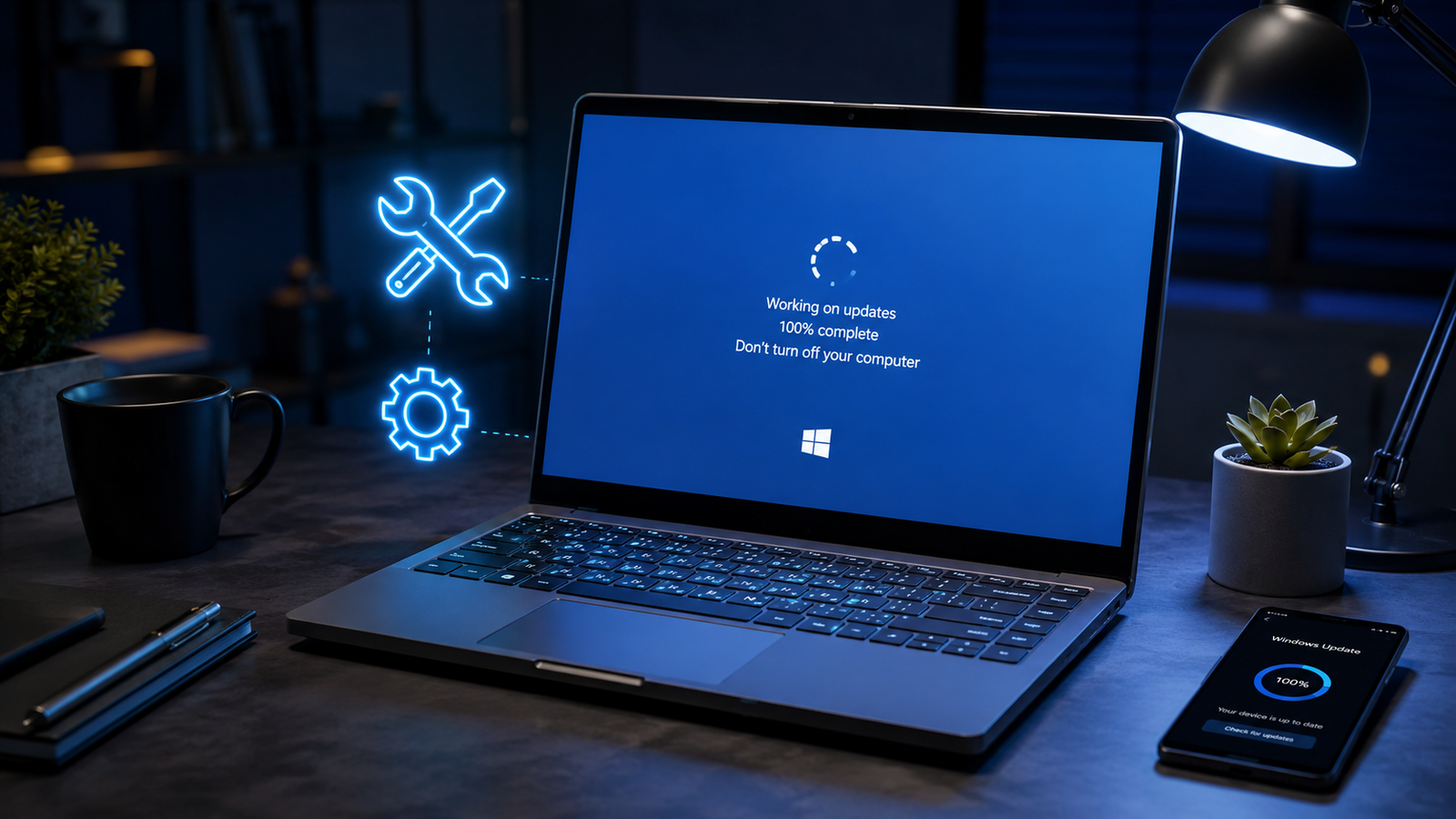
Windows update stuck on a laptop screen with repair tools and warning icons visible.

A Windows update stuck issue is usually caused by corrupted update files, low disk space, broken Windows services, driver conflicts, or interrupted downloads. You can fix it by restarting update services, clearing the SoftwareDistribution folder, running built-in troubleshooters, repairing system files, or manually installing the failed update. • Restart Windows Update services and clear cached … Read more

Laptop WiFi Connected But No Internet Fix (2026)

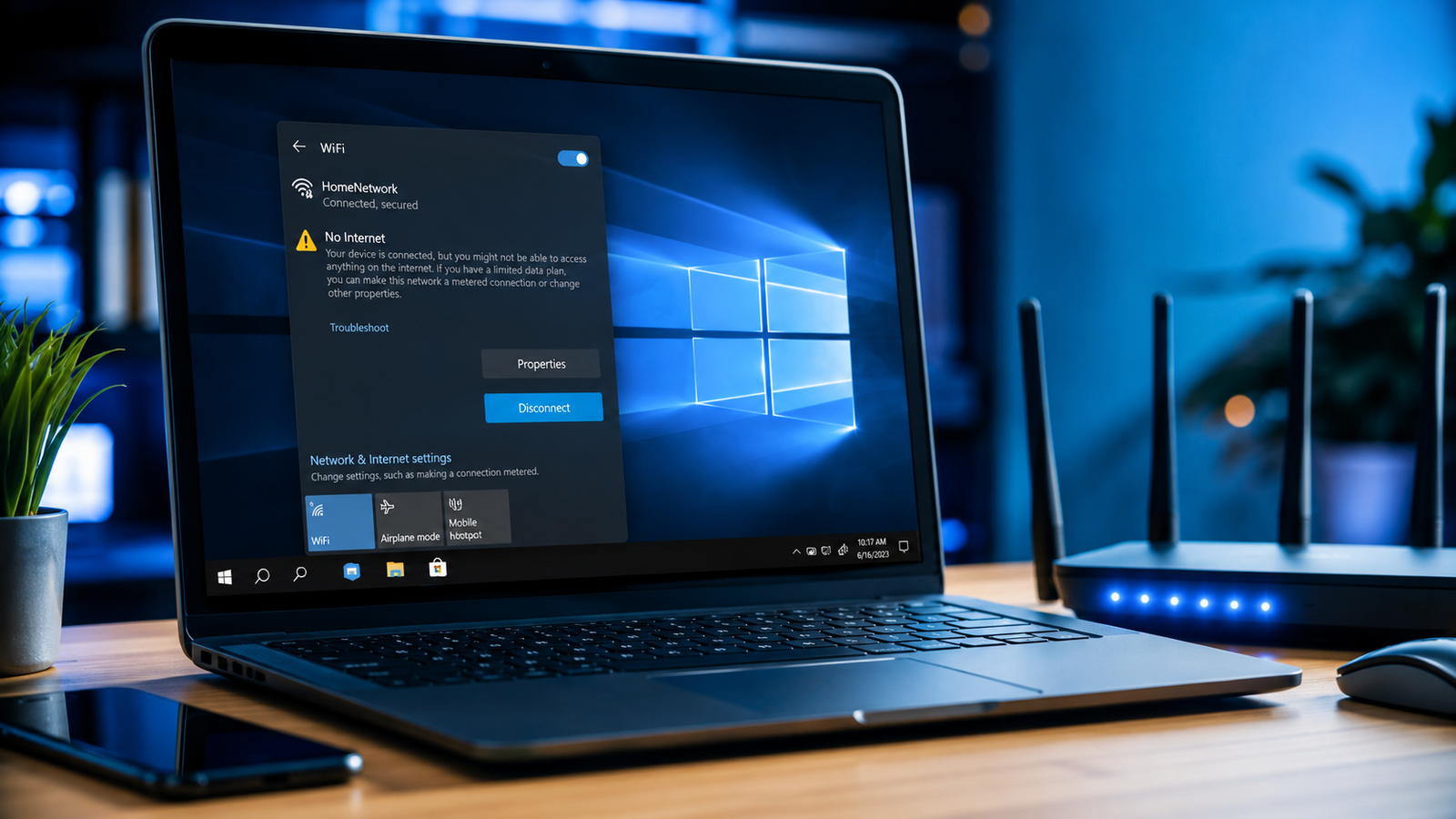
Laptop WiFi connected but no internet issue shown beside a wireless router on a desk

A laptop showing “WiFi connected but no internet” usually means your device can reach the router but cannot access the internet due to DNS errors, IP conflicts, outdated drivers, router failures, or ISP outages. Restarting the router, resetting network settings, and updating the WiFi adapter resolves the issue in most cases. Your laptop says it’s … Read more

Why Won’t My Lenovo Laptop Turn On? Here Is How to Fix It

Why Won't My Lenovo Laptop Turn On

You press the power button on your Lenovo laptop. Nothing happens. No lights. No fan noise. No Lenovo logo. Just silence. Or maybe you see the power light flicker for a second and then nothing. Or the screen stays completely black while the light stays on. Whatever you are seeing, the panic is completely understandable. … Read more