WiFi Option Missing on Laptop: Every Fix That Actually Works (2026)

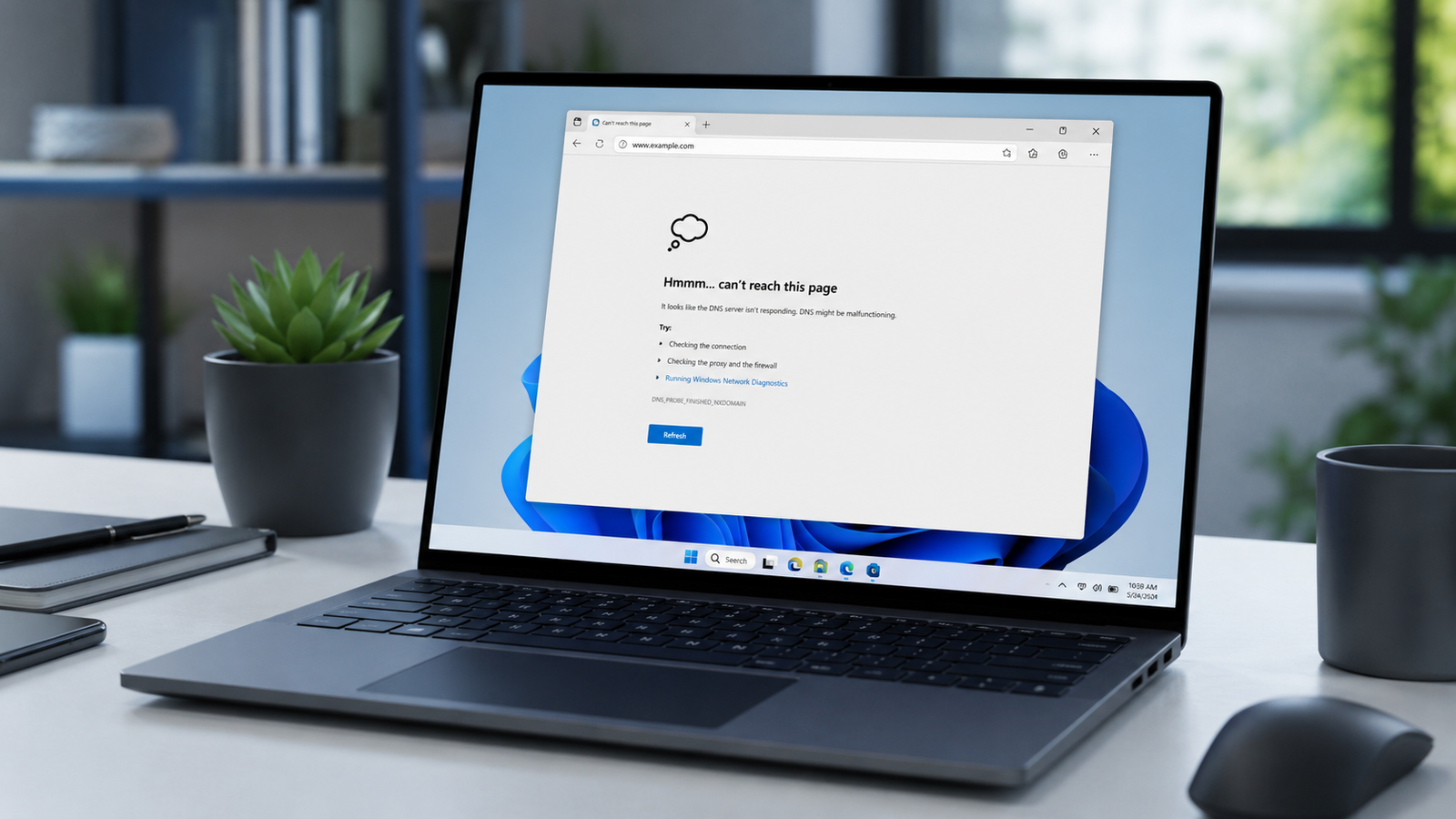
Laptop showing missing WiFi option on Windows 11 taskbar

Quick Answer The WiFi option goes missing because Windows lost contact with the wireless adapter. The most common causes are airplane mode being on, the adapter being disabled in Device Manager, the WLAN AutoConfig service being stopped, or a corrupted driver. Restart the WLAN AutoConfig service first. That alone fixes the majority of cases. Introduction … Read more

USB Device Not Recognized on Laptop: The Complete Fix Guide (2026)

Laptop displaying USB device not recognized error on Windows 11 screen

Quick Answer The “USB device not recognized” error almost always comes from Windows power management cutting the USB controller, a corrupted USB Root Hub driver, or outdated chipset drivers. Open Device Manager, expand Universal Serial Bus Controllers, right-click every USB Root Hub, and select Uninstall. Restart and let Windows reinstall the drivers automatically. That single … Read more

Laptop Not Charging After a Windows Update? Here Is How to Fix It Fast

Laptop plugged in and charging on Windows 11 after a system update

Quick Answer Most laptops stop charging after a Windows update because the update overwrites or conflicts with the ACPI battery driver. Uninstall the battery driver in Device Manager and restart to let Windows reinstall a clean version. If that does not fix it, check the BIOS battery charge threshold and test a different charger before … Read more

Laptop WiFi Disconnects Randomly on Windows 11? The Complete Fix

Laptop showing WiFi disconnected icon on Windows 11 desktop

Quick Answer Most random WiFi disconnects on Windows 11 laptops come from power management cutting the wireless adapter to save battery. Open Device Manager, find your WiFi adapter, and disable “Allow the computer to turn off this device to save power.” Restart and test for 30 minutes. If drops continue, update or reinstall the WiFi … Read more

Laptop Turns On Then Shuts Off Immediately? Here Is How to Fix It Fast

Quick Answer The most common cause is a loose RAM stick, a failing AC adapter, or a battery that can’t sustain power. Remove the battery, reseat the RAM, and try booting on AC power alone. Most laptops recover within minutes. If the shutdown repeats after that, the motherboard or charging circuit usually needs bench testing. … Read more

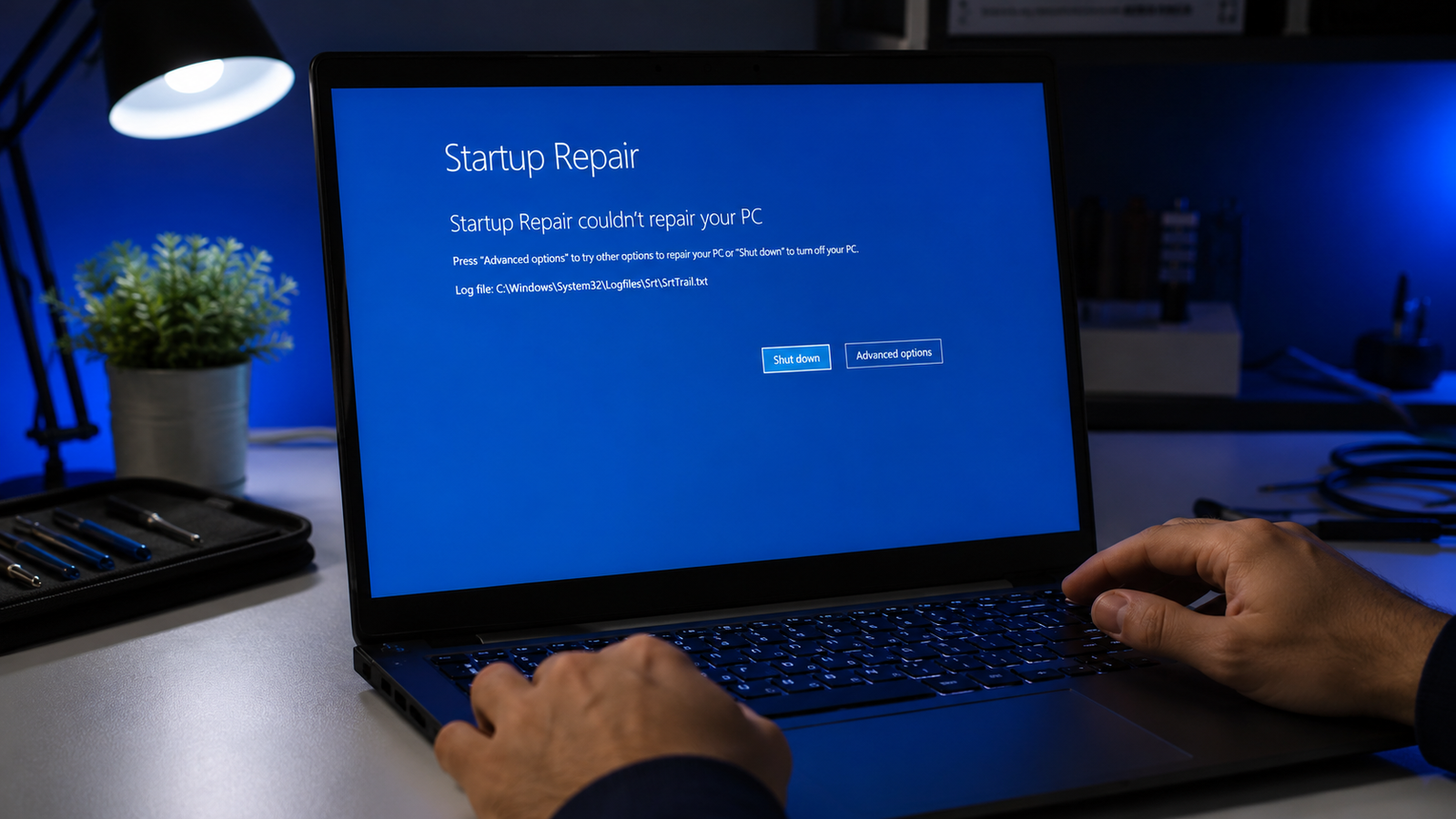
Windows Update Broke My Laptop? Here Is How to Fix It Fast

Laptop screen frozen on Windows update progress after the update broke the system

Quick Answer A laptop that breaks after a Windows update is almost always a software problem, not a hardware failure. The most common causes are a corrupted update file, a driver conflict, or a restart that interrupted installation. Booting into Windows Recovery Environment and uninstalling the update or running Startup Repair fixes most laptops within … Read more

Bluetooth Not Working on Laptop: Full Fix Guide (2026)

Laptop with Bluetooth not working showing Windows 11 settings panel open on clean repair bench

Quick Answer Most laptop Bluetooth failures after a Windows update come from a corrupted or replaced driver. Open Device Manager, find your Bluetooth adapter under the Bluetooth section, right-click it, and select Update Driver. If the adapter is missing entirely, restart the laptop and check that Airplane Mode is off. Most users are back online … Read more