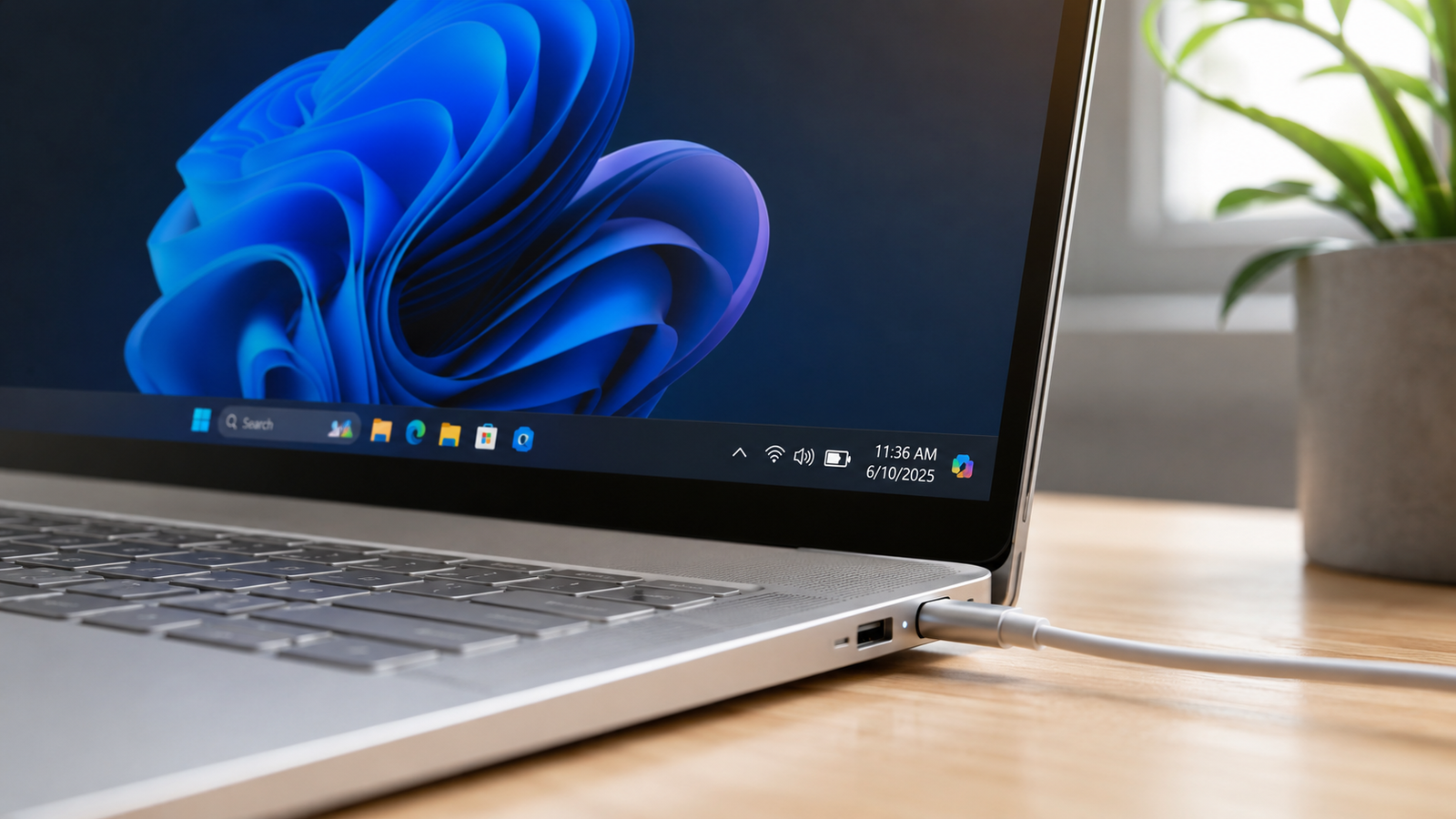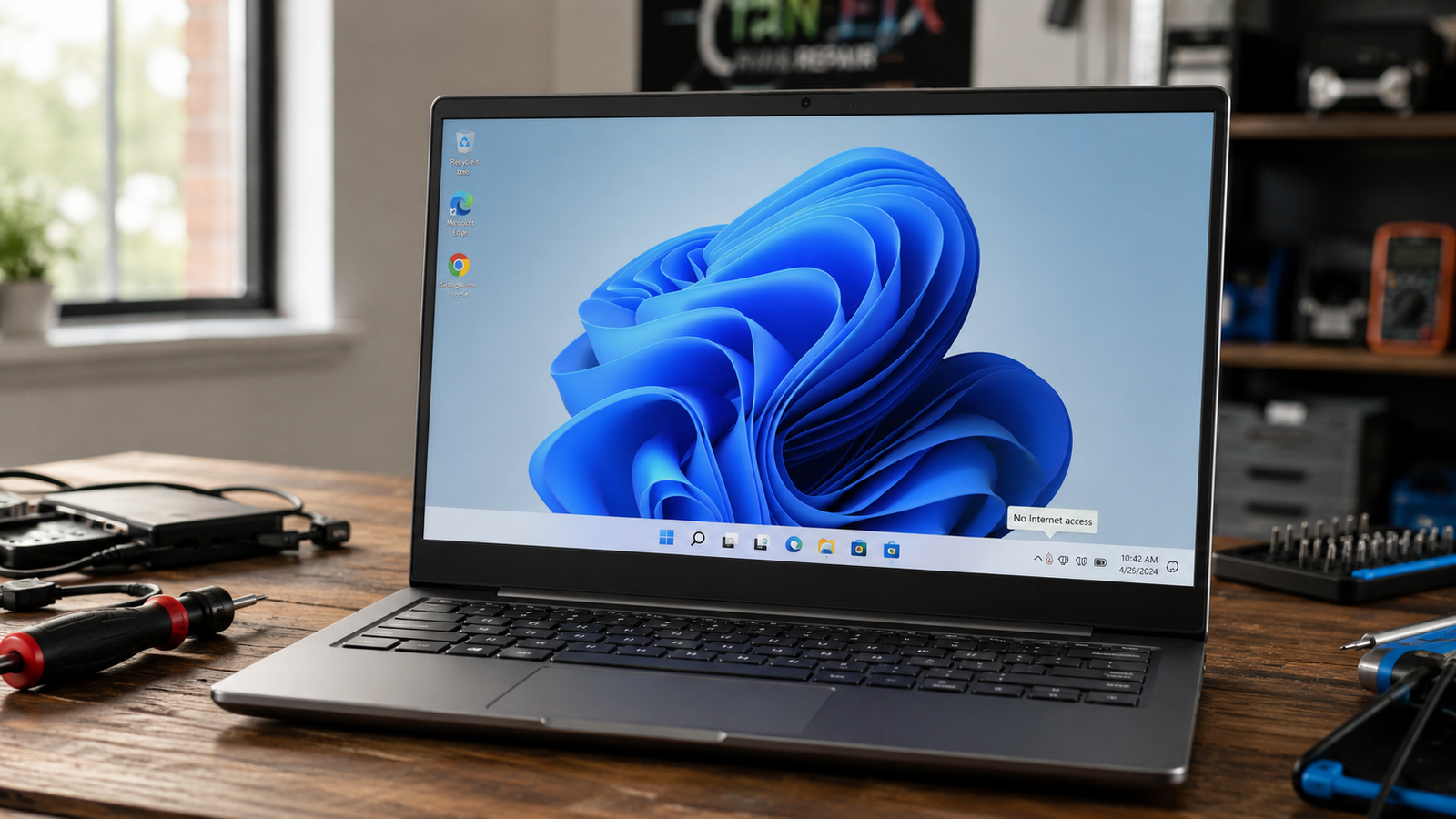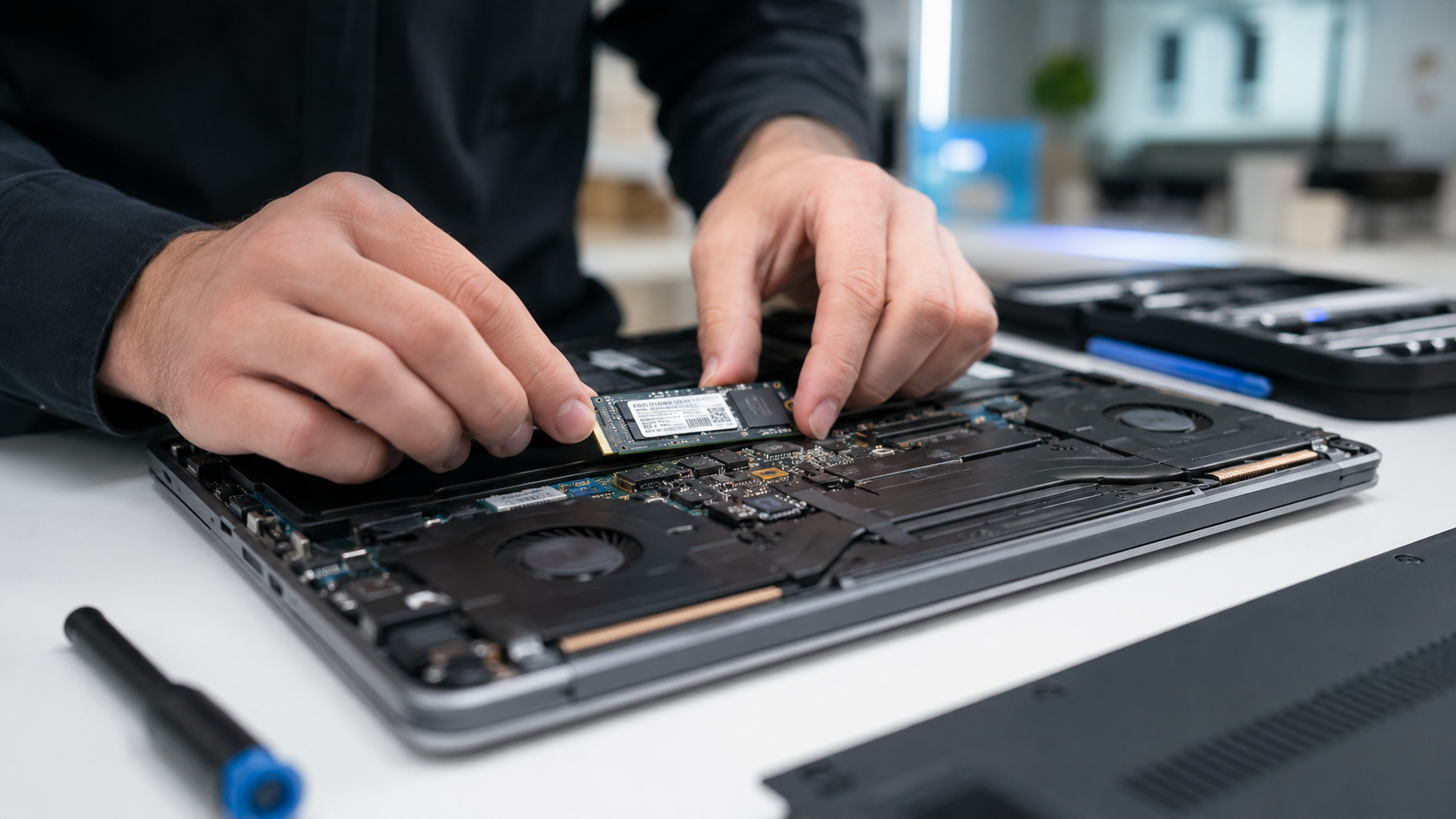
USB Ports Not Working on Laptop: Full Fix Guide (All Causes Covered)

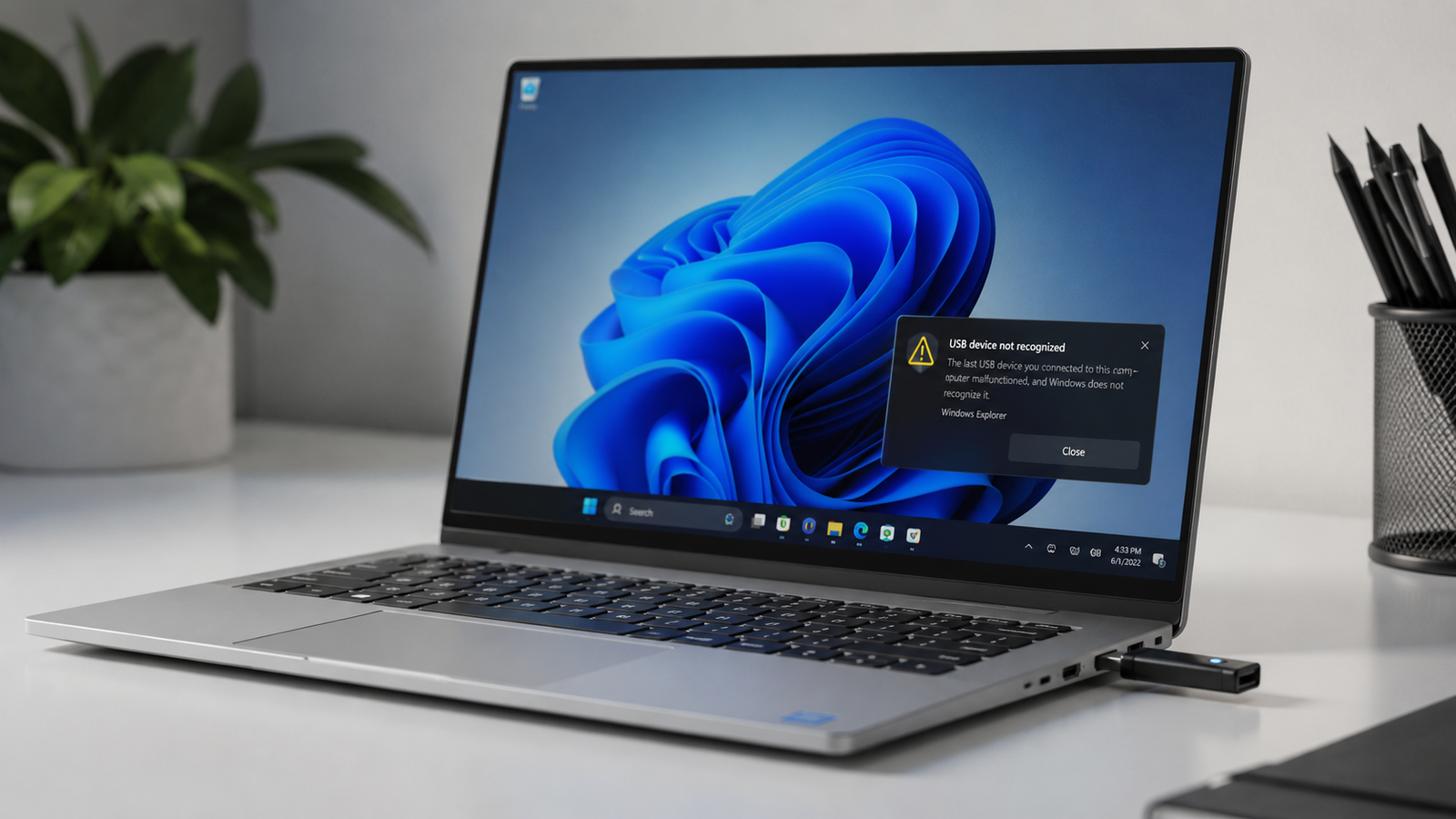
Laptop USB port not working with USB device not recognized error on Windows screen Filename

Quick Answer The most common reason laptop USB ports stop working is Windows power management cutting power to the USB controller and failing to restore it. Go to Device Manager, expand Universal Serial Bus Controllers, right-click each USB Root Hub, open Properties, go to Power Management, and uncheck “Allow the computer to turn off this … Read more

How to Remove a Virus from a Laptop Running Windows 11

Removing a virus from a Windows 11 laptop using Microsoft Defender

Quick Answer The fastest way to remove a virus from a Windows 11 laptop is to disconnect from the internet, run a Microsoft Defender Full Scan, then perform a Microsoft Defender Offline Scan. This removes most active malware, spyware, trojans, and browser hijackers that hide during normal Windows operation. Microsoft specifically recommends Defender Offline for … Read more

Laptop Charging Slowly? Complete Troubleshooting Guide (2026)

Laptop charging slowly with battery diagnostics displayed on screen

Quick Answer A laptop charging slowly is usually caused by an underpowered charger, battery wear, overheating, power-hungry applications, or charging port issues. The fastest fix is to verify charger wattage, reduce system load, and check battery health. In most cases, charging speed returns to normal without replacing the battery. Introduction You plug in your laptop … Read more

Laptop Battery Draining Fast? Complete Troubleshooting Guide (2026)

Laptop battery draining fast on Windows 11

Quick Answer A laptop battery that drains fast is usually caused by background applications, excessive power settings, display brightness, overheating, or a worn-out battery. The fastest fix is checking battery usage, enabling Battery Saver mode, and generating a battery report. If battery health has fallen below 50–60% of its original capacity, replacement is often required. … Read more

Laptop Keeps Disconnecting WiFi Fix (2026)

Laptop keeps disconnecting WiFi with warning icons and unstable network graphics on a Windows laptop.

A laptop that keeps disconnecting from WiFi is usually caused by outdated network drivers, aggressive power-saving settings, router instability, corrupted network configurations, or weak wireless signals. Resetting the network adapter, updating drivers, changing power settings, and adjusting router channels resolves most random WiFi drop issues within minutes. • Disable WiFi power saving to stop random … Read more

Blue Screen Error Laptop Fix (2026)

Blue screen error laptop with repair tools, SSD, RAM, and glowing Windows BSOD display on a dark desk.

A blue screen error laptop crash usually happens because of corrupted drivers, failing RAM, overheating, damaged system files, or SSD problems. The fastest fixes are removing recent drivers or updates, running Windows diagnostics, checking temperatures, and repairing corrupted files before hardware damage worsens. • Most BSOD crashes are linked to driver or memory failures• Repeated … Read more

Laptop Won’t Boot Windows Fix (2026)

Laptop won’t boot Windows showing frozen startup screen with repair tools and BIOS graphics.

A laptop that won’t boot Windows is usually caused by corrupted startup files, failed updates, damaged storage drives, BIOS problems, or hardware faults. You can fix most boot failures by disconnecting external devices, entering Windows Recovery, repairing startup files, checking BIOS settings, and testing the SSD or RAM. • Repair Windows startup files using Automatic … Read more

Windows Update Stuck Fix (2026)

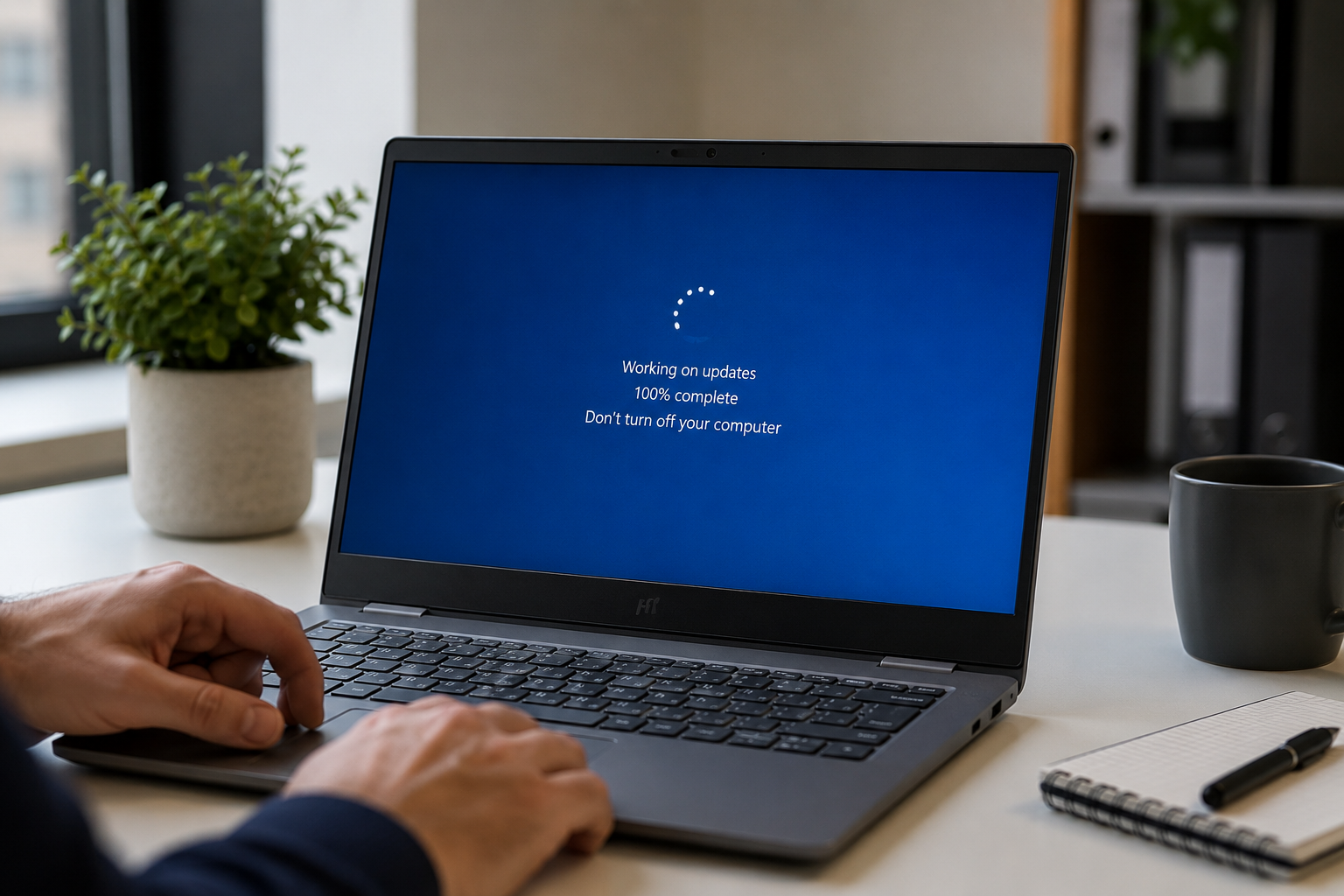
Windows update stuck on a laptop screen with repair tools and warning icons visible.

A Windows update stuck issue is usually caused by corrupted update files, low disk space, broken Windows services, driver conflicts, or interrupted downloads. You can fix it by restarting update services, clearing the SoftwareDistribution folder, running built-in troubleshooters, repairing system files, or manually installing the failed update. • Restart Windows Update services and clear cached … Read more

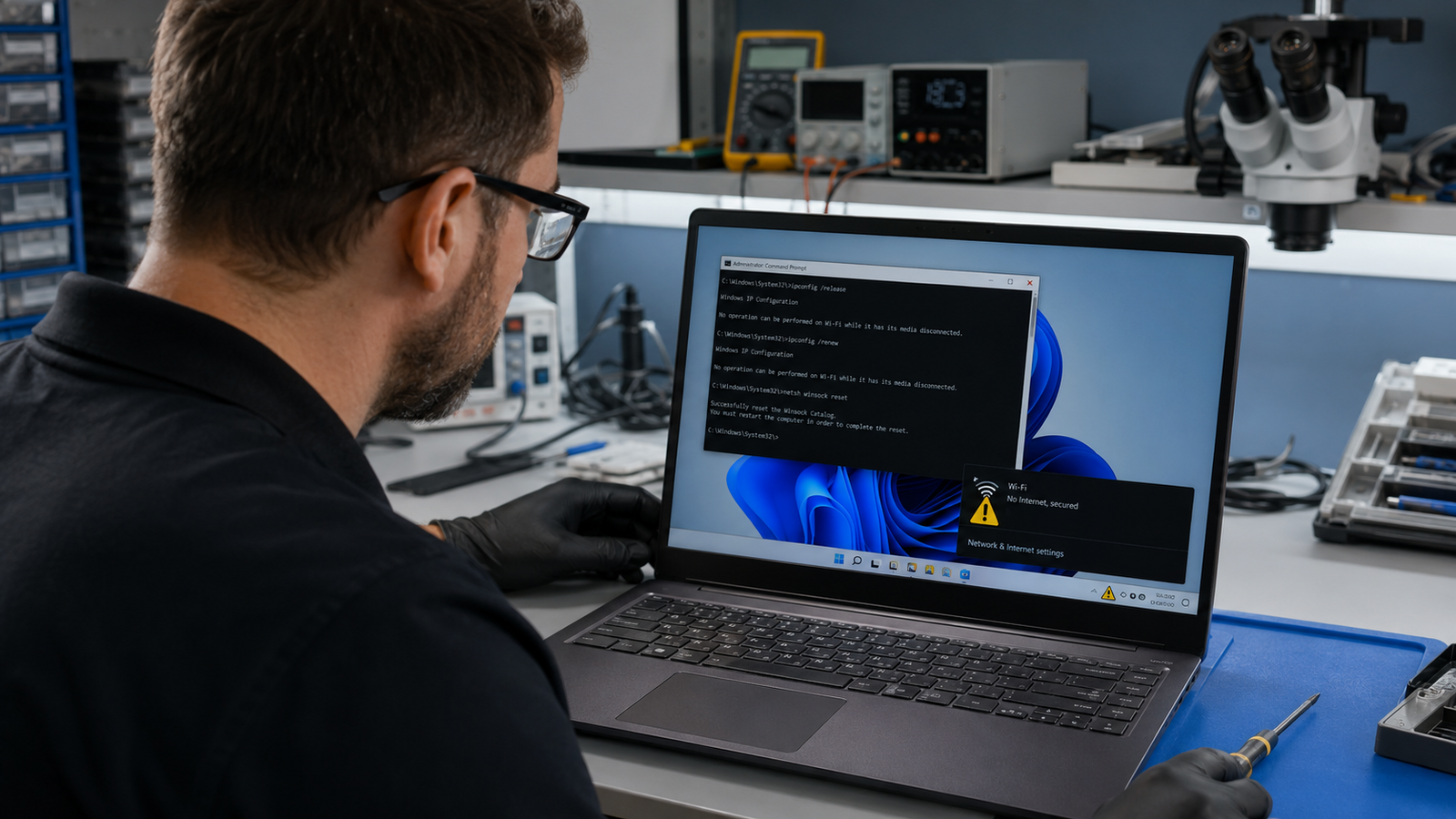
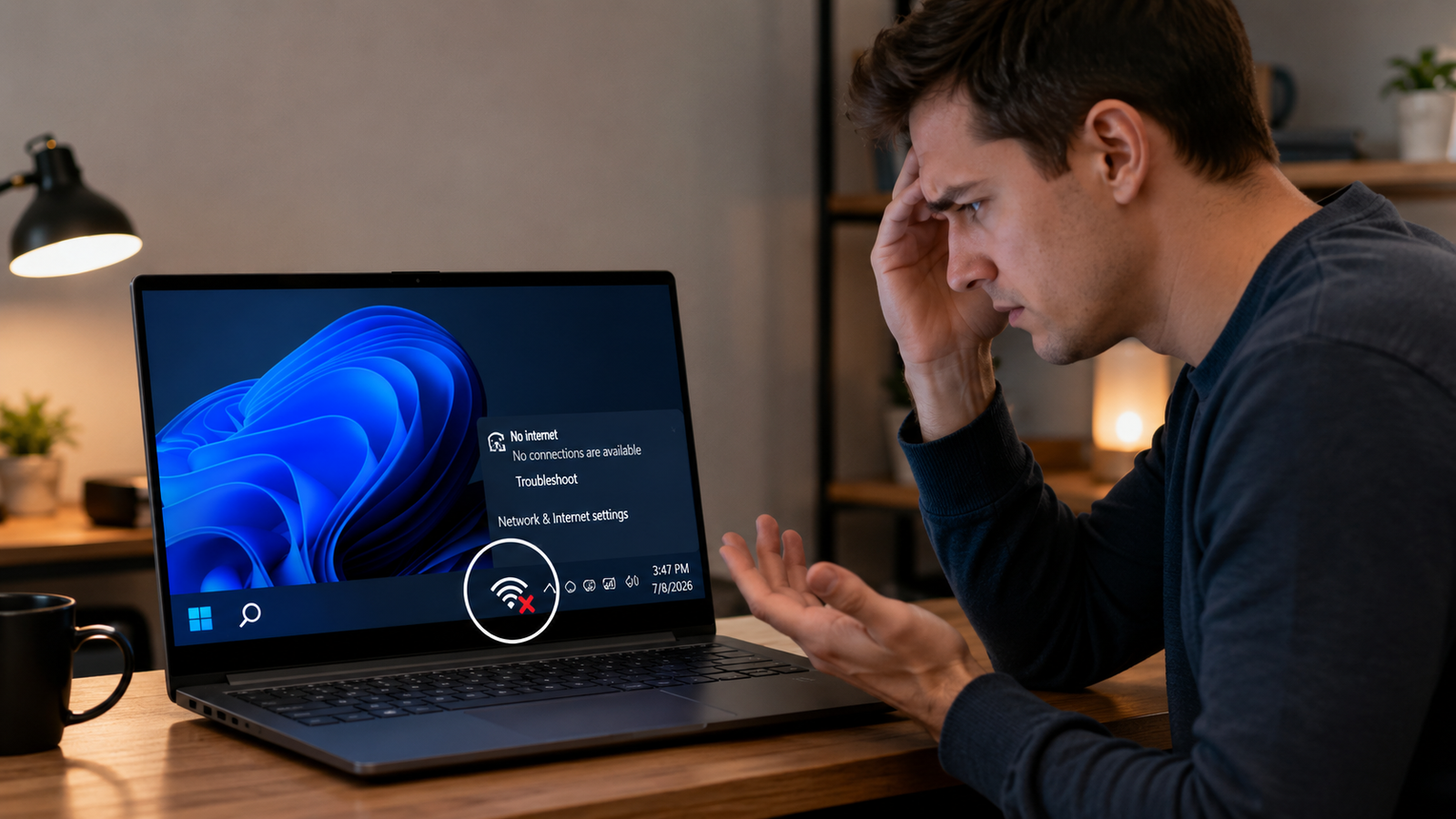
Laptop WiFi Connected But No Internet Fix (2026)

Laptop WiFi connected but no internet issue shown beside a wireless router on a desk

A laptop showing “WiFi connected but no internet” usually means your device can reach the router but cannot access the internet due to DNS errors, IP conflicts, outdated drivers, router failures, or ISP outages. Restarting the router, resetting network settings, and updating the WiFi adapter resolves the issue in most cases. Your laptop says it’s … Read more