100% Disk Usage on Windows 11? Here Is How to Fix It Fast (2026)
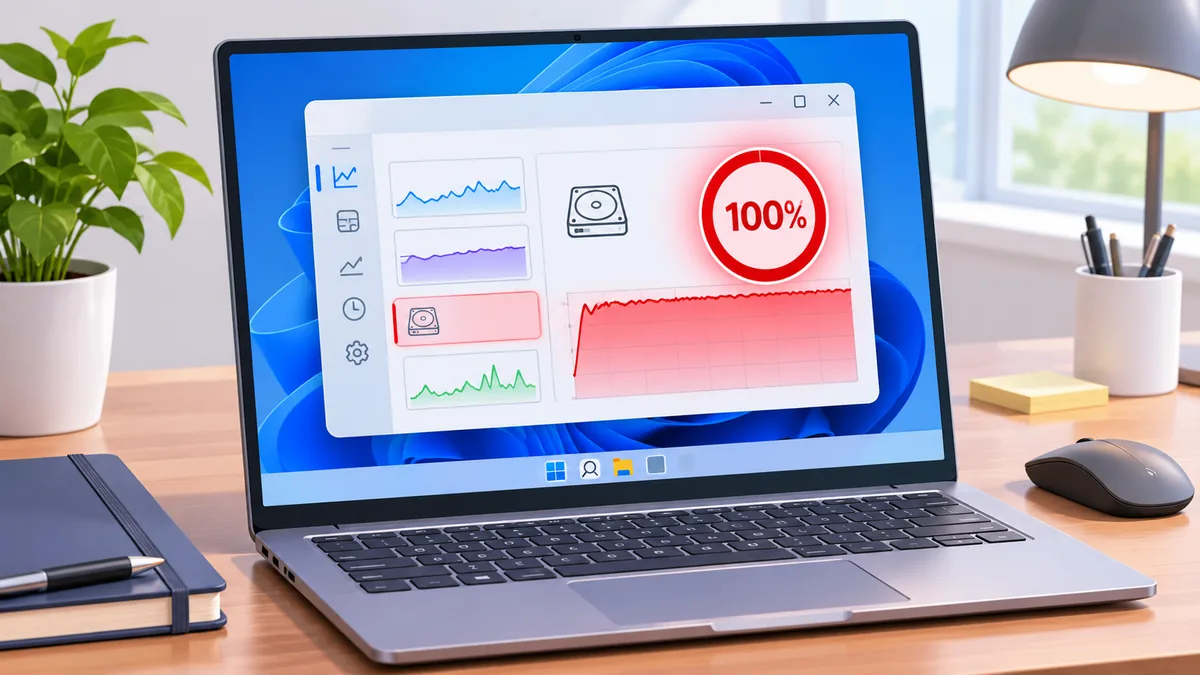
Fix 100% disk usage on Windows 11: find the culprit process in Task Manager, disable SysMain, repair system files, update drivers, and spot a failing drive.

Fix 100% disk usage on Windows 11: find the culprit process in Task Manager, disable SysMain, repair system files, update drivers, and spot a failing drive.
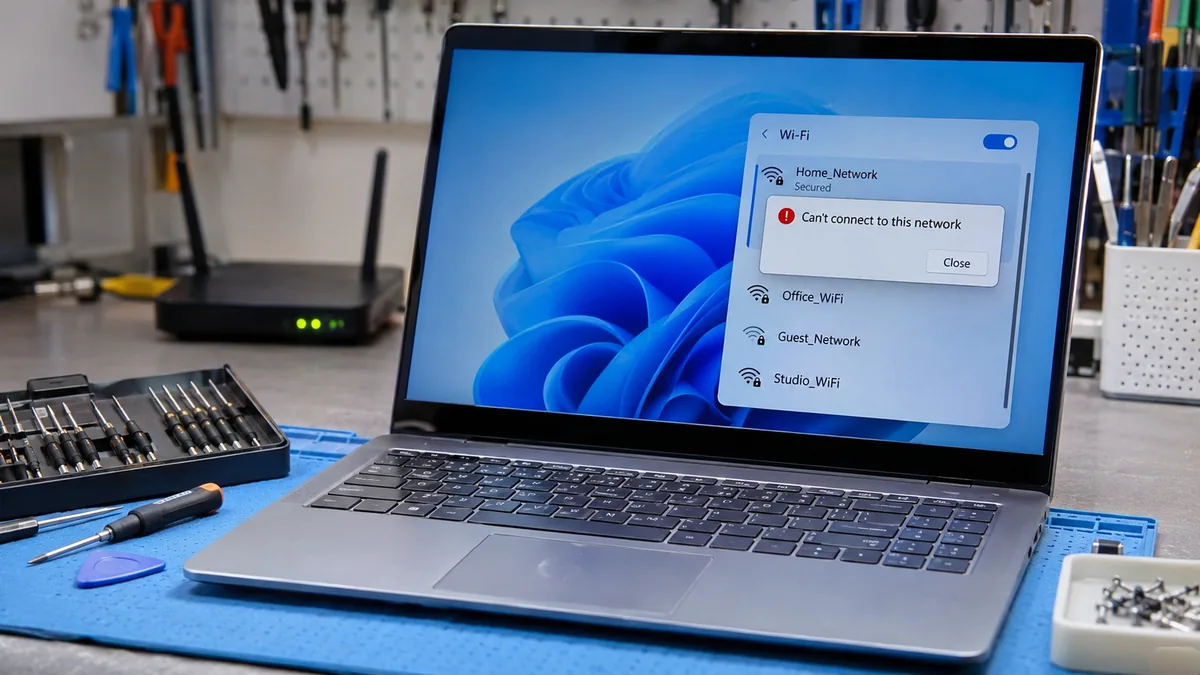
Quick Answer The most likely cause is a corrupted saved network profile or a security mismatch between the router and your Wi-Fi adapter. Forget the network, restart the router, and reconnect with a fresh password entry. If that fails, set the router to WPA2 Personal with AES. Most home laptops connect within five minutes. Introduction … Read more
The most common cause is a drive that Windows detects but never gives a drive letter, so File Explorer hides it. Open Disk Management, find the drive, and add a letter. If it is missing there too, use a direct USB port, the original cable, and the drive’s own power supply. Most drives return within … Read more
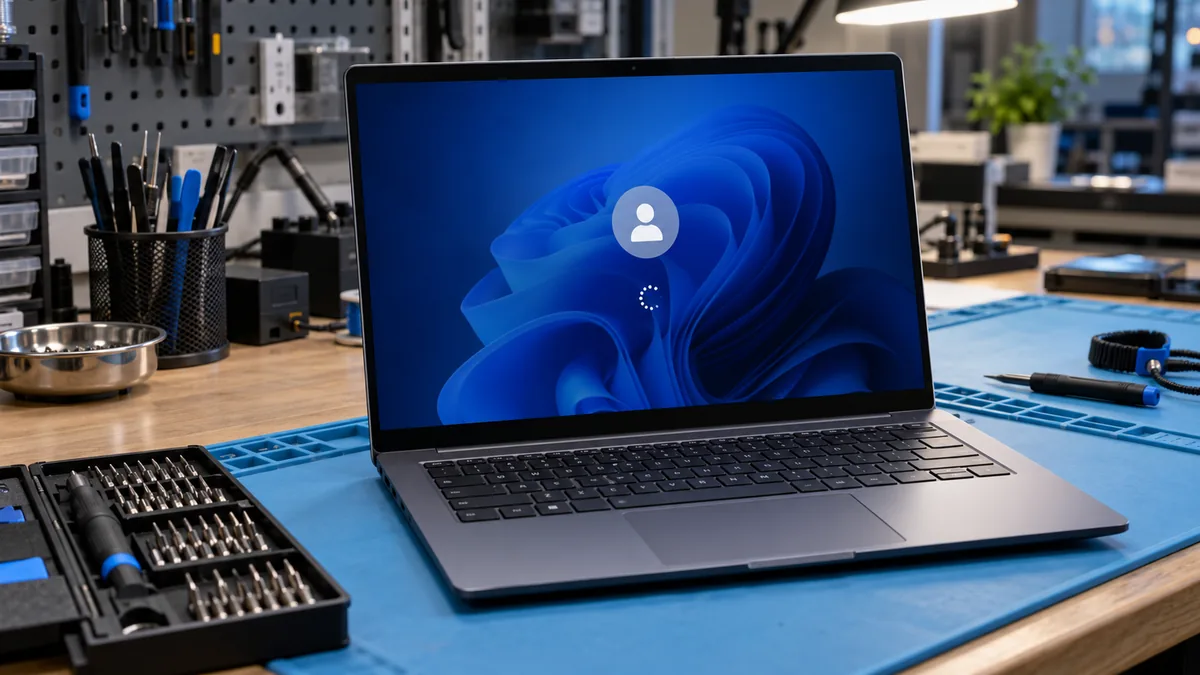
The most likely cause is a faulty Windows update or a startup process that hangs after sign-in. The fastest fix is to force a shutdown three times, open Safe Mode, and uninstall the latest update. After a normal restart, the login screen should accept your password and load the desktop. Introduction You type your password … Read more
Sound usually disappears after a Windows 11 update because the update replaced your manufacturer audio driver with a generic one or stopped the Windows Audio service. Restart Windows Audio in services.msc, then roll back or reinstall the driver from your laptop maker. Most laptops get sound back in about 15 minutes. Introduction Your laptop worked … Read more
Windows 11 usually blocks sign-in because the PIN credential is corrupted or no longer matches the TPM after an update or BIOS change. Choose Sign-in options on the lock screen, enter your account password, then rebuild the PIN in Settings. This restores access in under ten minutes without losing files. Introduction You type the right … Read more
Most laptops stuck on 2.4GHz have either an older single-band WiFi card or an adapter setting locked to that band. Run netsh wlan show drivers and look for 802.11a, ac, or ax. If any appears, set Preferred Band to 5GHz in Device Manager. If none appears, a USB dual-band adapter adds 5GHz in minutes. Introduction … Read more
The Windows 11 hotspot usually fails because of a stuck Internet Connection Sharing setup, the 5 GHz band, or a bad Wi-Fi driver. Switch the hotspot band to 2.4 GHz, turn off power saving, then reset sharing on your internet adapter. Expect your phone to see the network and load pages once sharing is rebuilt. … Read more
Touchpad scrolling usually stops because two-finger scrolling got switched off or Windows loaded a generic driver after an update. Open Settings, go to Bluetooth & devices, then Touchpad, and tick Drag two fingers to scroll. If the option is missing, reinstall the touchpad driver from your laptop maker. Scrolling returns within minutes. Introduction Your cursor … Read more
The most common cause is Windows 11 blocking camera access in Privacy settings, or a driver that Windows Update replaced. Open Settings > Privacy & security > Camera and switch on all three toggles, then restart. If that fails, reinstall the camera driver in Device Manager. Either fix usually brings the live image back. Introduction … Read more