Windows 11 Apps Keep Crashing: How to Fix It (2026 Guide)
Windows 11 apps usually crash because of corrupted app or system files, or a conflict with an overlay, antivirus, driver or recent update. Run Repair, then Reset, under Settings > Apps > Installed apps. Next run DISM and SFC. Most single-app crashes stop there. If every app crashes, suspect drivers or RAM. Introduction Your app … Read more
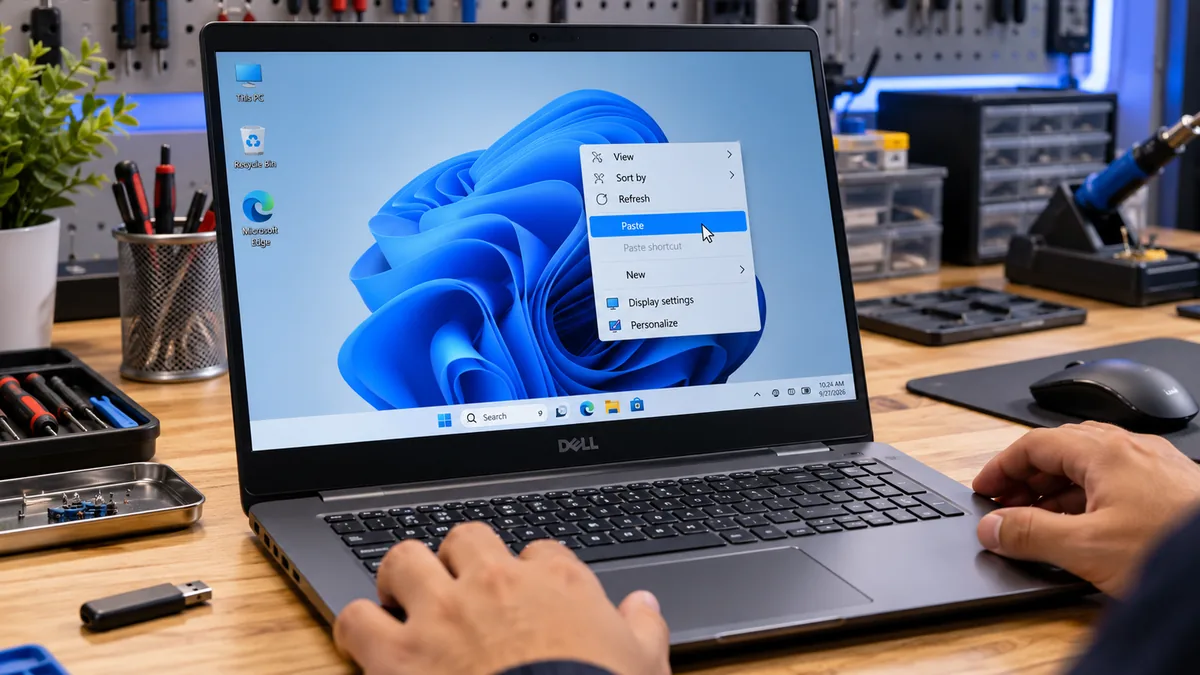
Windows 11 Copy and Paste Not Working? Here Is How to Fix It Fast

By Mike Alexander | LapSolve The most likely cause is a crashed Windows Explorer process or a locked clipboard from a background app. Restart Windows Explorer through Task Manager first. That resolves the majority of sudden copy and paste failures in under 30 seconds. If that does not work, clear your clipboard history, restart the … Read more

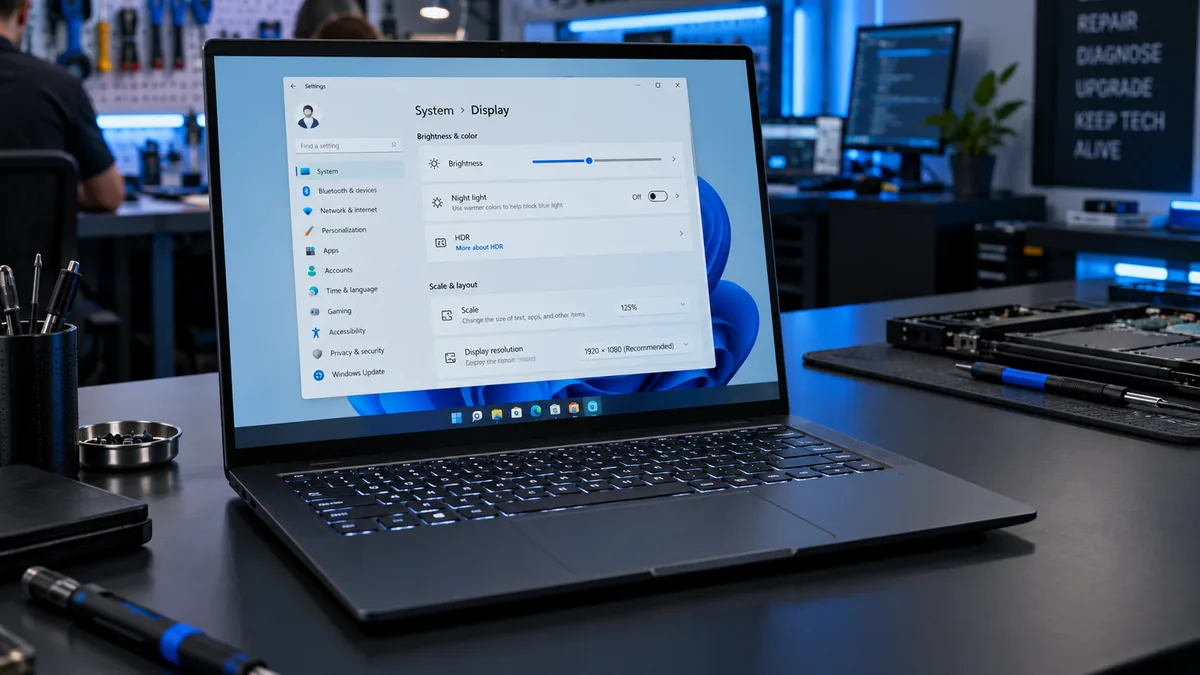
Laptop Brightness Won’t Change Windows 11: Complete Fix Guide

The most common cause is a corrupted display driver after a Windows update. Open Device Manager, expand Display Adapters, right-click your GPU driver, and choose Update Driver. If the brightness slider is missing entirely, go to Monitors in Device Manager and enable Generic PnP Monitor. Most users are fixed in under five minutes with one … Read more

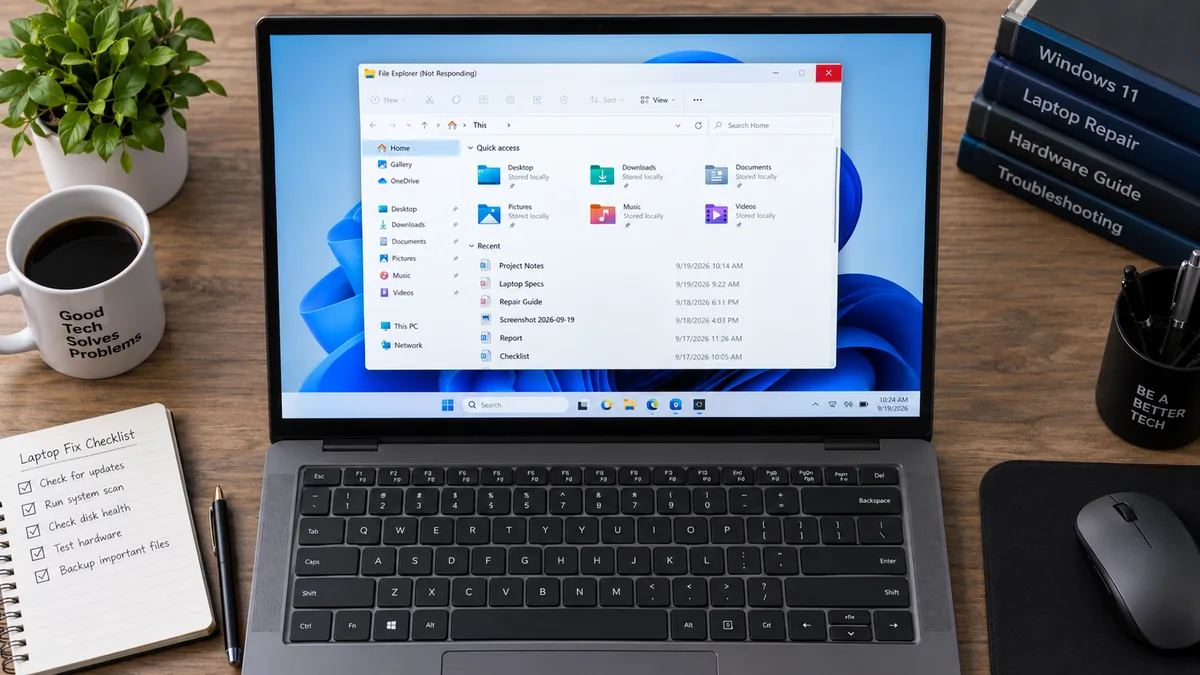
Windows 11 File Explorer Not Responding: 10 Fixes That Work

A bloated Quick Access history or a corrupt explorer.exe process causes most Windows 11 File Explorer freezes. Press Ctrl + Shift + Esc, right-click Windows Explorer in Task Manager, and select Restart. If that doesn’t hold, clear the jump list cache through File Explorer Options. Most users are back working within five minutes. Introduction You … Read more

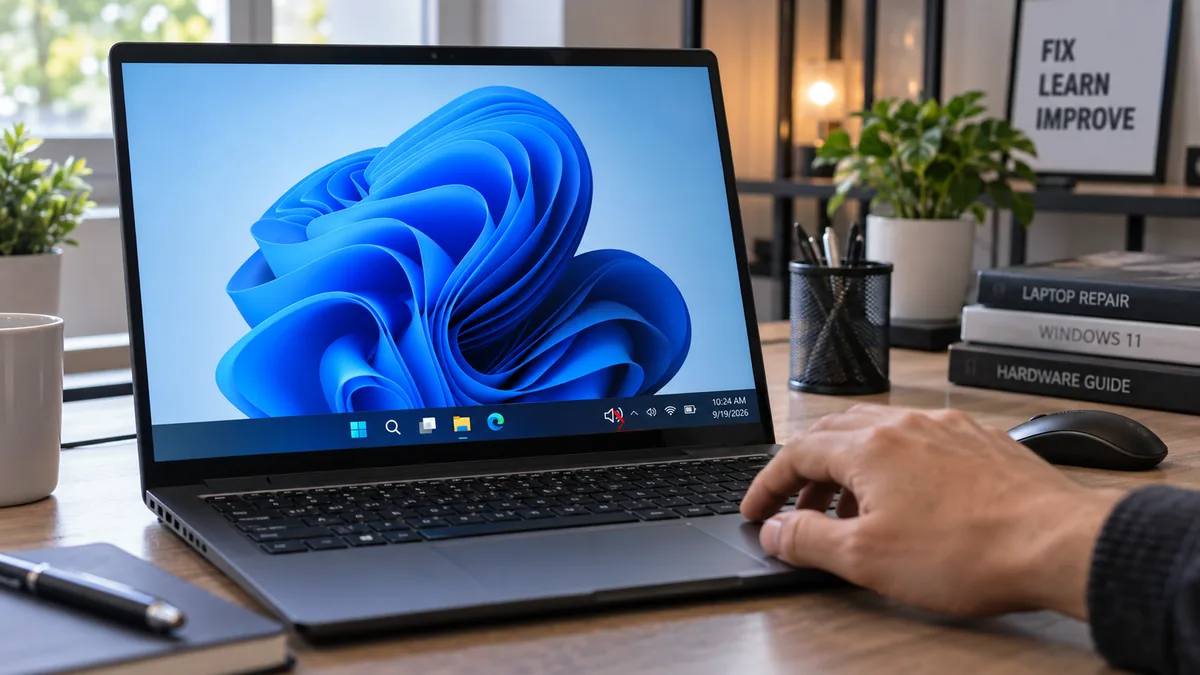
Laptop Volume Not Working on Windows 11? Here’s the Fix

The most common cause is a wrong or inactive output device selected in Sound Settings, or audio services that have crashed in the background. Right-click the speaker icon, open Sound Settings, confirm your speakers are set as the output device, then restart the Windows Audio and Windows Audio Endpoint Builder services via services.msc. Most users … Read more

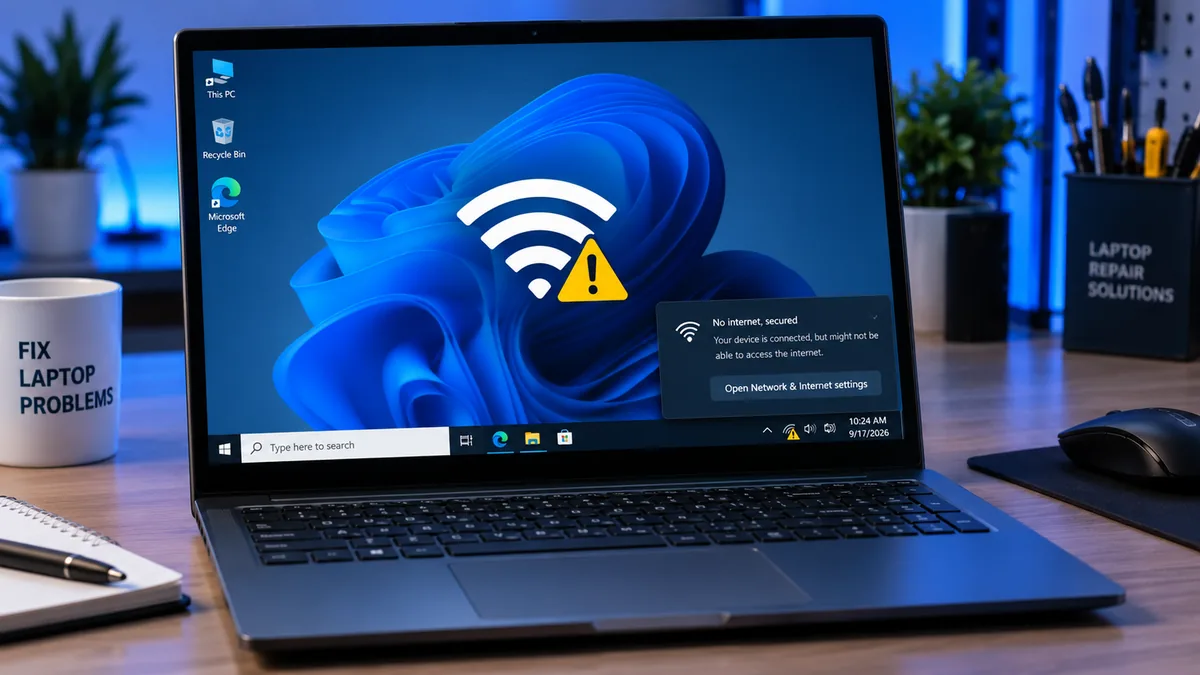
Laptop WiFi Says Secured But No Internet: 8 Fixes That Work

Quick Answer Your laptop is connected to the router but the router is not reaching the internet, or Windows has an invalid IP configuration. The fastest fix is to open Command Prompt as administrator and run netsh winsock reset followed by ipconfig /release and ipconfig /renew, then restart. Most users are back online in under … Read more