Windows 11 Programs Take Forever to Open? Here Is How to Fix It Fast (2026)
The most common reason Windows 11 programs take forever to open is too many startup apps competing for resources the moment Windows loads, combined with Windows Defender scanning every executable before it runs. Disable non-essential startup programs in Task Manager, then check whether a second antivirus is running alongside Defender. Most laptops return to normal … Read more
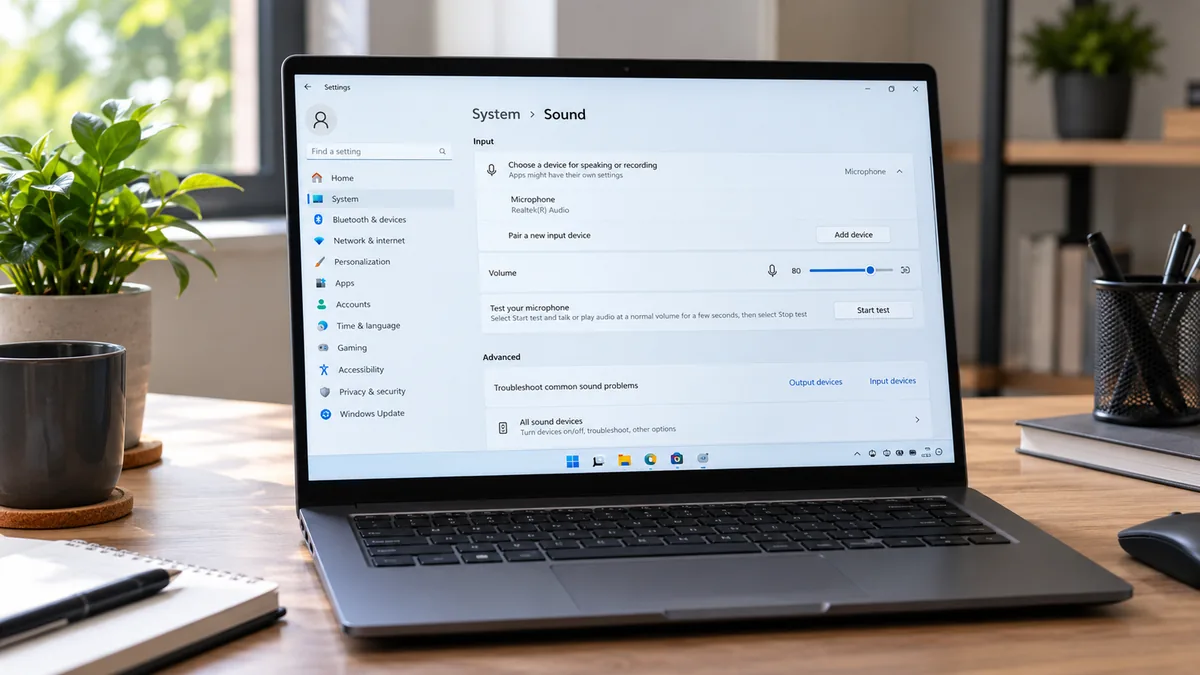
Laptop Screen Resolution Stuck: Every Fix That Actually Works (2026)

A stuck laptop resolution almost always means Windows has fallen back to the Microsoft Basic Display Adapter, a generic fallback driver that only supports low resolutions. Reinstalling the correct GPU driver from your laptop manufacturer’s website resolves the problem in most cases. Expect the fix to take under 15 minutes and cost nothing. Introduction Your … Read more

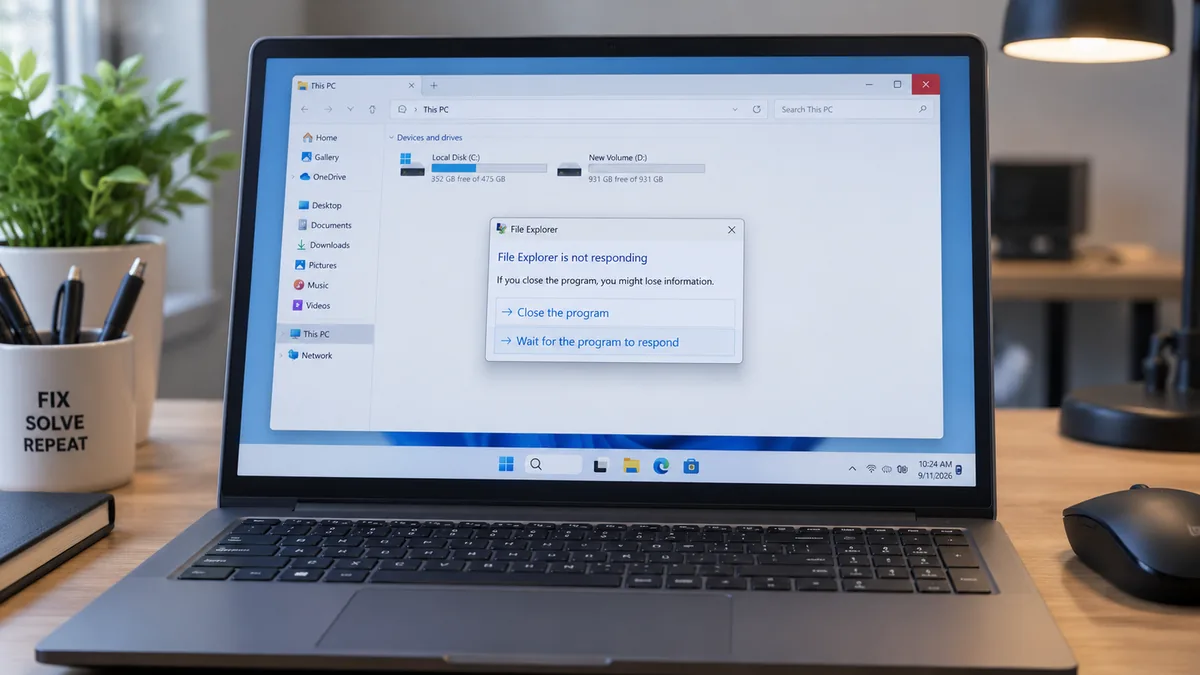
File Explorer Keeps Crashing Windows 11: Fix It Fast (2026)

The most common cause of File Explorer crashing on Windows 11 is a corrupted Quick Access cache or a rogue third-party shell extension injecting into explorer.exe. Start by restarting Windows Explorer through Task Manager. That takes 30 seconds and resolves random crashes instantly. If it returns, clear the Explorer cache or disable shell extensions to … Read more

Windows 11 Internet Keeps Disconnecting? Here Is How to Fix It Fast

The most common reason Windows 11 internet keeps disconnecting is the wireless adapter’s power management setting — Windows cuts power to the adapter to save battery, which drops the connection. Open Device Manager, right-click your WiFi adapter, go to Properties, then Power Management, and uncheck “Allow the computer to turn off this device to save … Read more

Laptop Won’t Wake from Sleep Windows 11: Every Fix That Actually Works (2026)

The most common cause of a laptop not waking from sleep in Windows 11 is Fast Startup corrupting the sleep state, a GPU or chipset driver failing to respond to the wake signal, or USB devices losing their wake permissions after a Windows Update. Disable Fast Startup first. Most laptops wake normally within five minutes … Read more

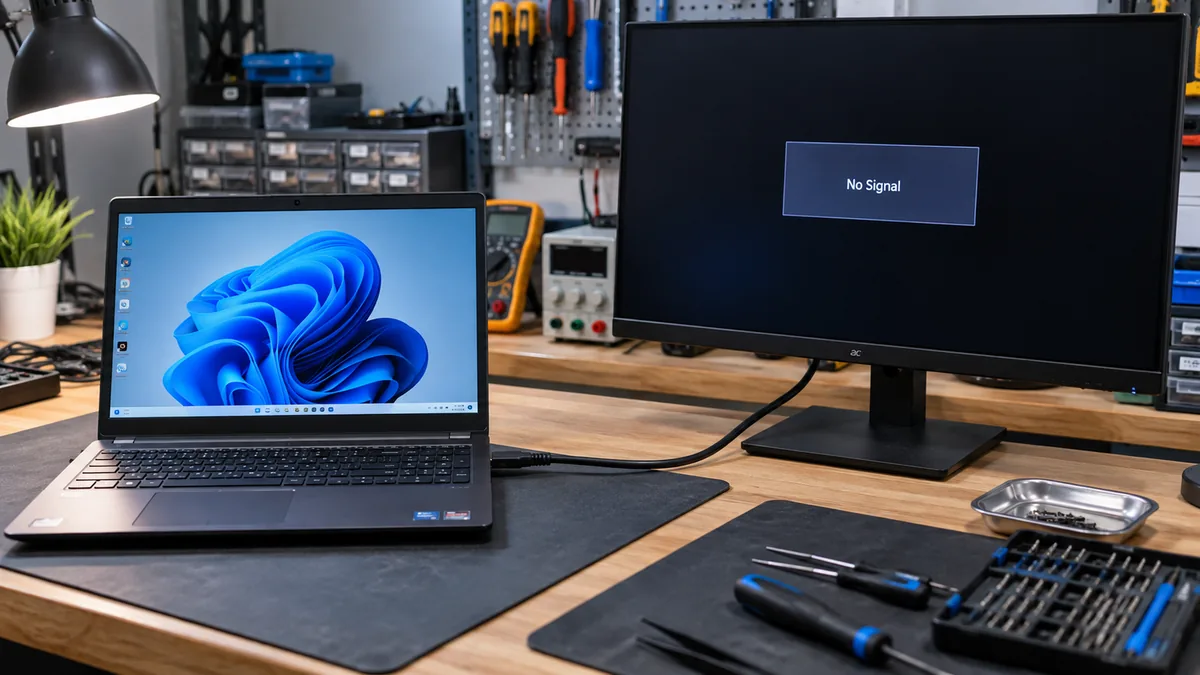
Laptop HDMI No Signal: Every Fix That Actually Works (2026)

The most common cause of laptop HDMI no signal is Windows defaulting to laptop-only display mode after a reboot or driver update. Press Win+P and select Extend or Duplicate to push a signal through the port immediately. If that fails, power cycle both devices and check the monitor’s input source. Most cases resolve in under … Read more

Windows 11 Apps Not Opening? Here Is How to Fix It Fast (2026)

The most common cause of Windows 11 apps not opening is a bad Windows Update, a corrupted Microsoft Store license cache, or a stopped Application Identity service. Restart the Application Identity service first, then run WSReset.exe to clear the Store cache. Most cases resolve in under 15 minutes without reinstalling Windows. Introduction You click an … Read more