No WiFi Adapter Found? Here Is How to Fix It Fast (2026)

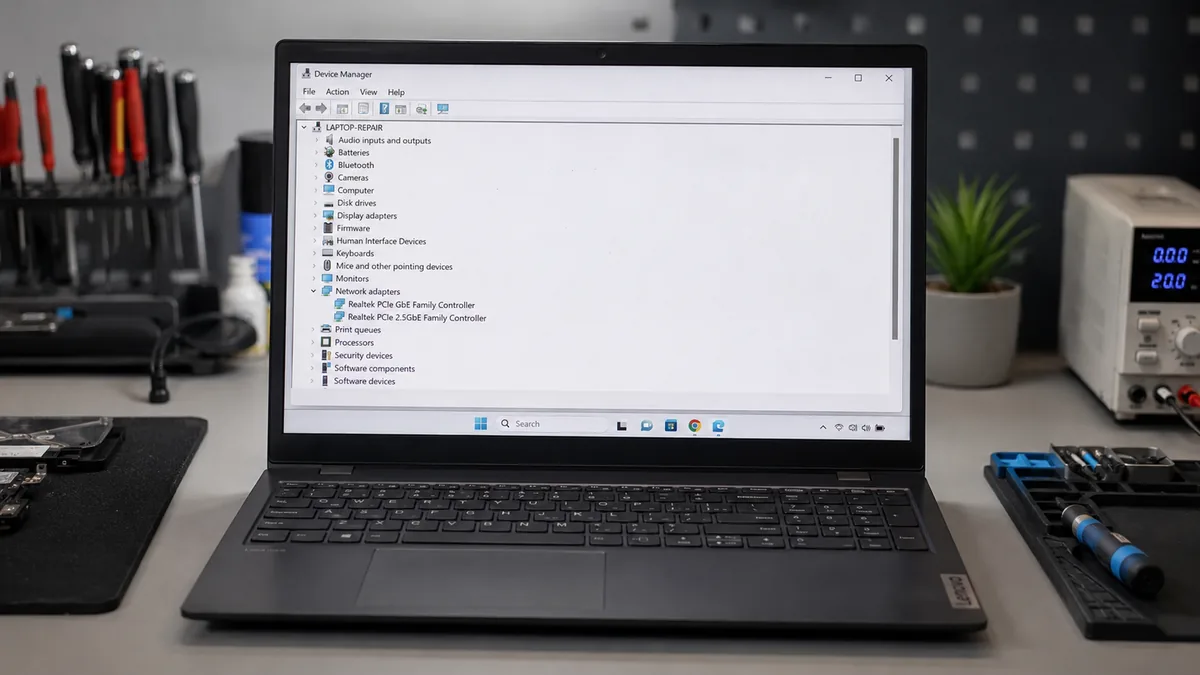
The most likely cause is a corrupted or Windows-Update-replaced wireless driver. Open Device Manager and look under Network Adapters. If your wireless adapter is missing or flagged, reinstall the driver from your laptop manufacturer’s website. Most cases resolve in under 20 minutes with no cost. Hardware failure is rare and only applies after all software … Read more

Thunderbolt Not Working on Laptop? Here Is How to Fix It Fast (2026)

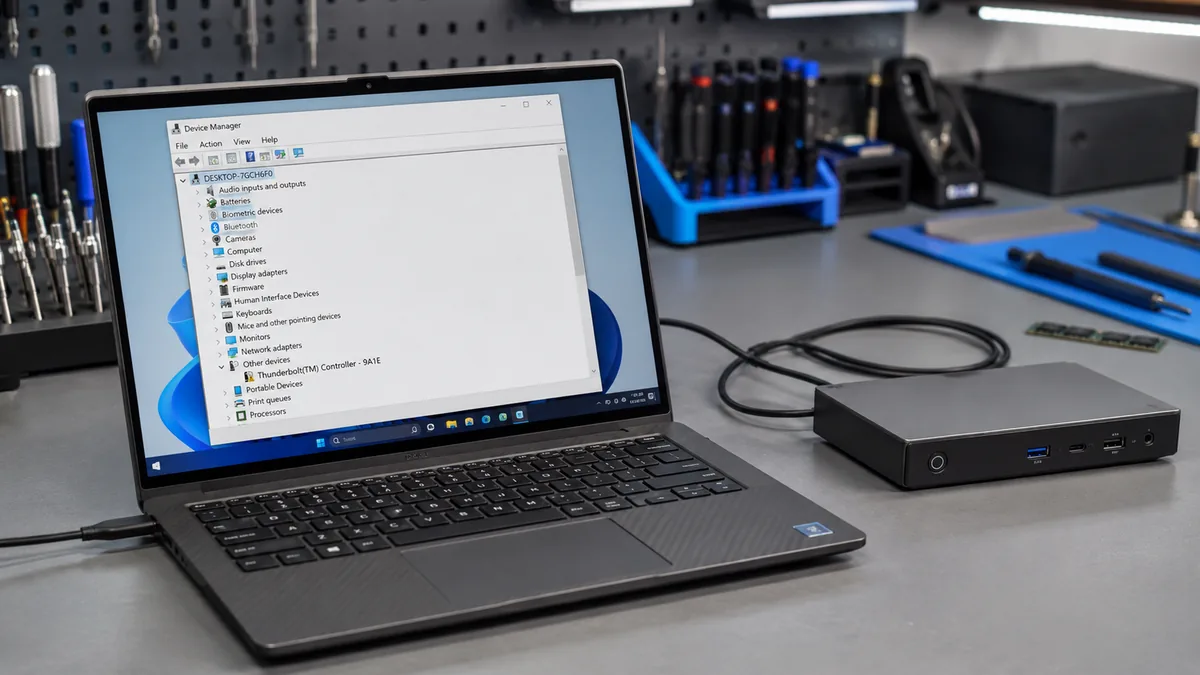
The most common cause of Thunderbolt not working is a failed controller handshake caused by a wrong cable, a blocked BIOS setting, a corrupted driver, or a frozen Embedded Controller. Start by verifying the cable is Thunderbolt-certified, then check BIOS to confirm the Thunderbolt controller is enabled. Most cases resolve within 20 minutes without any … Read more

SD Card Not Detected on Laptop? Here Is How to Fix It Fast (2026)

The most likely cause is a corrupted or outdated card reader driver, a missing Windows drive letter assignment, or dirty card contacts preventing proper communication. Reinstall the card reader driver via Device Manager, then check Disk Management to assign a drive letter if the card appears there but not in File Explorer. Most users recover … Read more

Battery Light Blinking on Laptop: What It Means and How to Fix It

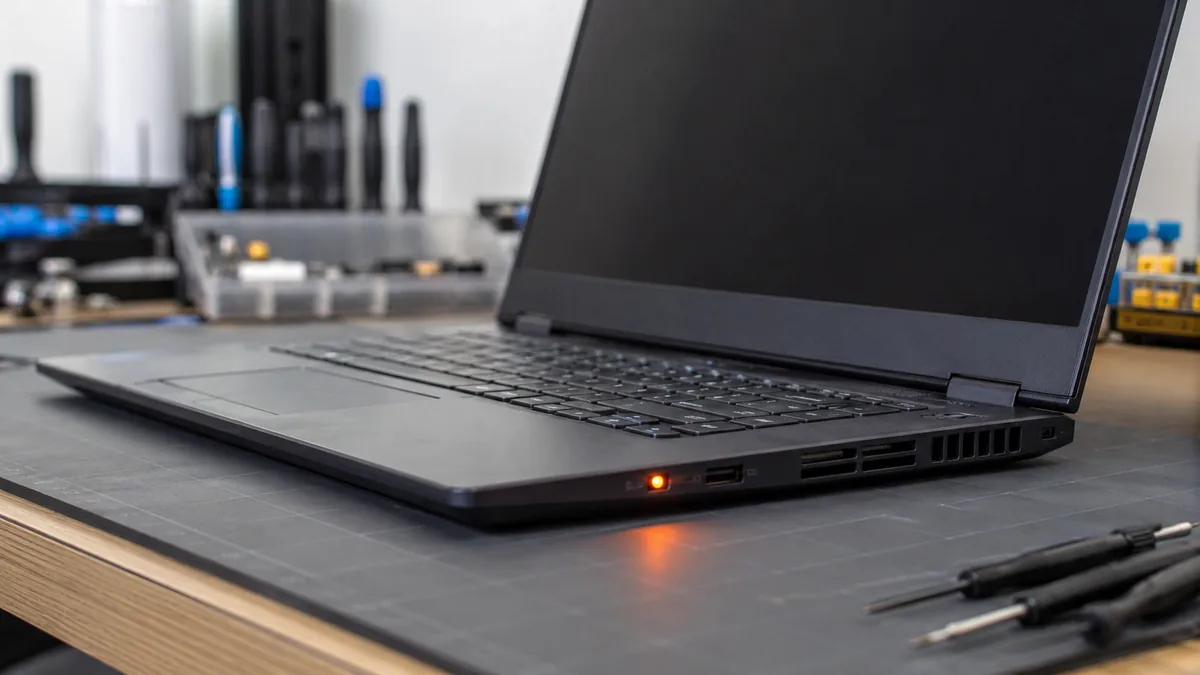
A blinking battery light almost always means one of three things: the battery charge is critically low, a charging fault has been detected (wrong charger, failing battery, or loose connection), or the EC (Embedded Controller) is stuck in a fault state. Check your charger connection first. A power drain reset fixes the majority of sudden … Read more

Ethernet Not Working on Laptop? Here Is How to Fix It Fast (2026)

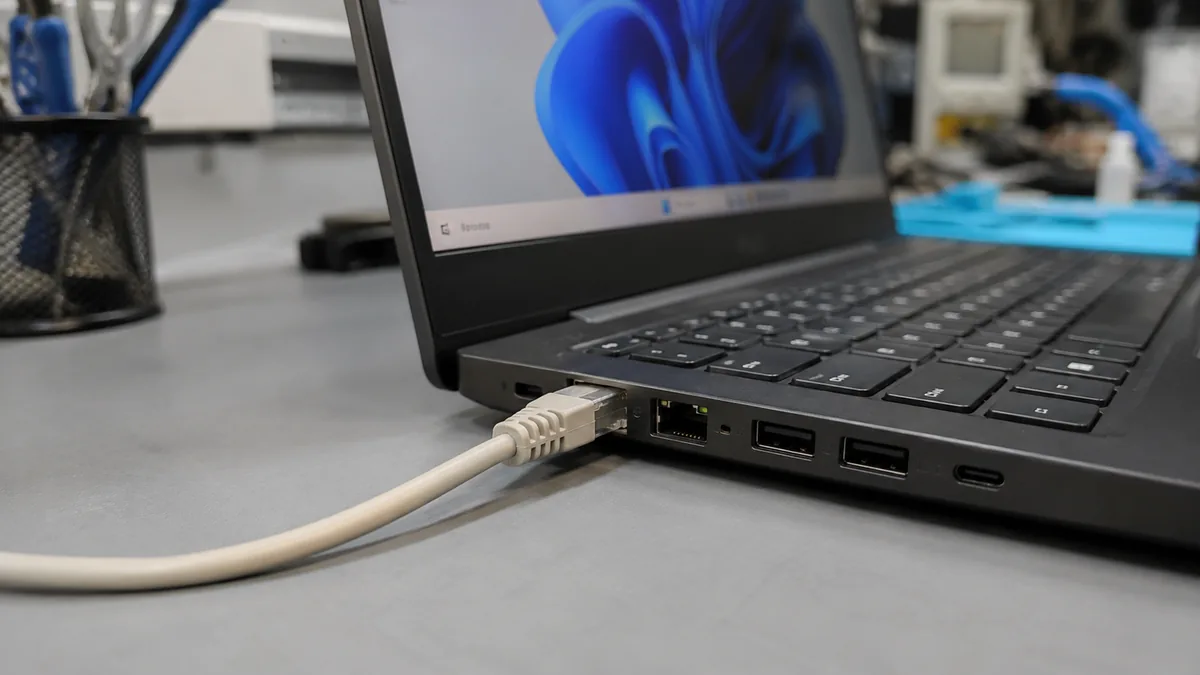
The most common cause of Ethernet not working on a laptop is a corrupted or Windows-replaced network driver, followed by the adapter being silently disabled by power management. Open Device Manager, uninstall the Ethernet adapter, restart, then let Windows reinstall it fresh. This resolves the problem in most cases within five minutes. Introduction You plug … Read more

Laptop Thermal Throttling: Why It Happens and How to Fix It

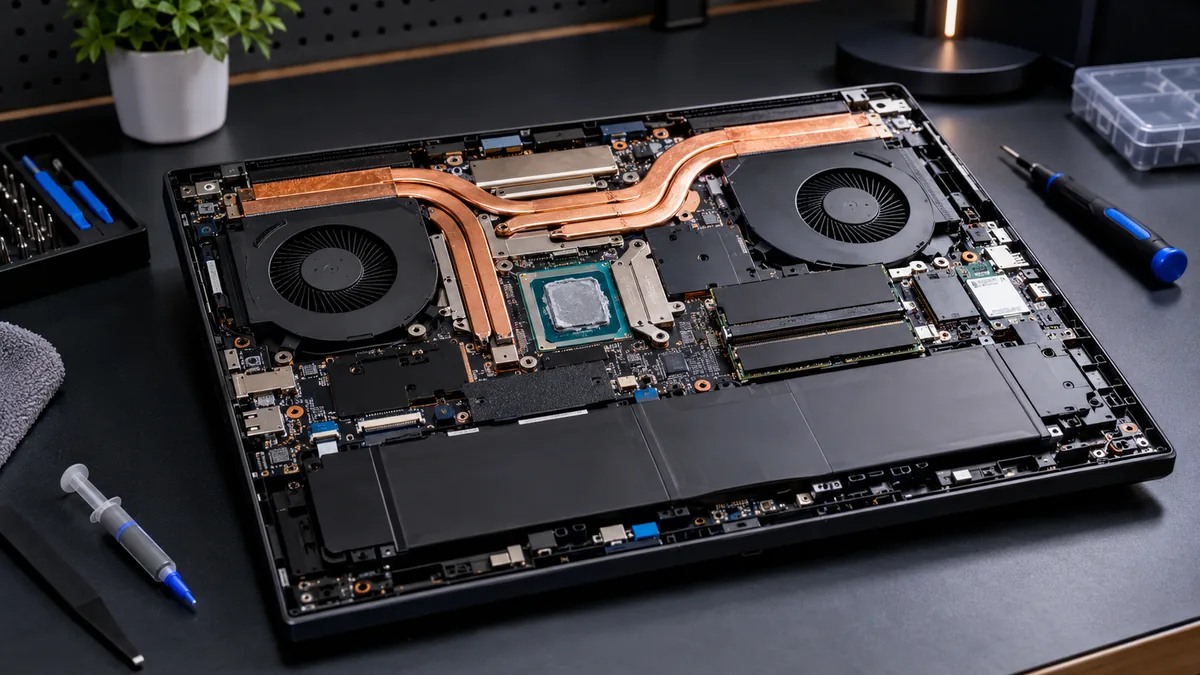
Thermal throttling happens when your CPU or GPU hits its temperature limit and cuts its own clock speed to avoid damage. The fastest fix is checking your Windows power plan (switch to High Performance), cleaning the vents, and verifying temperatures with HWiNFO64. Most laptops recover sustained performance within minutes of fixing airflow and power settings. … Read more