Laptop Battery Swollen: What It Means, What to Do, and When to Replace It

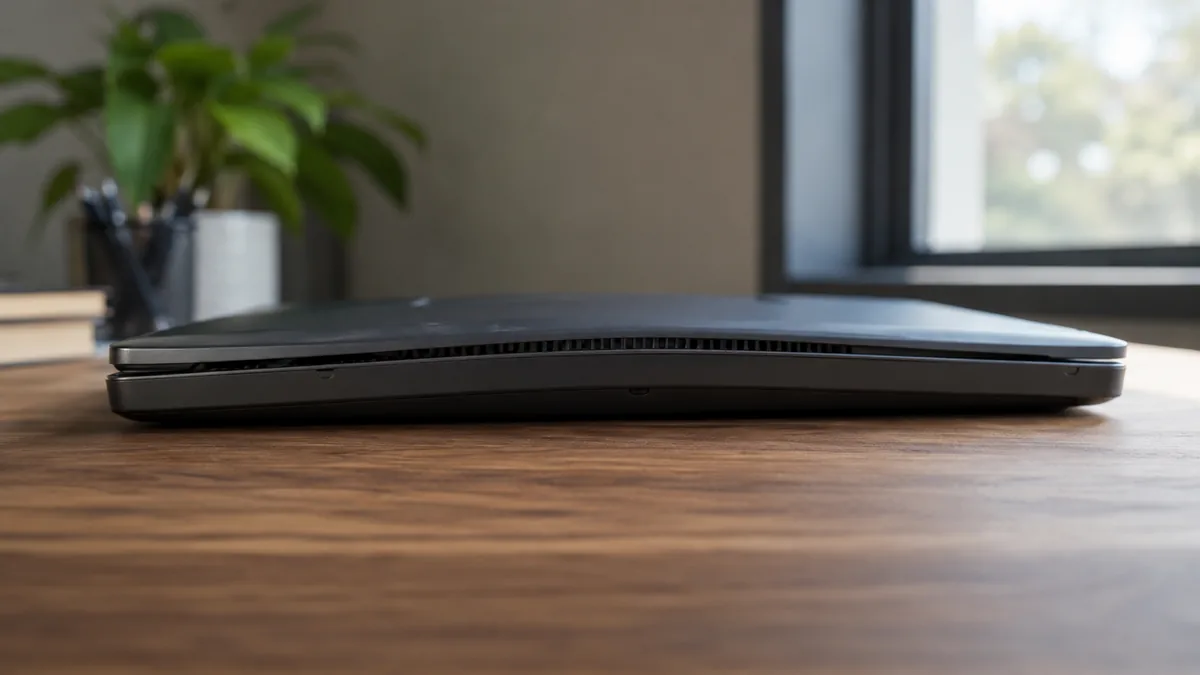
Quick Answer A swollen laptop battery is caused by gas buildup inside the lithium-ion cells, triggered by age, overcharging, heat, or a manufacturing defect. Stop using the laptop immediately, unplug it from the wall, and do not press or puncture the battery. Replacement is the only fix. There is no way to reverse battery swelling. … Read more

Bright Spots on Laptop Screen: Causes, Fixes, and When to Replace

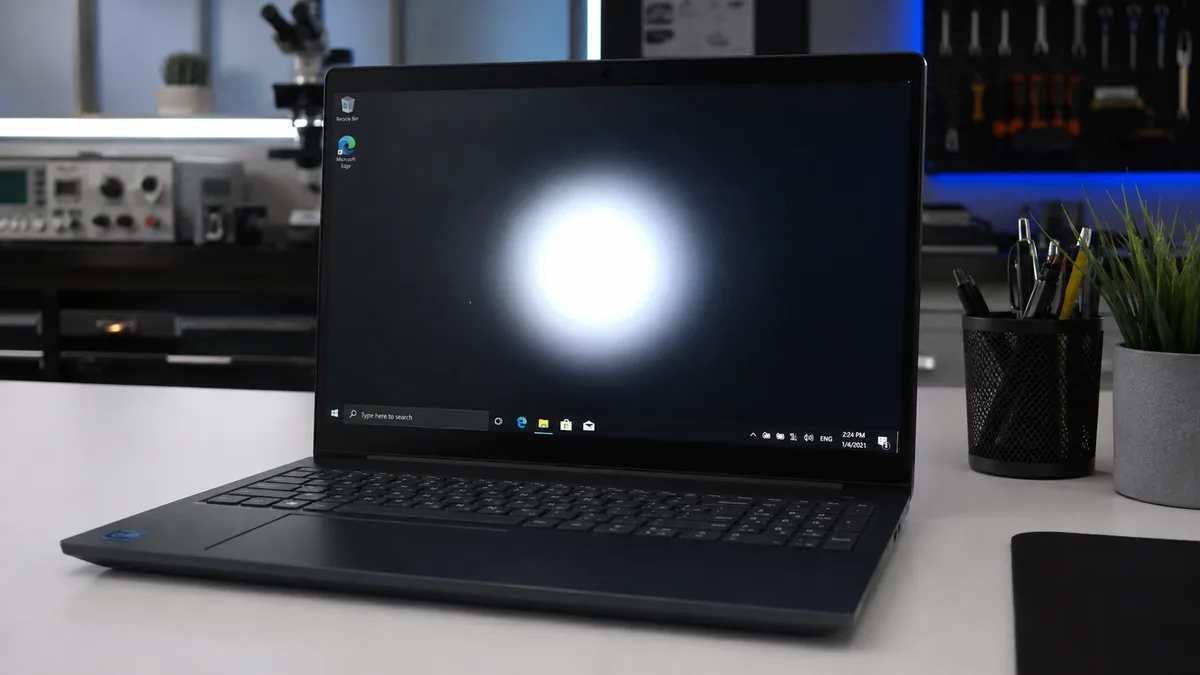
Quick Answer Bright spots on a laptop screen are almost always caused by physical pressure on the panel. Something pressed hard against the LCD layer and disrupted the backlight diffuser or liquid crystal layer underneath. Adjusting the display cable or running a pixel repair tool fixes the softer cases. True pressure damage usually means a … Read more

WiFi Driver Missing on Your Laptop? Here’s How to Actually Fix It

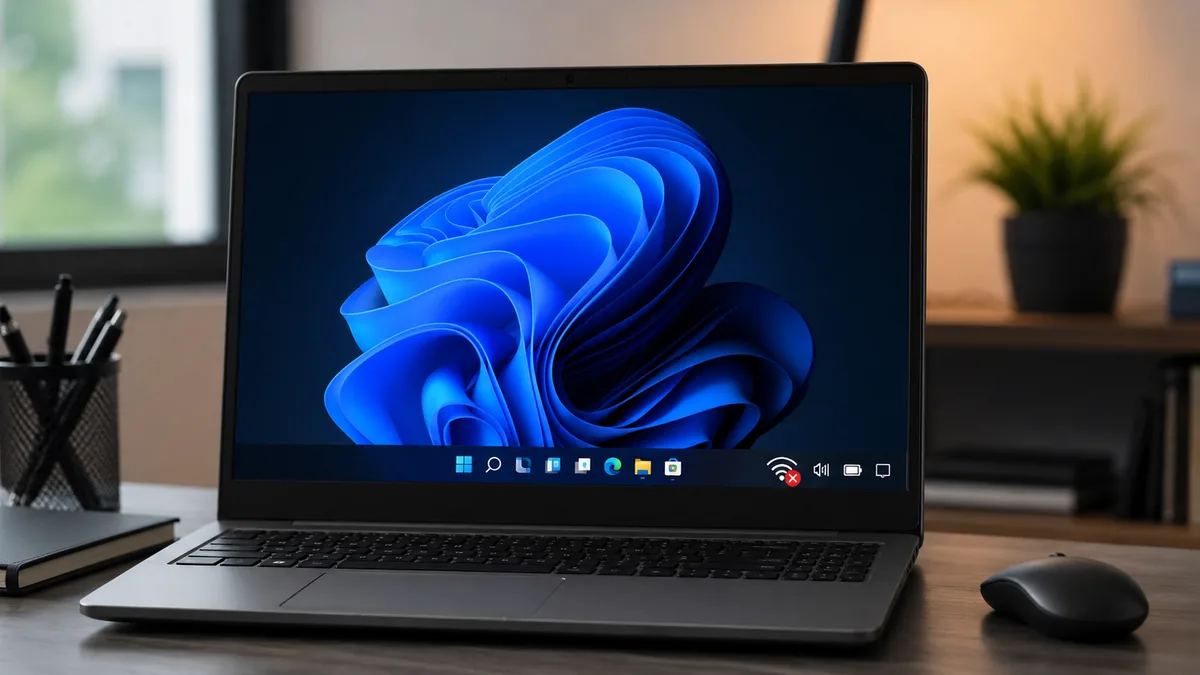
Quick Answer: The most common cause of a missing WiFi driver is a Windows Update that overwrote or removed the wireless adapter driver. Open Device Manager and check whether the adapter appears with an error flag or is completely absent. If it shows with a yellow triangle, reinstalling the driver from your laptop manufacturer’s website … Read more

USB-C Not Charging: Why It Happens and How to Fix It

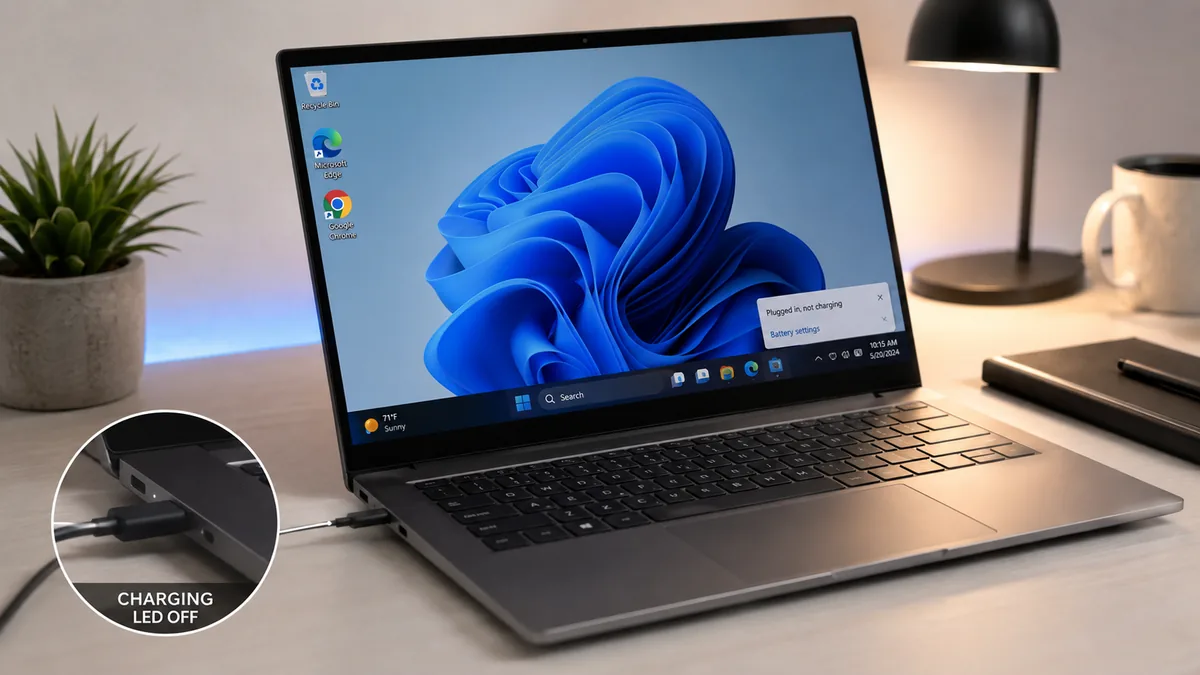
Quick Answer USB-C not charging is almost always caused by one of four things: plugging into the wrong port, using an underpowered charger, a damaged cable that cannot negotiate Power Delivery, or a stuck Embedded Controller. Try a different USB-C port first, confirm charger wattage, then hold the power button for 30 seconds unplugged to … Read more

AMD Adrenalin Not Opening? Here Is How to Fix It Fast

Quick Answer The most common reason AMD Adrenalin stops opening is a corrupted profile file called gmdb.blb or a conflict with the Epic Games Launcher Logs folder. Delete the gmdb.blb file from %localappdata%\AMD\CN, restart your PC, and launch AMD Software again. Most users are back in the control panel within five minutes. Introduction You click … Read more

GPU Overheating on Laptop: Causes, Fixes, and When to Get It Repaired

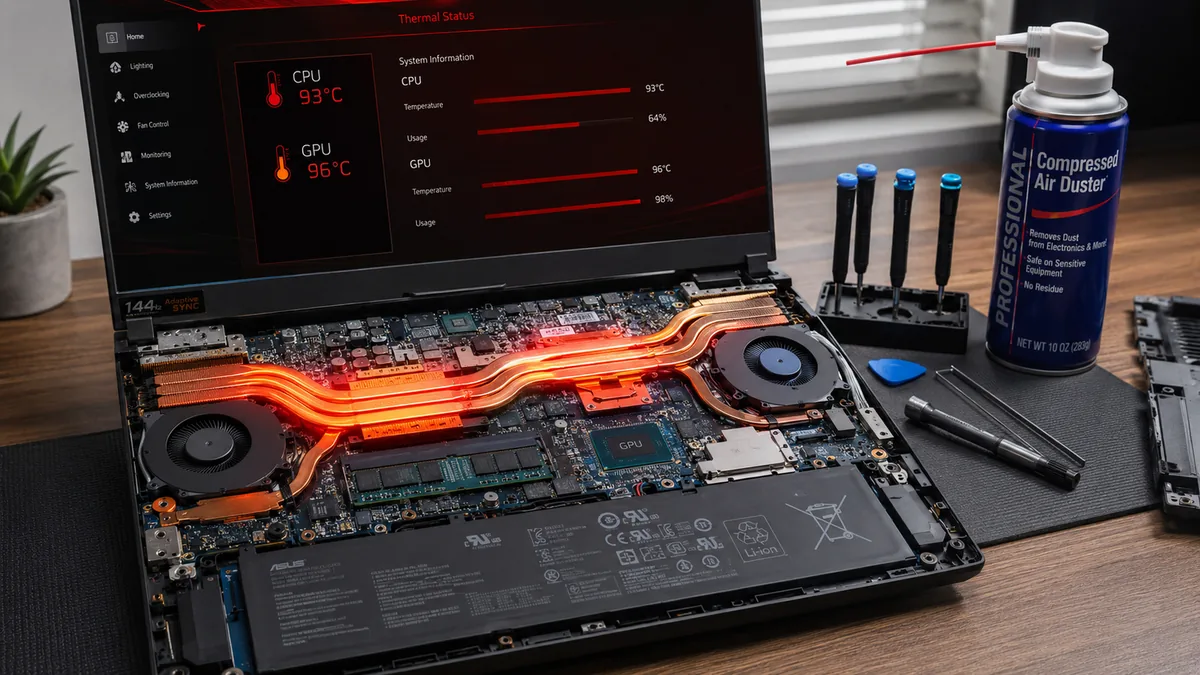
Quick Answer A laptop GPU overheats most often because of dust-clogged vents, dried thermal paste, or a fan that is no longer spinning at the right speed. Open your manufacturer’s thermal management software, switch to a high-performance fan mode, and clean the exhaust vents with compressed air. Most laptops recover immediately. If temperatures stay above … Read more

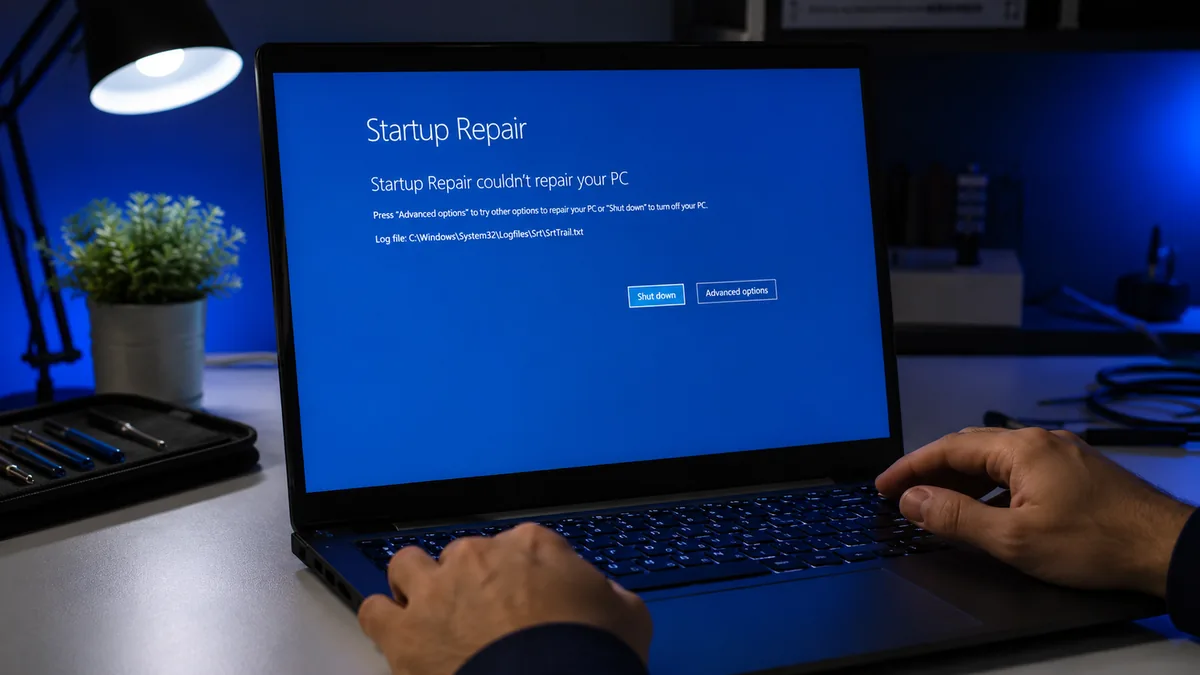
Startup Repair Failed: What It Means and How to Actually Fix It

Quick Answer When Startup Repair fails, the built-in recovery tool hit a problem it cannot solve on its own. The most common causes are a corrupted Boot Configuration Data (BCD) file, damaged system files, or a failing SSD. Open Command Prompt from the Windows Recovery Environment and run CHKDSK, SFC, and the bootrec commands in … Read more

NVIDIA Control Panel Missing? Here Is How to Get It Back

Quick Answer The NVIDIA Control Panel goes missing on Windows 10 and 11 most often because of a disabled NVIDIA Display Container LS service, a failed Microsoft Store installation caused by the switch to DCH drivers, or a corrupted driver install. Restart the service first. If that fails, reinstall the Control Panel from the Microsoft … Read more