Windows Update Broke My Laptop? Here Is How to Fix It Fast

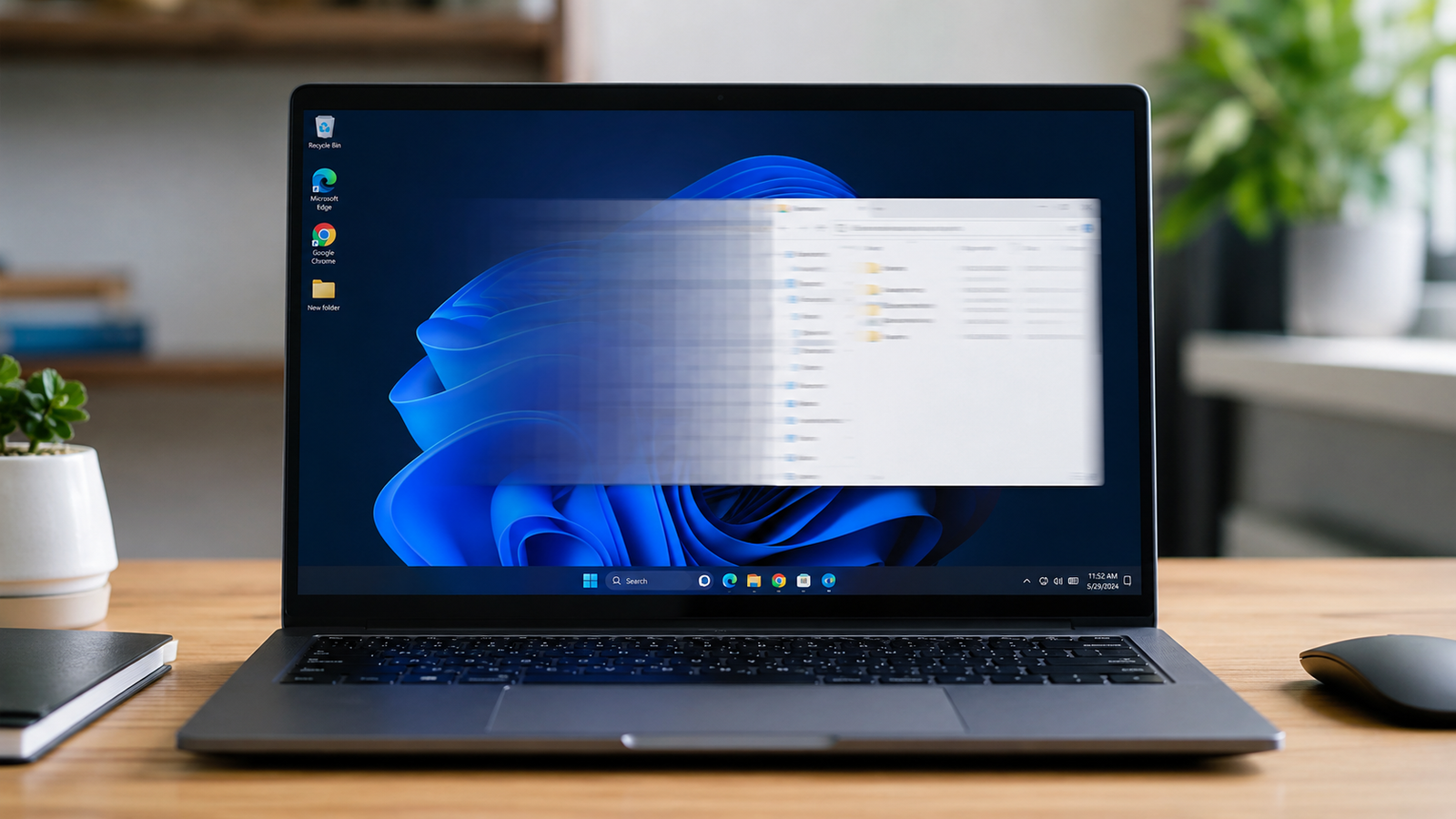
Laptop screen frozen on Windows update progress after the update broke the system

Quick Answer A laptop that breaks after a Windows update is almost always a software problem, not a hardware failure. The most common causes are a corrupted update file, a driver conflict, or a restart that interrupted installation. Booting into Windows Recovery Environment and uninstalling the update or running Startup Repair fixes most laptops within … Read more

Bluetooth Not Working on Laptop: Full Fix Guide (2026)

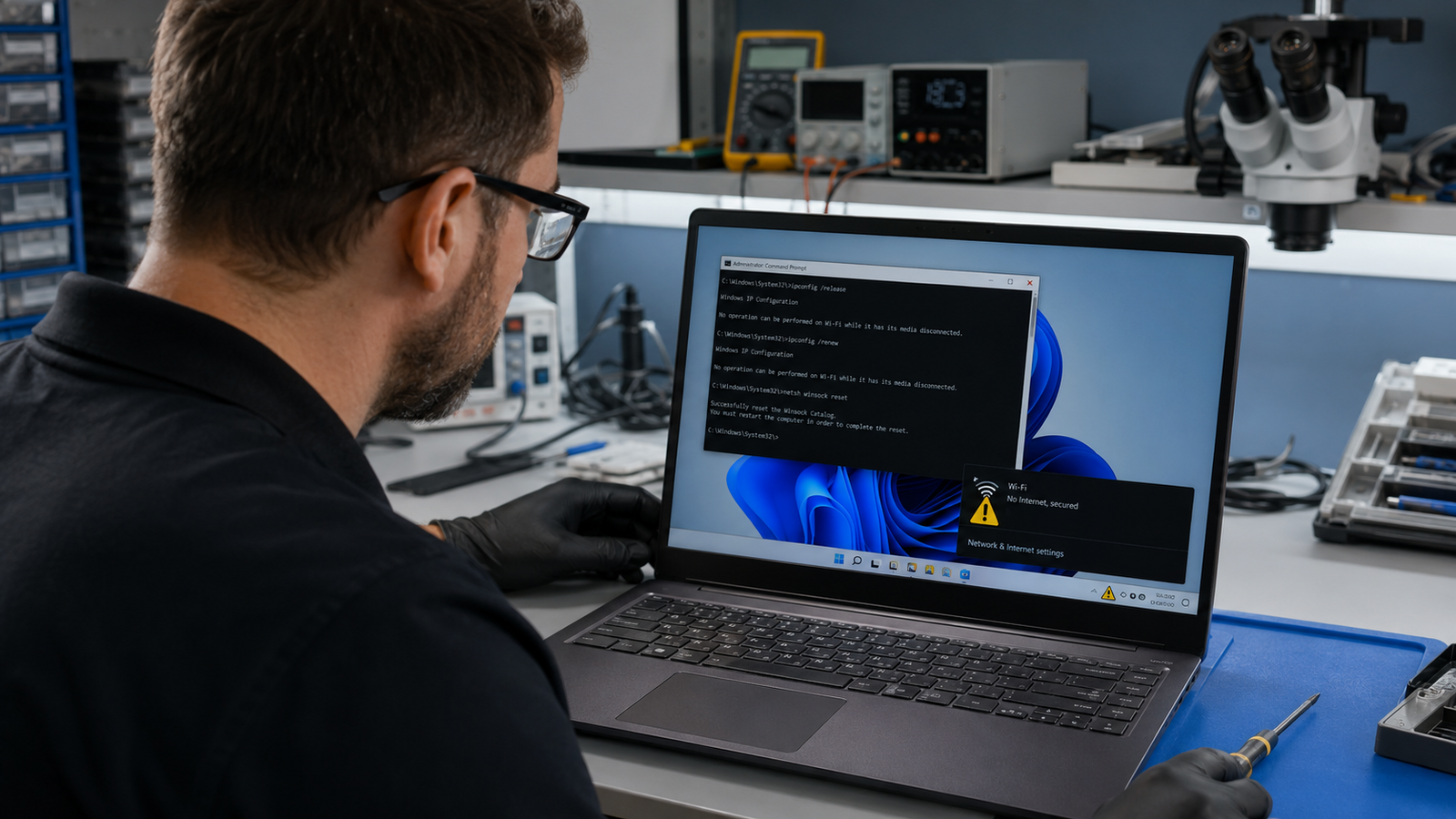
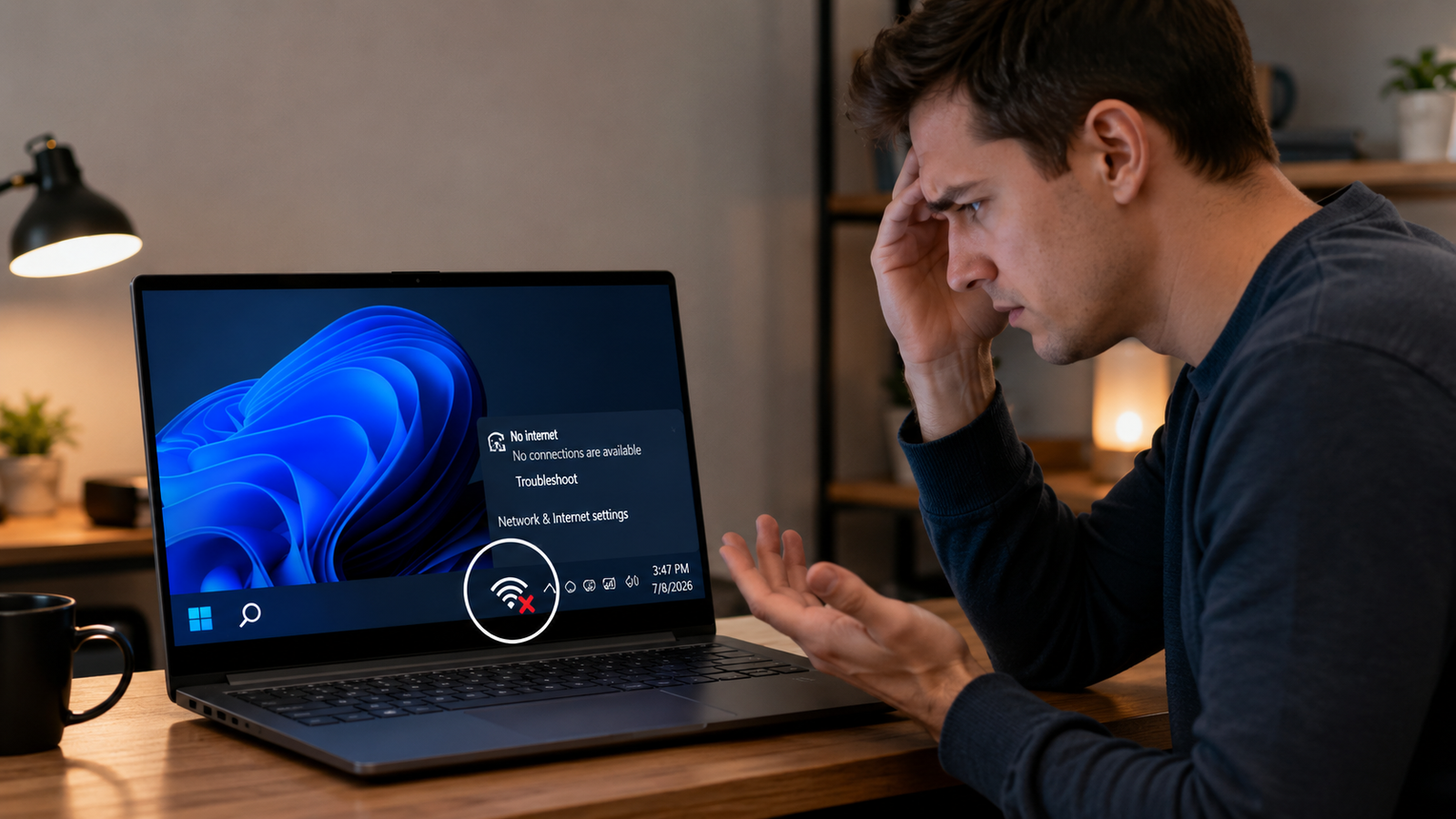
Laptop with Bluetooth not working showing Windows 11 settings panel open on clean repair bench

Quick Answer Most laptop Bluetooth failures after a Windows update come from a corrupted or replaced driver. Open Device Manager, find your Bluetooth adapter under the Bluetooth section, right-click it, and select Update Driver. If the adapter is missing entirely, restart the laptop and check that Airplane Mode is off. Most users are back online … Read more

USB Ports Not Working on Laptop: Full Fix Guide (All Causes Covered)

Laptop USB port not working with USB device not recognized error on Windows screen Filename

Quick Answer The most common reason laptop USB ports stop working is Windows power management cutting power to the USB controller and failing to restore it. Go to Device Manager, expand Universal Serial Bus Controllers, right-click each USB Root Hub, open Properties, go to Power Management, and uncheck “Allow the computer to turn off this … Read more

Laptop High CPU Usage Fix: What’s Actually Causing It and How to Stop It

Laptop with Task Manager showing high CPU usage at 98 percent

Quick Answer The most common cause of high laptop CPU usage is a background process Windows Defender scanning, Windows Update downloading, or a stuck Service Host loop. Open Task Manager (Ctrl + Shift + Esc), sort by CPU, identify the top offender, and end or reschedule it. Most cases resolve within minutes without touching hardware. … Read more

Graphics Driver Crash on Laptop: How to Diagnose and Fix It Fast

Laptop showing display driver stopped responding and has recovered error on Windows screen

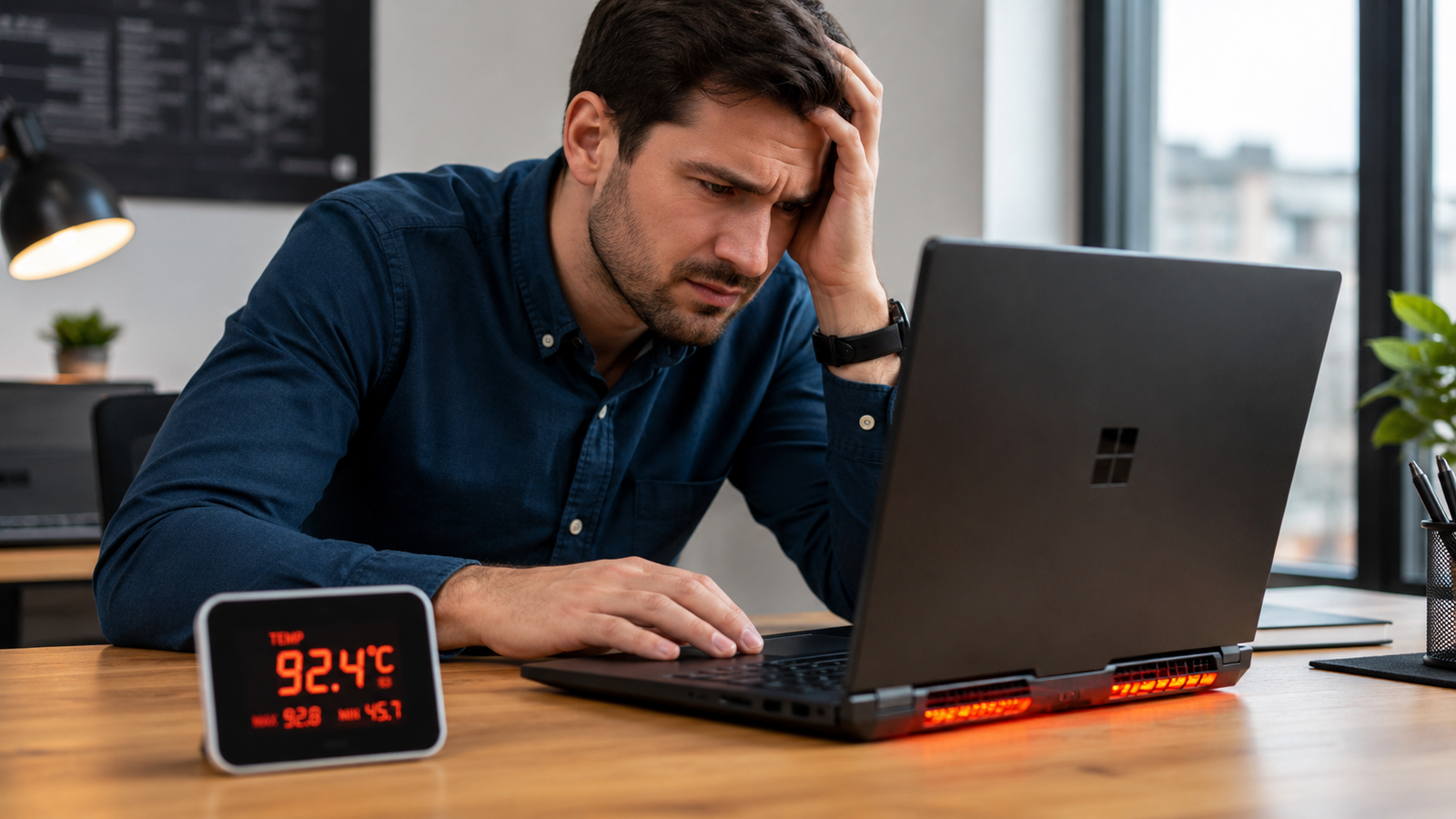
Quick Answer Most graphics driver crashes on laptops are caused by corrupted drivers, overheating GPU, or a failed Windows Update that broke the driver. Start by running a clean DDU reinstall of your graphics driver in Safe Mode. That alone resolves around 70% of cases. If the crash continues, suspect heat or a hardware fault. … Read more

Laptop Screen Flickering? Complete Troubleshooting Guide (2026)

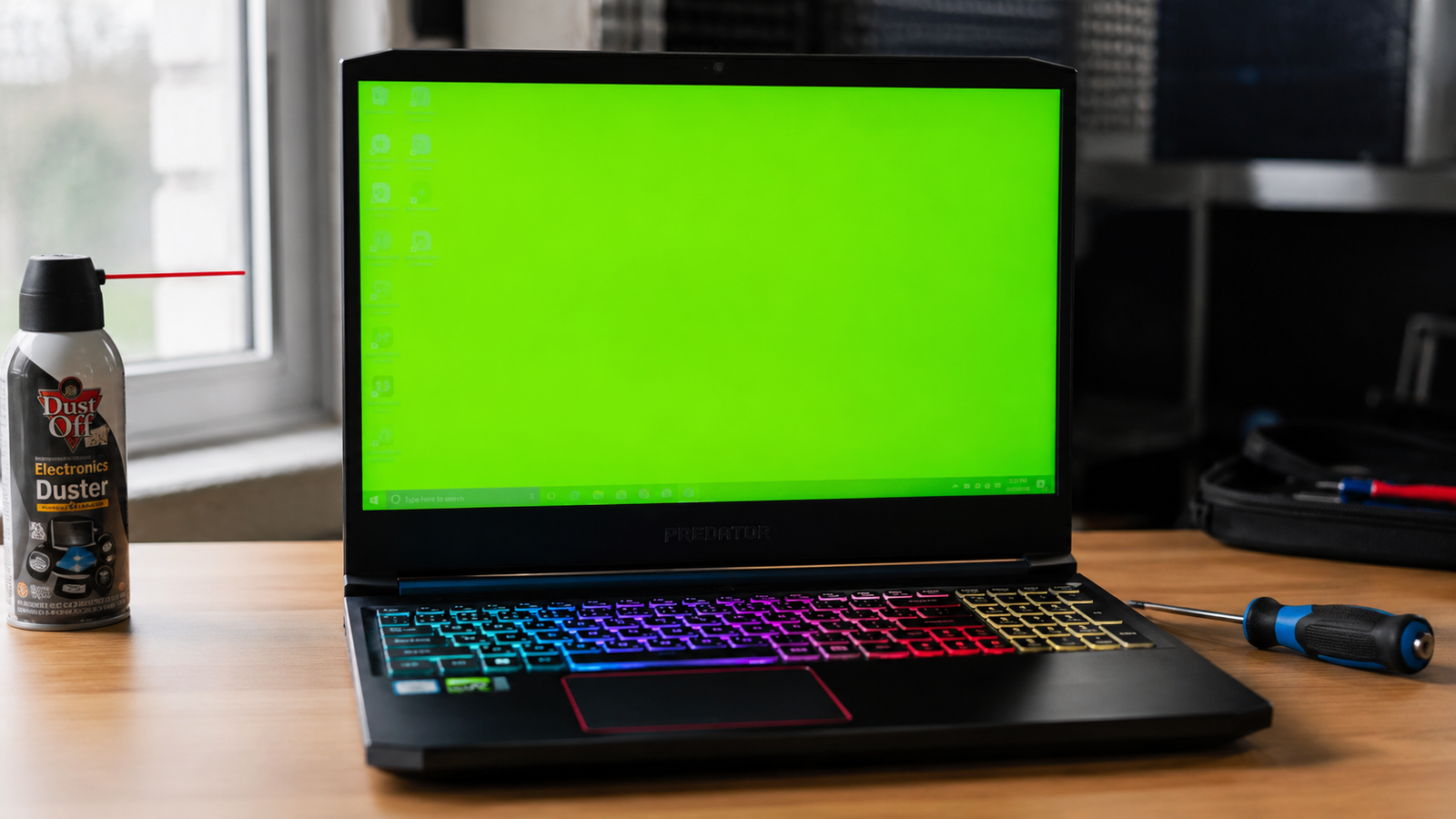
Laptop screen flickering during professional diagnostics.

Quick Answer Laptop screen flickering is most commonly caused by graphics driver issues, incorrect refresh rate settings, damaged display cables, or a failing LCD panel. The fastest diagnosis is connecting an external monitor. If the external display works normally, the problem is usually inside the laptop screen assembly rather than the GPU. Introduction A flickering … Read more

How to Remove a Virus from a Laptop Running Windows 11

Removing a virus from a Windows 11 laptop using Microsoft Defender

Quick Answer The fastest way to remove a virus from a Windows 11 laptop is to disconnect from the internet, run a Microsoft Defender Full Scan, then perform a Microsoft Defender Offline Scan. This removes most active malware, spyware, trojans, and browser hijackers that hide during normal Windows operation. Microsoft specifically recommends Defender Offline for … Read more