Laptop High CPU Usage Fix: What’s Actually Causing It and How to Stop It

Laptop with Task Manager showing high CPU usage at 98 percent

Quick Answer The most common cause of high laptop CPU usage is a background process Windows Defender scanning, Windows Update downloading, or a stuck Service Host loop. Open Task Manager (Ctrl + Shift + Esc), sort by CPU, identify the top offender, and end or reschedule it. Most cases resolve within minutes without touching hardware. … Read more

Graphics Driver Crash on Laptop: How to Diagnose and Fix It Fast

Laptop showing display driver stopped responding and has recovered error on Windows screen

Quick Answer Most graphics driver crashes on laptops are caused by corrupted drivers, overheating GPU, or a failed Windows Update that broke the driver. Start by running a clean DDU reinstall of your graphics driver in Safe Mode. That alone resolves around 70% of cases. If the crash continues, suspect heat or a hardware fault. … Read more

Laptop Screen Flickering? Complete Troubleshooting Guide (2026)

Laptop screen flickering during professional diagnostics.

Quick Answer Laptop screen flickering is most commonly caused by graphics driver issues, incorrect refresh rate settings, damaged display cables, or a failing LCD panel. The fastest diagnosis is connecting an external monitor. If the external display works normally, the problem is usually inside the laptop screen assembly rather than the GPU. Introduction A flickering … Read more

How to Remove a Virus from a Laptop Running Windows 11

Removing a virus from a Windows 11 laptop using Microsoft Defender

Quick Answer The fastest way to remove a virus from a Windows 11 laptop is to disconnect from the internet, run a Microsoft Defender Full Scan, then perform a Microsoft Defender Offline Scan. This removes most active malware, spyware, trojans, and browser hijackers that hide during normal Windows operation. Microsoft specifically recommends Defender Offline for … Read more

Graphics Card Not Working on Laptop? Complete Troubleshooting Guide (2026)

Laptop graphics card not working with GPU error displayed on screen.

Quick Answer If your laptop graphics card is not working, the most common causes are corrupted GPU drivers, Windows update conflicts, overheating, incorrect graphics settings, or failing hardware. Start by checking Device Manager, reinstalling graphics drivers, and monitoring temperatures. In many cases, software fixes restore full GPU functionality without replacing any hardware. Introduction Your laptop’s … Read more

Laptop Not Detecting External Monitor? Complete Troubleshooting Guide (2026)

Laptop not detecting external monitor

Quick Answer If your laptop is not detecting an external monitor, the most common causes are a faulty cable, incorrect display settings, outdated graphics drivers, unsupported USB-C ports, or docking station issues. The fastest fix is to manually detect displays in Windows, test a different cable, and update your graphics driver. In most cases, the … Read more

Laptop Charging Slowly? Complete Troubleshooting Guide (2026)

Laptop charging slowly with battery diagnostics displayed on screen

Quick Answer A laptop charging slowly is usually caused by an underpowered charger, battery wear, overheating, power-hungry applications, or charging port issues. The fastest fix is to verify charger wattage, reduce system load, and check battery health. In most cases, charging speed returns to normal without replacing the battery. Introduction You plug in your laptop … Read more

Laptop Battery Draining Fast? Complete Troubleshooting Guide (2026)

Laptop battery draining fast on Windows 11

Quick Answer A laptop battery that drains fast is usually caused by background applications, excessive power settings, display brightness, overheating, or a worn-out battery. The fastest fix is checking battery usage, enabling Battery Saver mode, and generating a battery report. If battery health has fallen below 50–60% of its original capacity, replacement is often required. … Read more

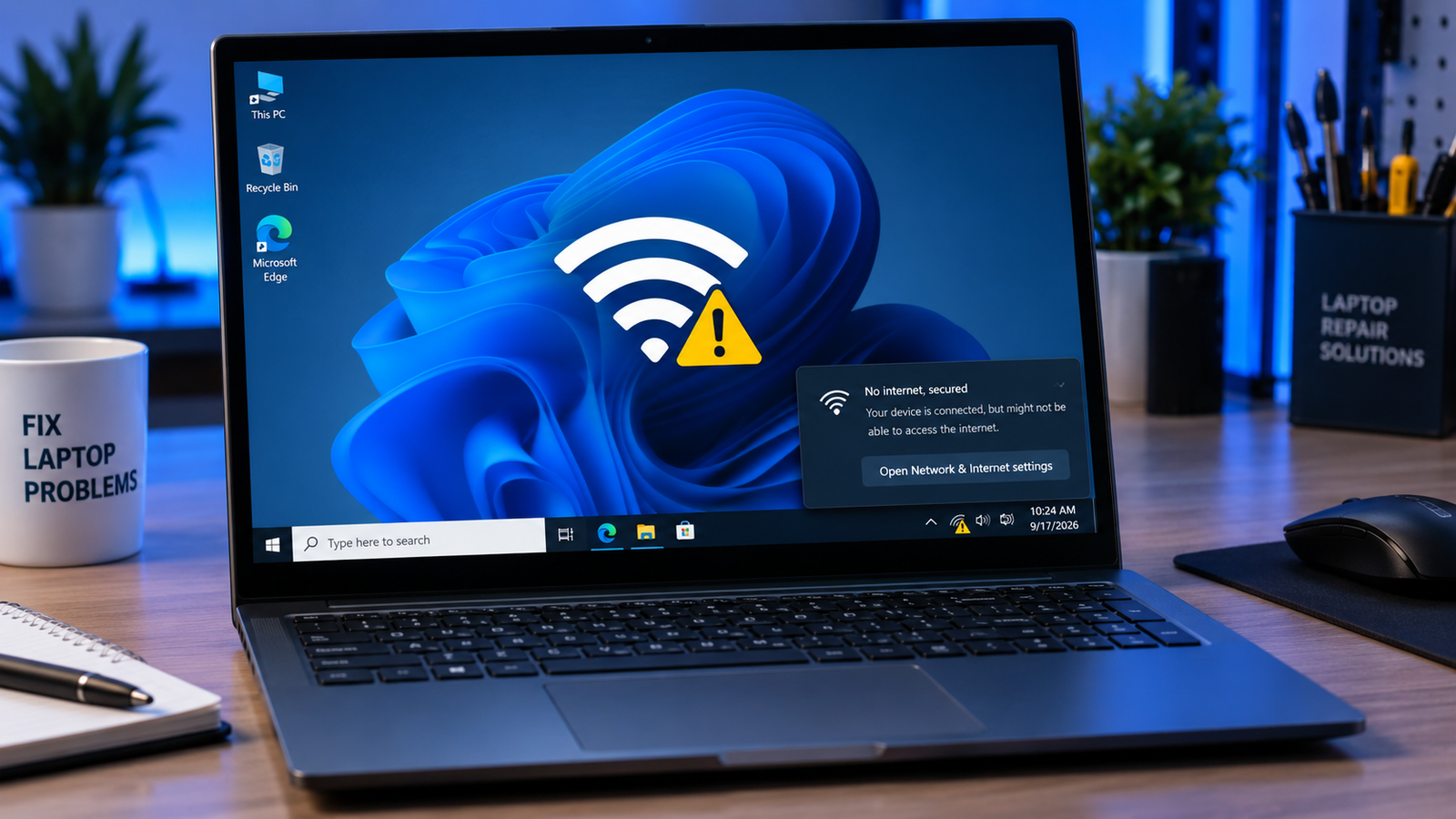
Laptop Keeps Disconnecting WiFi Fix (2026)

Laptop keeps disconnecting WiFi with warning icons and unstable network graphics on a Windows laptop.

A laptop that keeps disconnecting from WiFi is usually caused by outdated network drivers, aggressive power-saving settings, router instability, corrupted network configurations, or weak wireless signals. Resetting the network adapter, updating drivers, changing power settings, and adjusting router channels resolves most random WiFi drop issues within minutes. • Disable WiFi power saving to stop random … Read more

Blue Screen Error Laptop Fix (2026)

Blue screen error laptop with repair tools, SSD, RAM, and glowing Windows BSOD display on a dark desk.

A blue screen error laptop crash usually happens because of corrupted drivers, failing RAM, overheating, damaged system files, or SSD problems. The fastest fixes are removing recent drivers or updates, running Windows diagnostics, checking temperatures, and repairing corrupted files before hardware damage worsens. • Most BSOD crashes are linked to driver or memory failures• Repeated … Read more