Laptop Freezing Windows 11 Fix (2026)

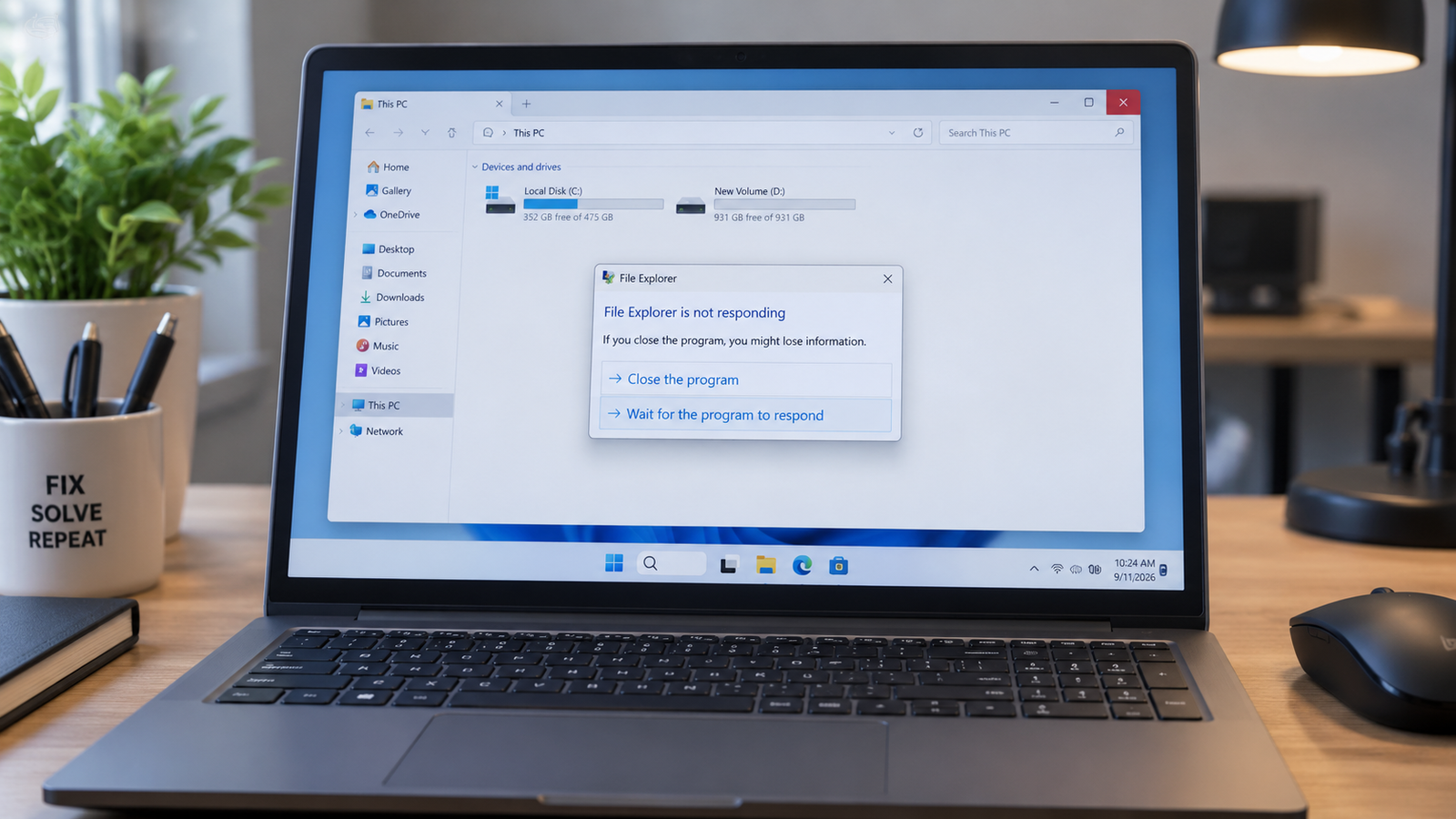
Laptop freezing Windows 11 problem shown on a modern laptop with diagnostic overlays and repair tools.

A laptop freezing on Windows 11 is usually caused by overheating, damaged system files, faulty RAM, outdated drivers, SSD errors, or overloaded startup apps. The fastest fixes include updating drivers, checking temperatures, disabling startup programs, repairing Windows files, and testing memory or storage health before hardware failure spreads. • Force-close frozen apps using Task Manager … Read more

Laptop Won’t Boot Windows Fix (2026)

Laptop won’t boot Windows showing frozen startup screen with repair tools and BIOS graphics.

A laptop that won’t boot Windows is usually caused by corrupted startup files, failed updates, damaged storage drives, BIOS problems, or hardware faults. You can fix most boot failures by disconnecting external devices, entering Windows Recovery, repairing startup files, checking BIOS settings, and testing the SSD or RAM. • Repair Windows startup files using Automatic … Read more

Windows Update Stuck Fix (2026)

Windows update stuck on a laptop screen with repair tools and warning icons visible.

A Windows update stuck issue is usually caused by corrupted update files, low disk space, broken Windows services, driver conflicts, or interrupted downloads. You can fix it by restarting update services, clearing the SoftwareDistribution folder, running built-in troubleshooters, repairing system files, or manually installing the failed update. • Restart Windows Update services and clear cached … Read more

Laptop Screen Goes Black Randomly Fix (2026)

Laptop screen goes black randomly while warning icons and overheating alerts appear on the display.

A laptop screen that goes black randomly is usually caused by display driver crashes, overheating, loose screen connections, power settings conflicts, or failing hardware components. Fixing the issue starts with checking display drivers, disabling fast startup, testing external monitors, and monitoring system temperatures before moving to hardware inspection. • Update or reinstall GPU drivers to … Read more

Laptop Lagging Fix on Windows 10/11 (2026)

Laptop lagging fix showing a slow Windows laptop with performance warning icons and cooling graphics.

A laptop lagging fix usually starts with reducing startup apps, clearing background processes, updating drivers, and checking storage health. Most slow laptops recover normal speed after removing software overload, fixing overheating, and upgrading RAM or SSD storage when needed. • Disable unnecessary startup programs to restore boot speed• Free up storage space and remove corrupted … Read more

Laptop Speakers Not Working Fix (2026)

Laptop speakers not working with muted sound icon displayed on a modern Windows laptop screen.

Laptop speakers not working is usually caused by muted audio settings, incorrect playback devices, damaged drivers, Windows audio service failures, or faulty internal speakers. You can restore sound by checking volume controls, switching playback devices, reinstalling audio drivers, restarting audio services, and testing hardware before replacing components. • Verify the correct output device is selected … Read more

Laptop Keyboard Typing Wrong Letters Fix (2026)

Laptop keyboard typing wrong letters with random symbols shown on a glowing laptop screen.

If your laptop keyboard is typing wrong letters, the issue usually comes from an incorrect keyboard layout, stuck modifier keys, outdated drivers, language settings, or hardware damage. Resetting the keyboard language, disabling Filter Keys, reinstalling drivers, and cleaning the keyboard resolves the problem in most cases. • Switch your keyboard language back to the correct … Read more

Laptop Overheating and Slow Fix (2026)

Laptop overheating and slow performance shown with heat glow and cooling fan on a desk setup.

A laptop that overheats and slows down usually suffers from blocked airflow, excessive background processes, failing cooling hardware, outdated drivers, or thermal throttling. Cleaning the cooling system, reducing CPU load, updating software, and replacing worn thermal paste restores stable temperatures and normal speed in most cases. Your laptop starts sounding like a jet engine, the … Read more

Laptop WiFi Connected But No Internet Fix (2026)

Laptop WiFi connected but no internet issue shown beside a wireless router on a desk

A laptop showing “WiFi connected but no internet” usually means your device can reach the router but cannot access the internet due to DNS errors, IP conflicts, outdated drivers, router failures, or ISP outages. Restarting the router, resetting network settings, and updating the WiFi adapter resolves the issue in most cases. Your laptop says it’s … Read more