Laptop Lagging Fix on Windows 10/11 (2026)

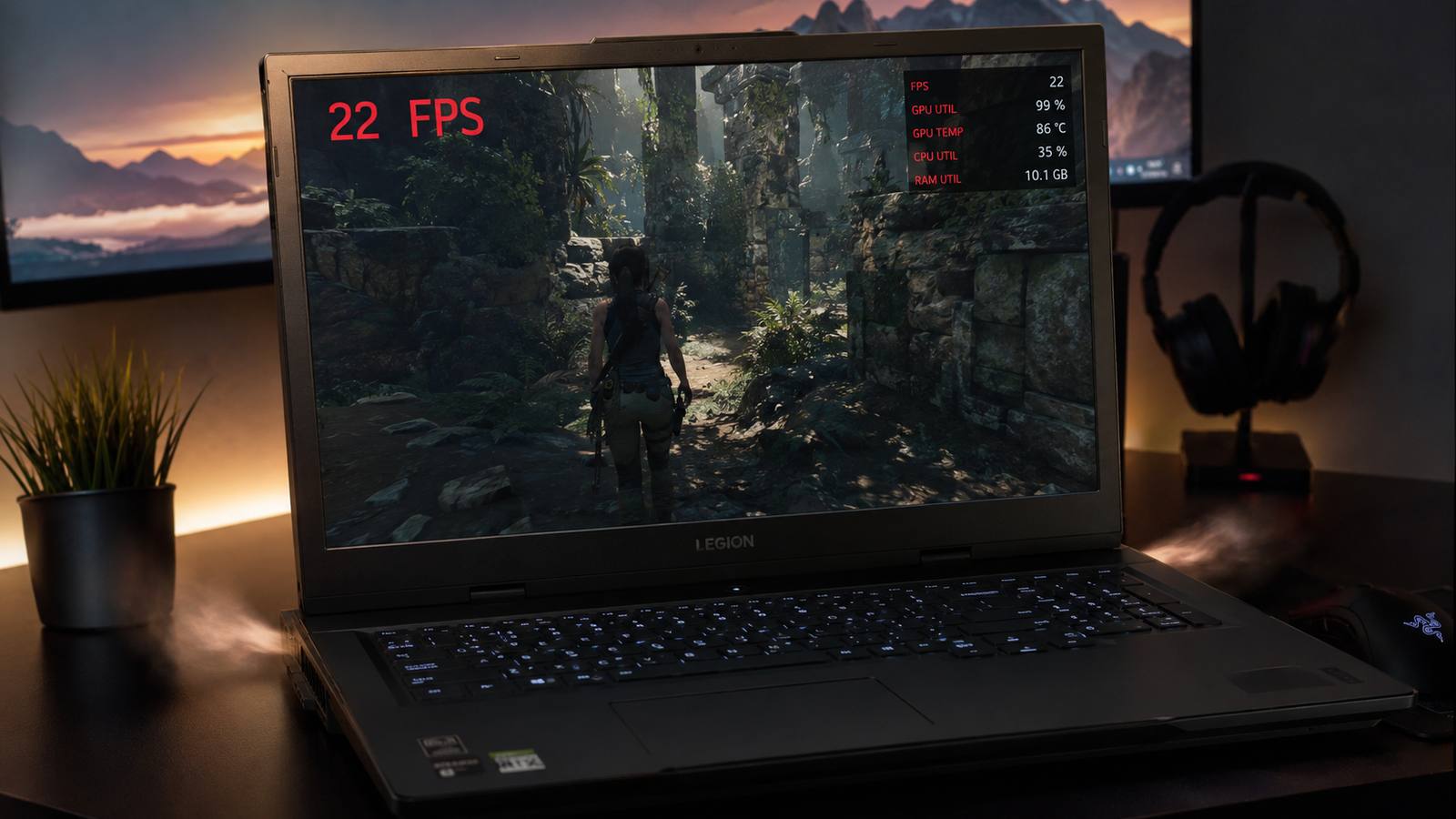
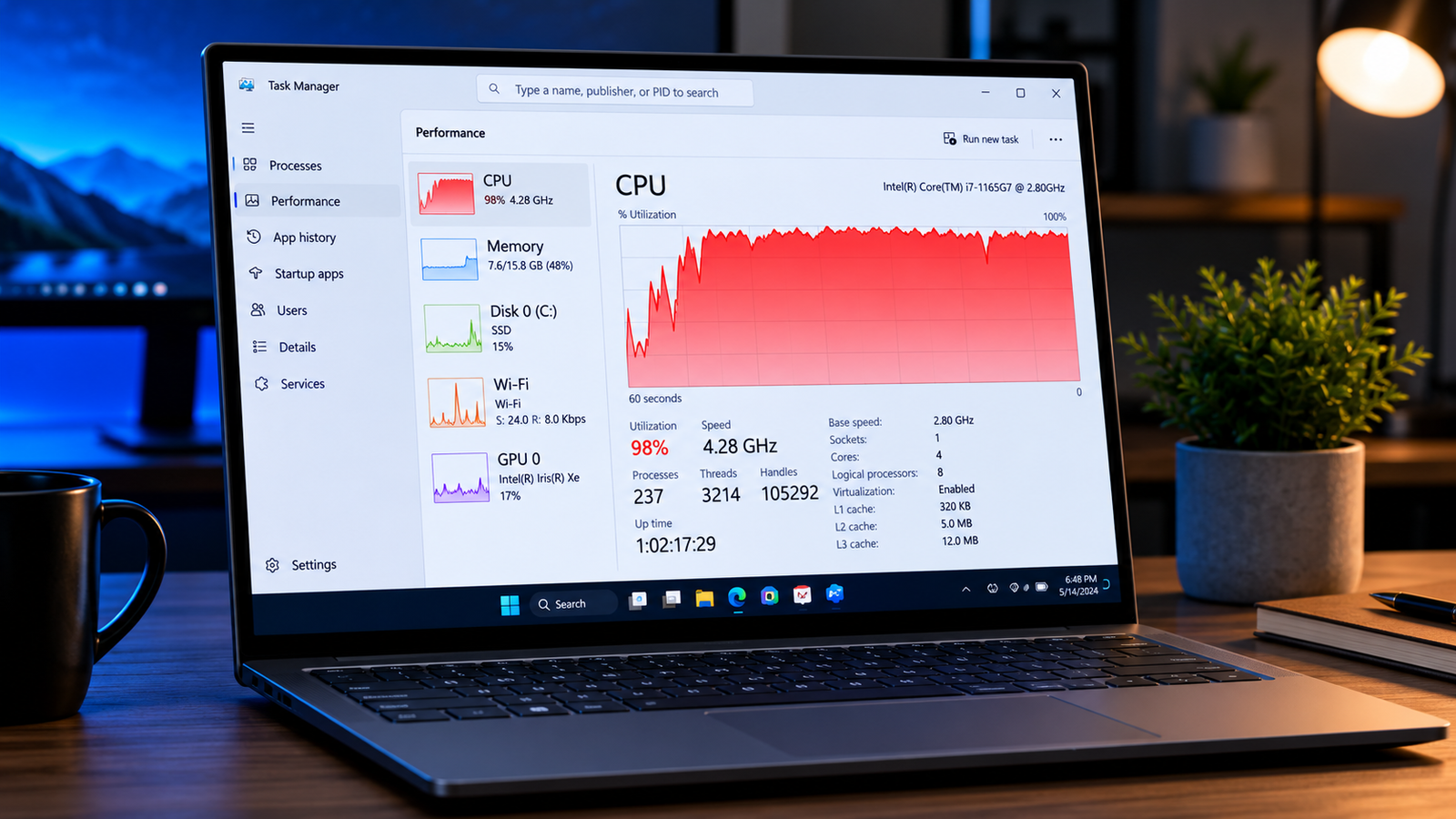
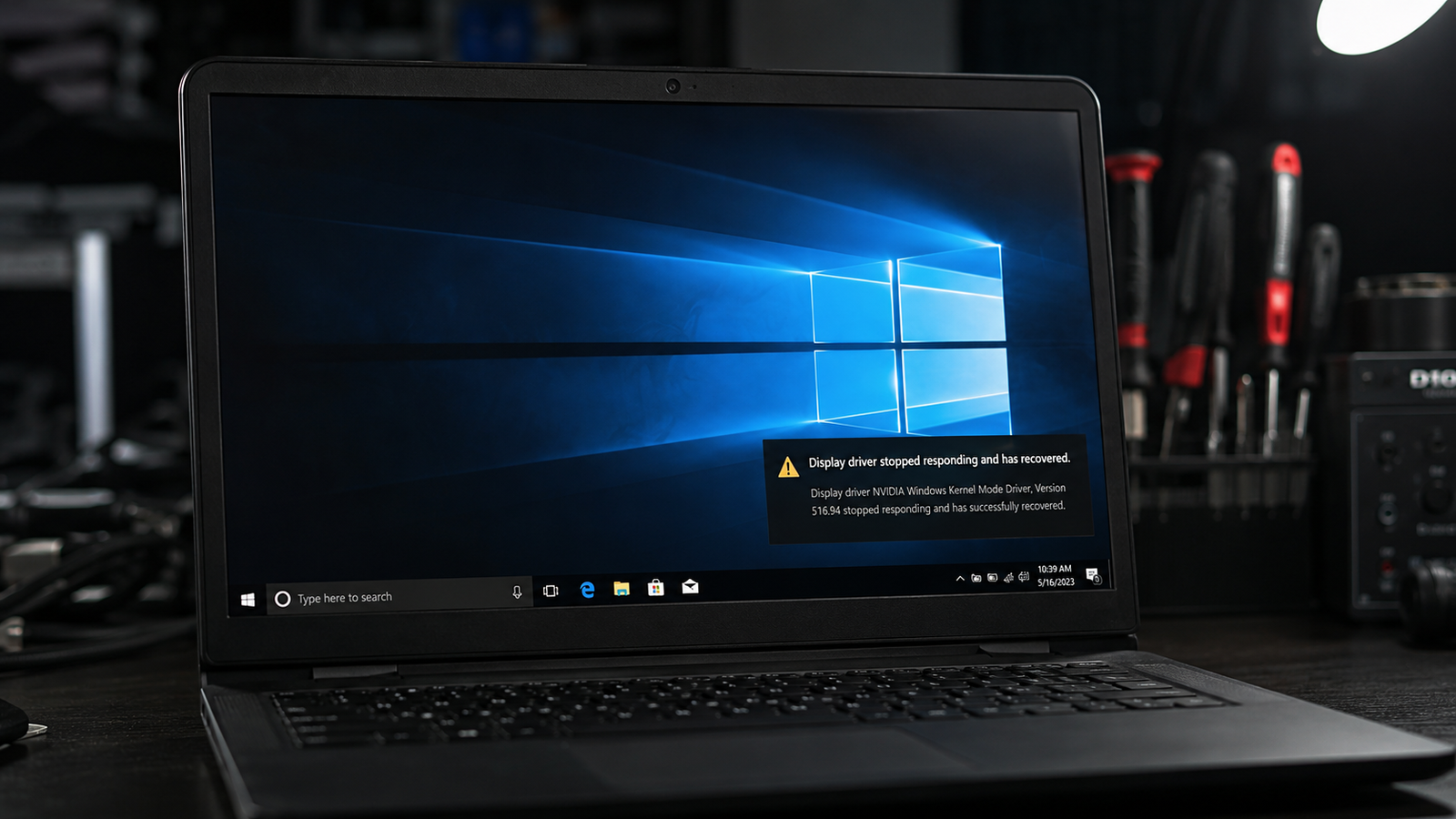
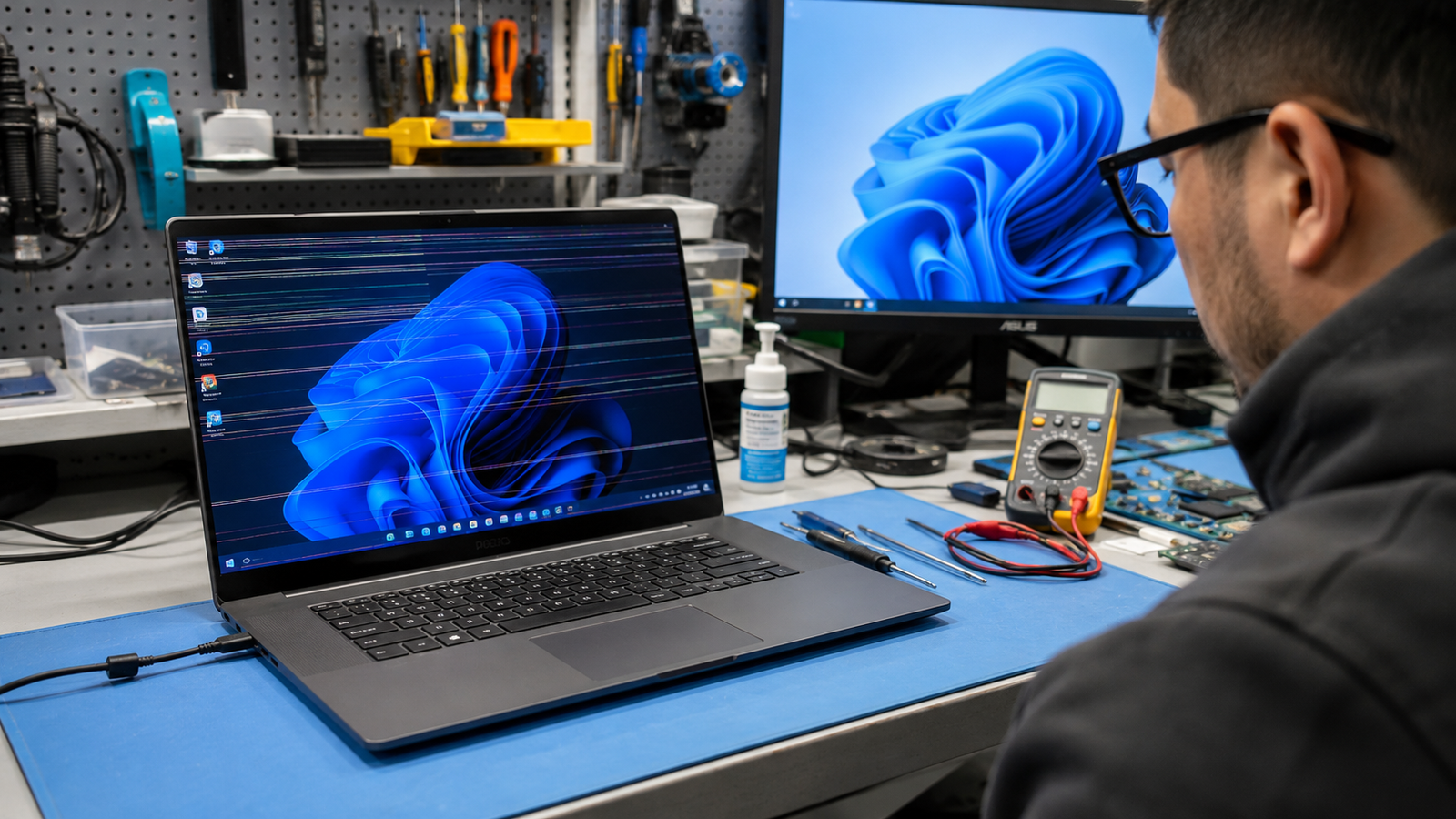
Laptop lagging fix showing a slow Windows laptop with performance warning icons and cooling graphics.

A laptop lagging fix usually starts with reducing startup apps, clearing background processes, updating drivers, and checking storage health. Most slow laptops recover normal speed after removing software overload, fixing overheating, and upgrading RAM or SSD storage when needed. • Disable unnecessary startup programs to restore boot speed• Free up storage space and remove corrupted … Read more

Laptop Speakers Not Working Fix (2026)

Laptop speakers not working with muted sound icon displayed on a modern Windows laptop screen.

Laptop speakers not working is usually caused by muted audio settings, incorrect playback devices, damaged drivers, Windows audio service failures, or faulty internal speakers. You can restore sound by checking volume controls, switching playback devices, reinstalling audio drivers, restarting audio services, and testing hardware before replacing components. • Verify the correct output device is selected … Read more

Laptop Keyboard Typing Wrong Letters Fix (2026)

Laptop keyboard typing wrong letters with random symbols shown on a glowing laptop screen.

If your laptop keyboard is typing wrong letters, the issue usually comes from an incorrect keyboard layout, stuck modifier keys, outdated drivers, language settings, or hardware damage. Resetting the keyboard language, disabling Filter Keys, reinstalling drivers, and cleaning the keyboard resolves the problem in most cases. • Switch your keyboard language back to the correct … Read more

Laptop Overheating and Slow Fix (2026)

Laptop overheating and slow performance shown with heat glow and cooling fan on a desk setup.

A laptop that overheats and slows down usually suffers from blocked airflow, excessive background processes, failing cooling hardware, outdated drivers, or thermal throttling. Cleaning the cooling system, reducing CPU load, updating software, and replacing worn thermal paste restores stable temperatures and normal speed in most cases. Your laptop starts sounding like a jet engine, the … Read more

Laptop WiFi Connected But No Internet Fix (2026)

Laptop WiFi connected but no internet issue shown beside a wireless router on a desk

A laptop showing “WiFi connected but no internet” usually means your device can reach the router but cannot access the internet due to DNS errors, IP conflicts, outdated drivers, router failures, or ISP outages. Restarting the router, resetting network settings, and updating the WiFi adapter resolves the issue in most cases. Your laptop says it’s … Read more

Keys Not Responding Laptop Fix Guide

Keys not responding laptop issue caused by dust and hardware faults.

Keys not responding on a laptop are usually caused by dirt, driver errors, software conflicts, or hardware damage. Introduction “My laptop keyboard suddenly stopped typing certain letters during work, and restarting didn’t fix anything.” Complaints like this appear constantly across Reddit, Microsoft forums, and laptop support communities. Sometimes only a few keys fail. Other times … Read more

Laptop Overheating While Gaming Fix: Stop Heat Fast

Internal causes behind a laptop overheating while gaming fix guide explained visually.

Laptop overheating while gaming is usually caused by restricted airflow, dust buildup, high graphics settings, outdated drivers, or failing cooling hardware. Introduction “My gaming laptop hits 95°C after ten minutes and starts lagging. The fans sound like a jet engine, but the temperature keeps climbing.” Similar complaints appear daily across gaming forums, Reddit threads, and … Read more